

vue引入jquery
1. 安装jquery
npm install jquery --save
2. 配置
webpack.base.conf.js中增加 const webpack = require('webpack')
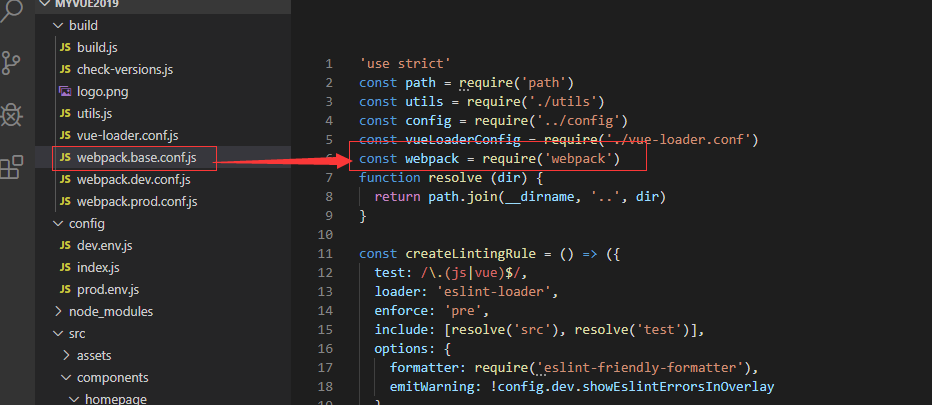
webpack.base.conf.js 中增加
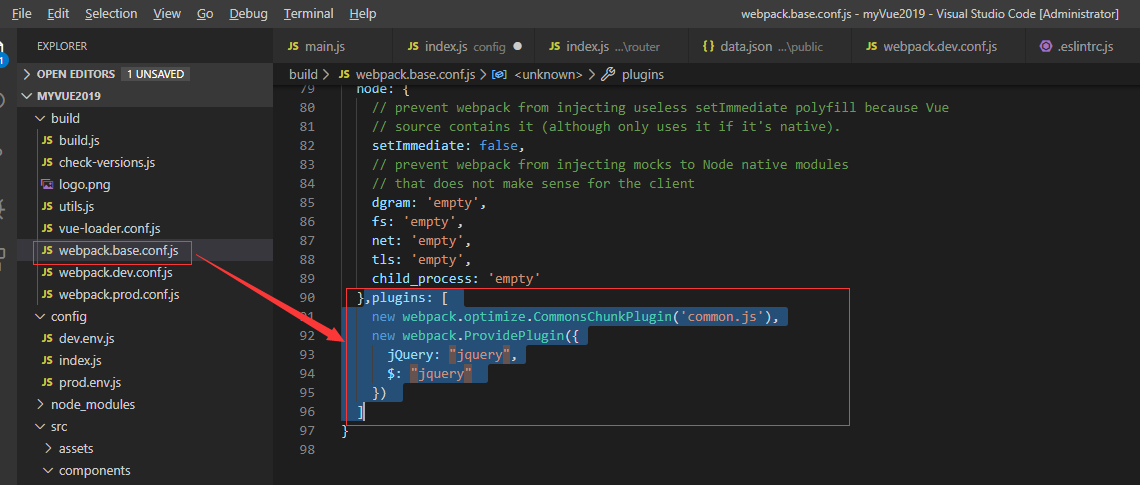
plugins: [
new webpack.optimize.CommonsChunkPlugin('common.js'),
new webpack.ProvidePlugin({
jQuery: "jquery",
$: "jquery"
})
]
在main.js中增加如下代码
import jquery from 'jquery'
Vue.prototype.$ = jquery
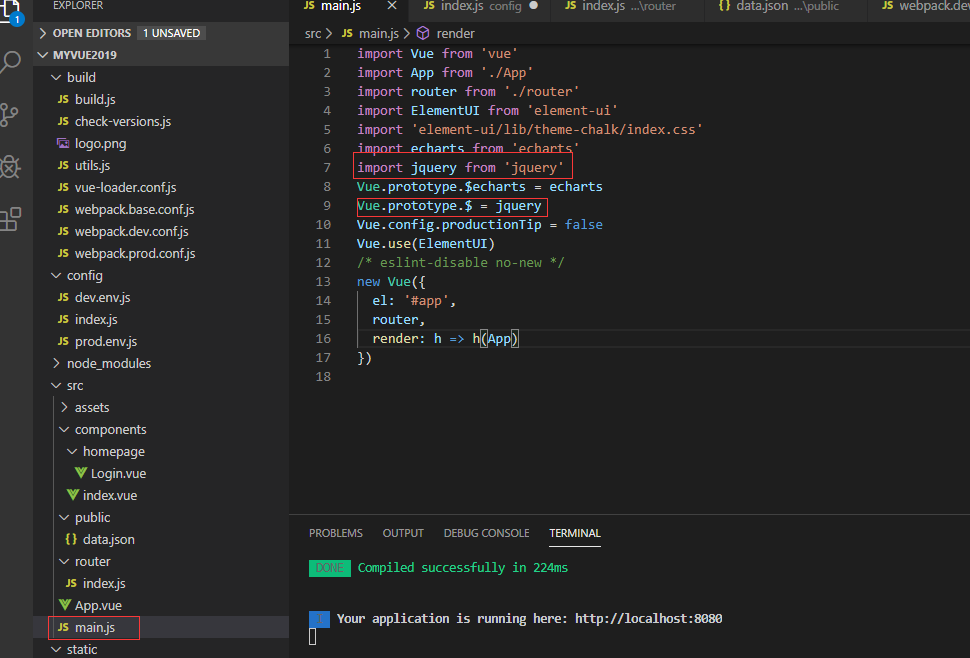
import Vue from 'vue'
import App from './App'
import router from './router'
import ElementUI from 'element-ui'
import 'element-ui/lib/theme-chalk/index.css'
import echarts from 'echarts'
import jquery from 'jquery'
Vue.prototype.$echarts = echarts
Vue.prototype.$ = jquery
Vue.config.productionTip = false
Vue.use(ElementUI)
/* eslint-disable no-new */
new Vue({
el: '#app',
router,
render: h => h(App)
})
在 .eslintrc.js 中增加 jquery: true
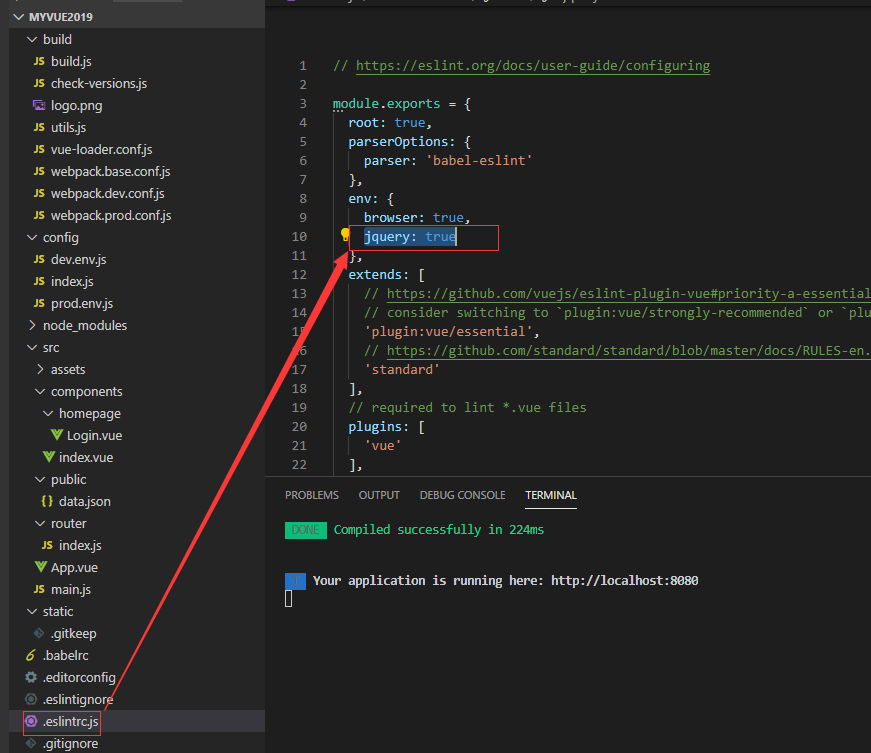
jquery 使用


 浙公网安备 33010602011771号