

微信小程序地图选点
腾讯位置服务小程序插件:
https://lbs.qq.com/miniProgram/plugin/pluginGuide/locationPicker
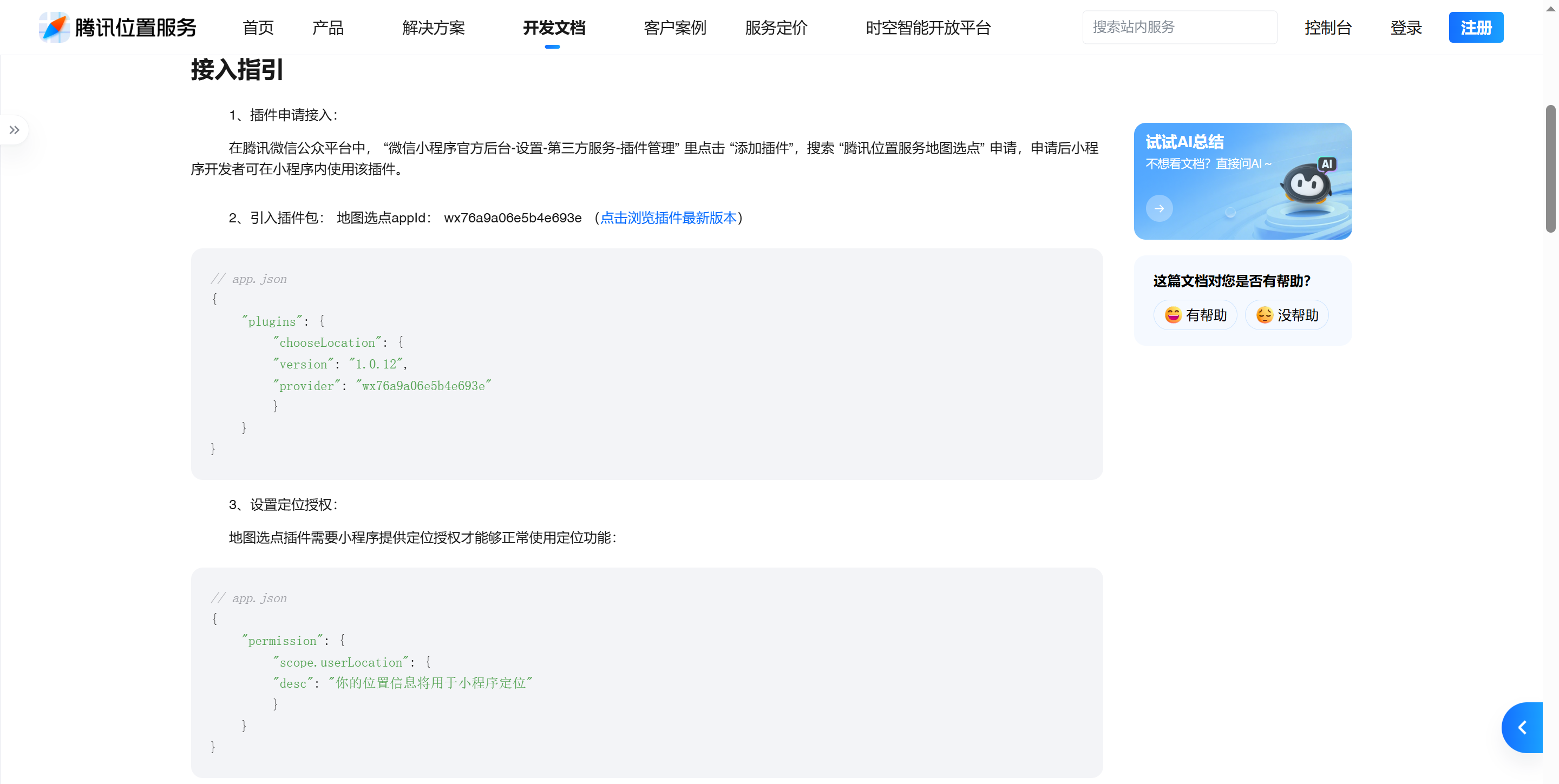
//引用地图选点插件
const chooseLocation = requirePlugin('chooseLocation');

//声明点击起点或者终点标签点击事件的回调函数
chooseLocationHandle: function(flag) {
    let that = this;
    let key = that.tencent.map.key; //使用在腾讯位置服务申请的key
    let referer = that.tencent.map.referer; //调用插件的app的名称
    let latitude = that.latitude;
    let longitude = that.longitude;
    that.flag = flag;
    let data = JSON.stringify({
        latitude: latitude,
        longitude: longitude
    });
    uni.navigateTo({
        url: `plugin://chooseLocation/index?key=${key}&referer=${referer}&location=${data}`
    });
},
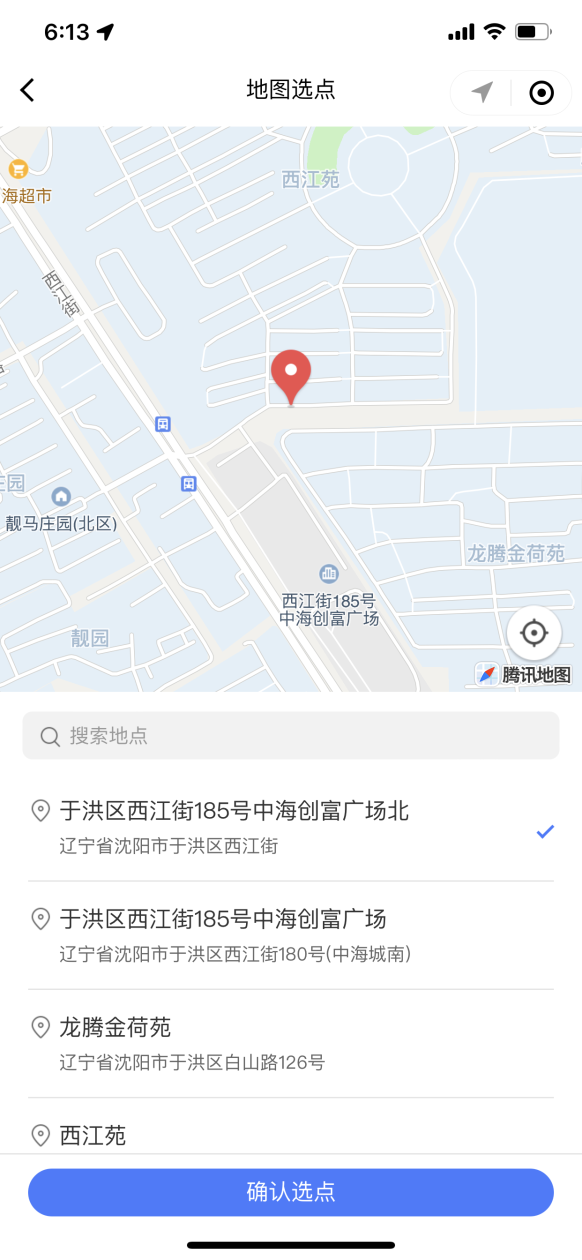
当我们设置好地图选点地址之后,小程序会自动跳回到工作台页面。我们在工作台页面的onShow()函数中要获取用户的选点地址。
onShow: function() {
    ……
    let location = chooseLocation.getLocation();
    if (location != null) {
        let place = location.name;
        let latitude = location.latitude;
        let longitude = location.longitude;
        if (that.flag == 'from') {
            that.from.address = place;
            that.from.latitude = latitude;
            that.from.longitude = longitude;
        } else {
            that.to.address = place;
            that.to.latitude = latitude;
            that.to.longitude = longitude;
            //TODO 跳转到创建订单页面
        }
    }
},
onHide: function() {
    uni.$off('updateLocation');
    //清除地图选点的结果
    chooseLocation.setLocation(null);
},
onUnload: function() {
    //清除地图选点的结果
    chooseLocation.setLocation(null);
    this.flag = null;
}

 浙公网安备 33010602011771号