

微信小程序OCR插件
https://developers.weixin.qq.com/miniprogram/dev/platform-capabilities/extended/ocr.html
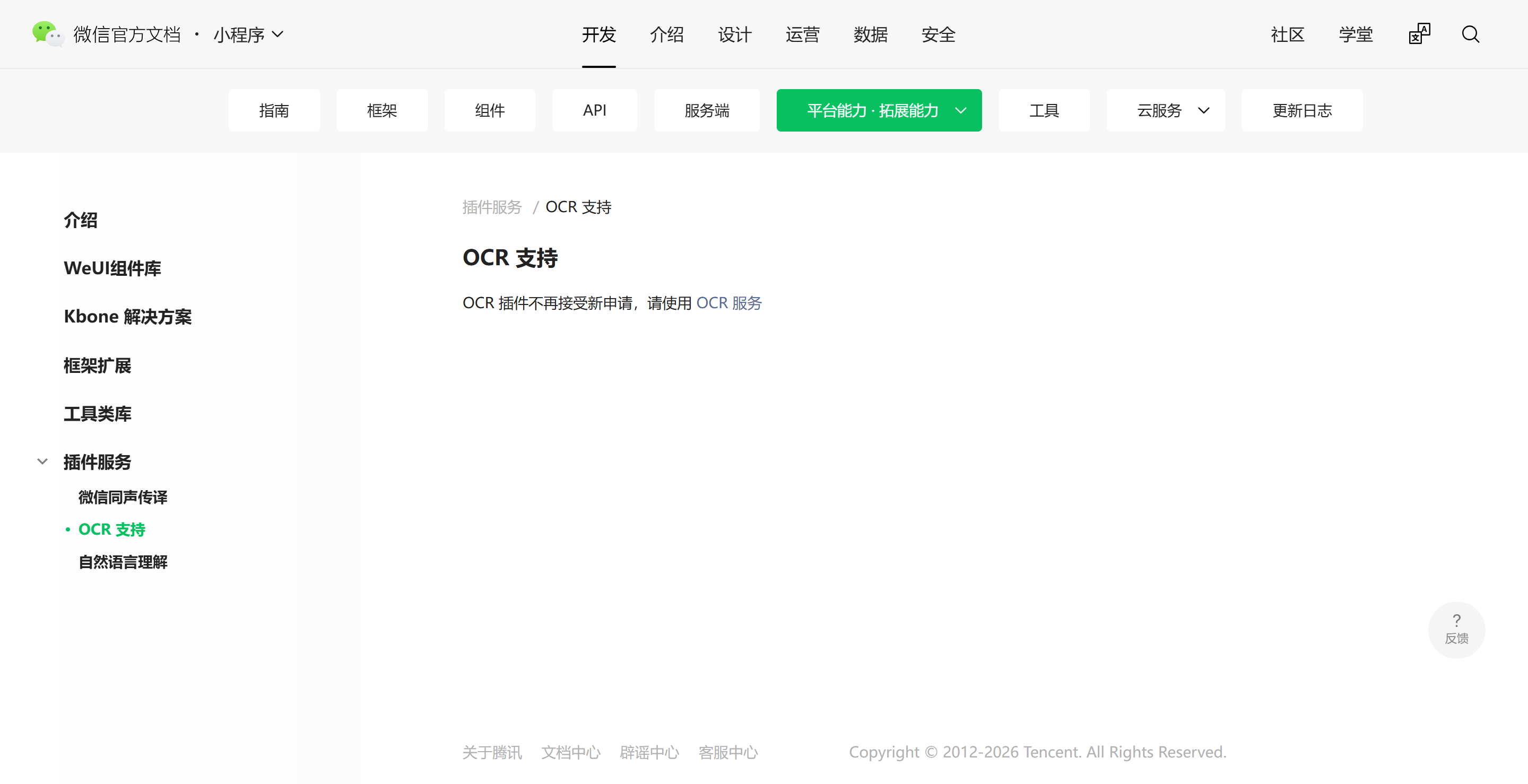
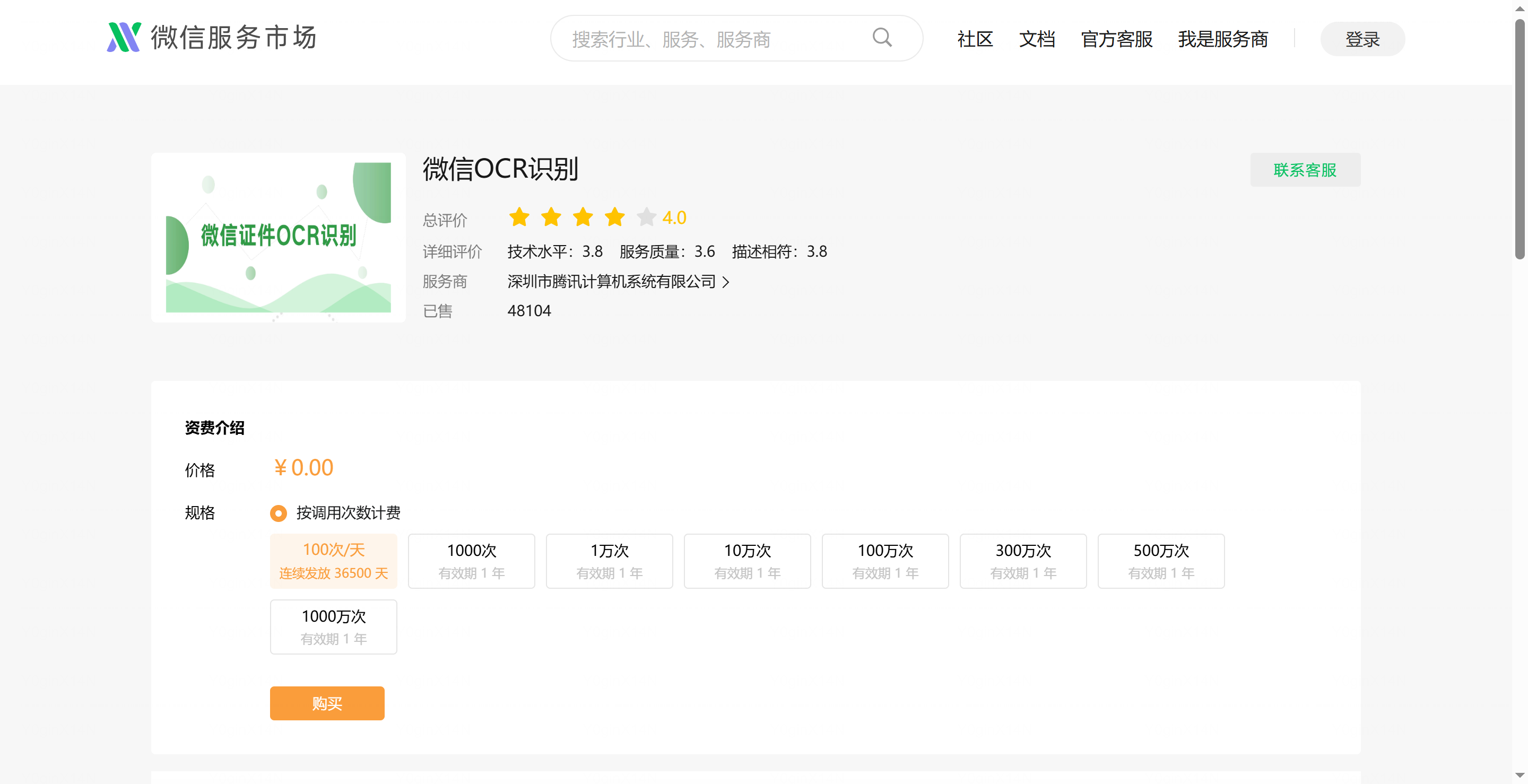
https://fuwu.weixin.qq.com/service/detail/000ce4cec24ca026d37900ed551415
//示例代码,从手机选择图片后,调用 OCR 服务
scanIdcardFront: function() {
    let that = this;
    wx.chooseImage({
        count: 1,
        success: async function(res) {
            let imagePath = res.tempFilePaths[0]
            try {
                const invokeRes = await wx.serviceMarket.invokeService({
                    service: 'wx79ac3de8be320b71',
                    api: 'OcrAllInOne',
                    data: {
                        // 用 CDN 方法标记要上传并转换成 HTTP URL 的文件
                        img_url: new wx.serviceMarket.CDN({
                            type: 'filePath',
                            filePath: imagePath,
                        }),
                        data_type: 3,
                        ocr_type: 1 //1身份证,4驾驶证
                    },
                })

                // console.log('invokeService success', invokeRes)
                let idCardRes = invokeRes.data.idcard_res

                that.idcard.pid = idCardRes.id.text;
                that.idcard.name = idCardRes.id.text;
                that.idcard.sex = idCardRes.gender.text;
                that.idcard.address = idCardRes.address.text;
                // 需要缩略身份证地址,文字太长页面显示不了
                that.idcard.shortAddress = idCardRes.address.text.substr(0, 15) + '...';
                that.idcard.birthday = idCardRes.birth.text;
                //OCR身份证正面照片存储地址
                that.idcard.idcardFront = imagePath;
                //让身份证View标签加载身份证正面照片
                that.cardBackground[0] = imagePath;
                //发送Ajax请求,上传身份证正面照片
                that.uploadCos(that.url.uploadCosPrivateFile, imagePath, 'driverAuth',
                    function(resp) {
                        let data = JSON.parse(resp.data);
                        let path = data.path;
                        that.currentImg['idcardFront'] = path;
                        that.cosImg.push(path);
                    });

            } catch (err) {
                console.error('OCR识别身份证失败', err)
                wx.showModal({
                    title: 'fail',
                    content: err,
                })
            }
        },
        fail: function(res) {},
        complete: function(res) {},
    })
},

 浙公网安备 33010602011771号