

position 定位
<!DOCTYPE html>
<html>
    <head>
        <meta charset="utf-8">
        <title>position</title>
        <style type="text/css">
            body{
                margin: 0;
                margin-left: 100px;
            }
            img{
                height: 150px;
                width: 200px;
                top: 50px;
                left: 100px;
                border: #000000 medium double;
            }
        </style>
    </head>
    <body>
        <p>1</p>
        <hr />
        <img src="../img/12.jpg" id="img1" alt="bentely"/>
        <hr />
        <p>1</p><p>1</p><p>1</p><p>1</p><p>1</p>
        <p>
            <button>static</button>
            <button>relative</button>
            <button>absolute</button>
            <button>fixed</button>
        </p>
        <script>
            var buttons=document.getElementsByTagName("button");
            for(var i=0;i<buttons.length;i++){
                buttons[i].onclick=function(e){
                    document.getElementById("img1").style.position=
                        e.target.innerHTML;
                }
            }
        </script>
    </body>
</html>
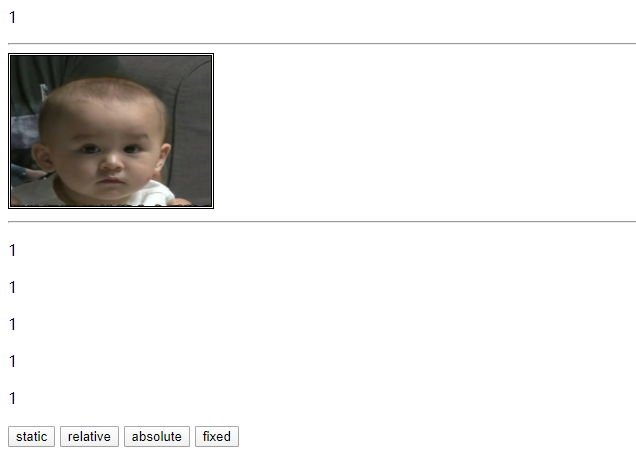
static:
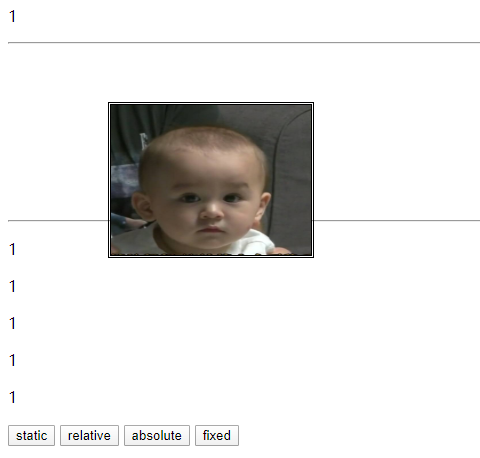
relative:(相对于它正常的位置进行定位)
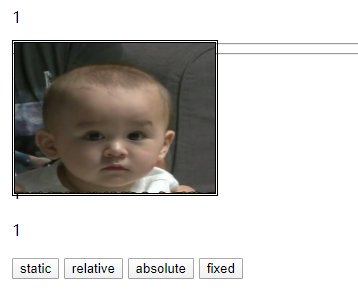
absolute:(绝对定位,相对于它最近的一个position值不为static的父元素进行定位。脱离正常文档流)

 浙公网安备 33010602011771号