
vue3 组件之间的传递
组合式API父子通信
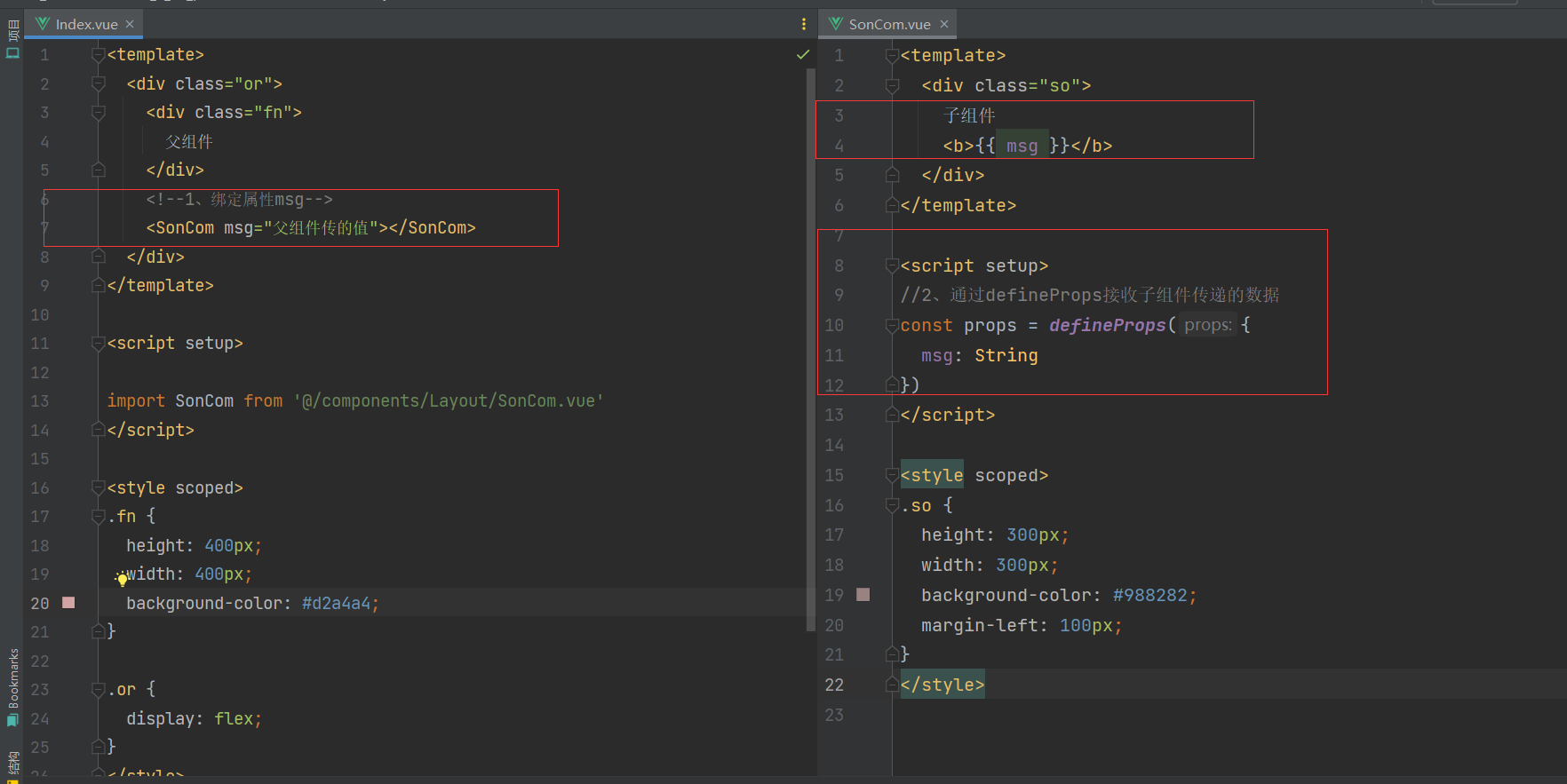
1. 父传子
基本思想
- 父组件中给子组件绑定属性
- 子组件内部通过props选项接收数据
父组件
<template>
  <div class="or">
    <div class="fn">
      父组件
    </div>
    <!--1、绑定属性msg-->
    <SonCom msg="父组件传的值"></SonCom>
  </div>
</template>

<script setup>

import SonCom from '@/components/Layout/SonCom.vue'
</script>

<style scoped>
.fn {
  height: 400px;
  width: 400px;
  background-color: #d2a4a4;
}

.or {
  display: flex;
}
</style>
子组件
<template>
  <div class="so">
    子组件
    <b>{{ msg }}</b>
  </div>
</template>

<script setup>
//2、通过defineProps接收子组件传递的数据
const props = defineProps({
  msg: String
})
</script>

<style scoped>
.so {
  height: 300px;
  width: 300px;
  background-color: #988282;
  margin-left: 100px;
}
</style>
2. 子传父
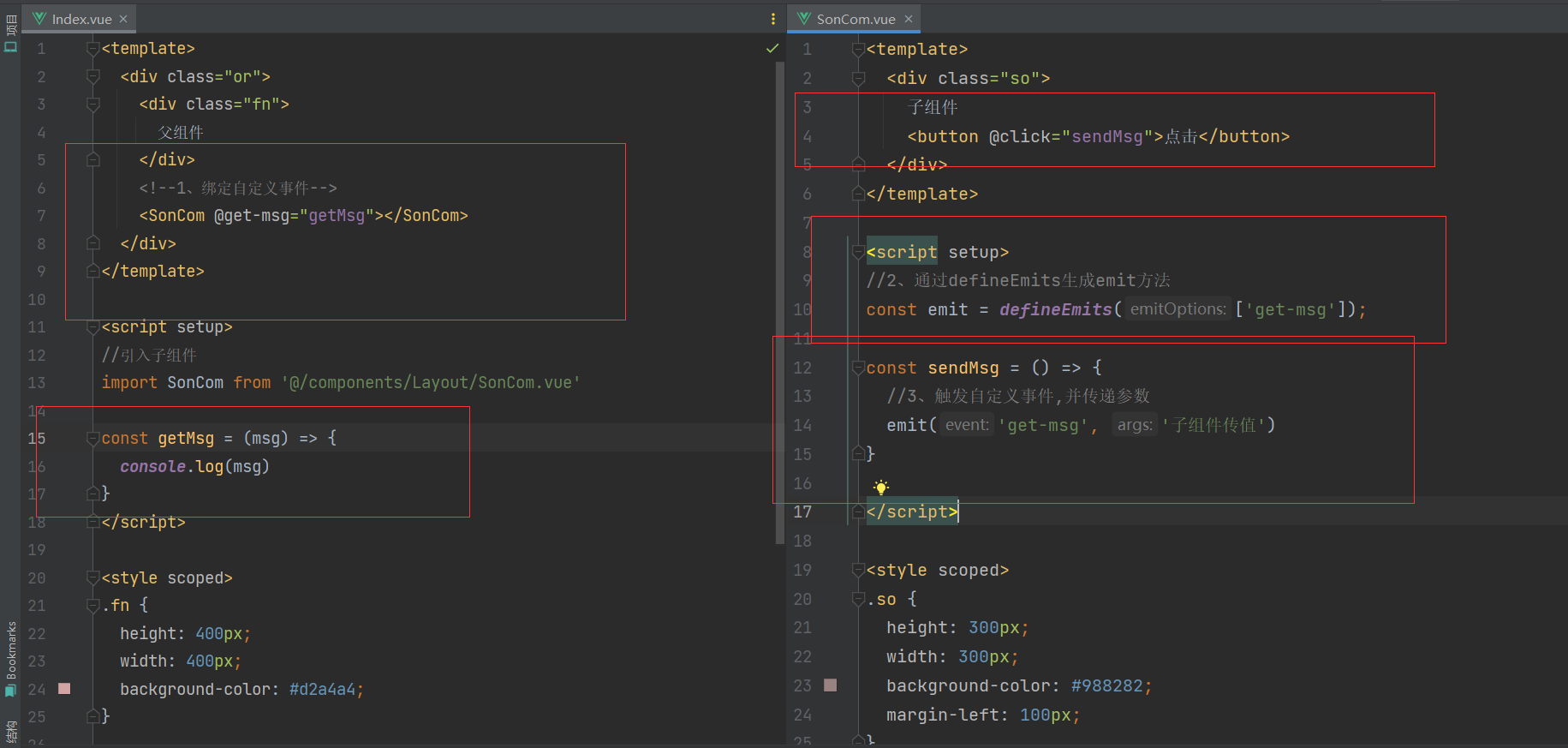
基本思想
- 父组件中给子组件标签通过@绑定事件
- 子组件内部通过 emit 方法触发事件
父组件
<template>
  <div class="or">
    <div class="fn">
      父组件
    </div>
    <!--1、绑定自定义事件-->
    <SonCom @get-msg="getMsg"></SonCom>
  </div>
</template>

<script setup>
//引入子组件
import SonCom from '@/components/Layout/SonCom.vue'

const getMsg = (msg) => {
  console.log(msg)
}
</script>

<style scoped>
.fn {
  height: 400px;
  width: 400px;
  background-color: #d2a4a4;
}

.or {
  display: flex;
}
</style>
子组件
<template>
  <div class="so">
    子组件
    <button @click="sendMsg">点击</button>
  </div>
</template>

<script setup>
//2、通过defineEmits生成emit方法
const emit = defineEmits(['get-msg']);

const sendMsg = () => {
  //3、触发自定义事件,并传递参数
  emit('get-msg', '子组件传值')
}

</script>

<style scoped>
.so {
  height: 300px;
  width: 300px;
  background-color: #988282;
  margin-left: 100px;
}
</style>
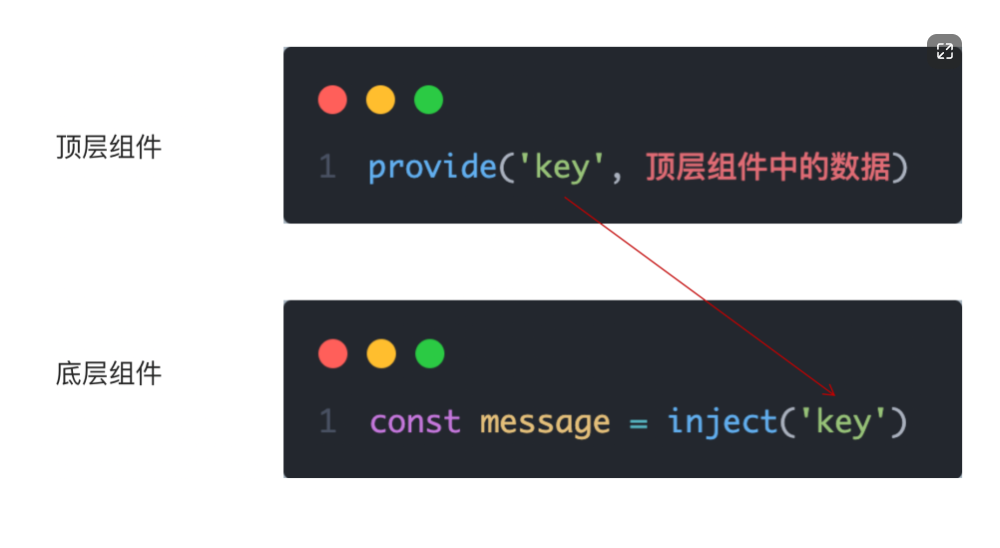
3. 跨层传递数据、响应数据、方法
实现步骤
- 顶层组件通过 provide 函数提供数据
- 底层组件通过 inject 函数提供数据
时间:2023-7-14

 浙公网安备 33010602011771号