
C# 自定义用户控件(学习笔记12)
使用场景:当标准控件或第三方控件不满足需求时,可以通过自定义控件来实现,例如标签可以旋转任意角度。
1.创建控件工程 myControl
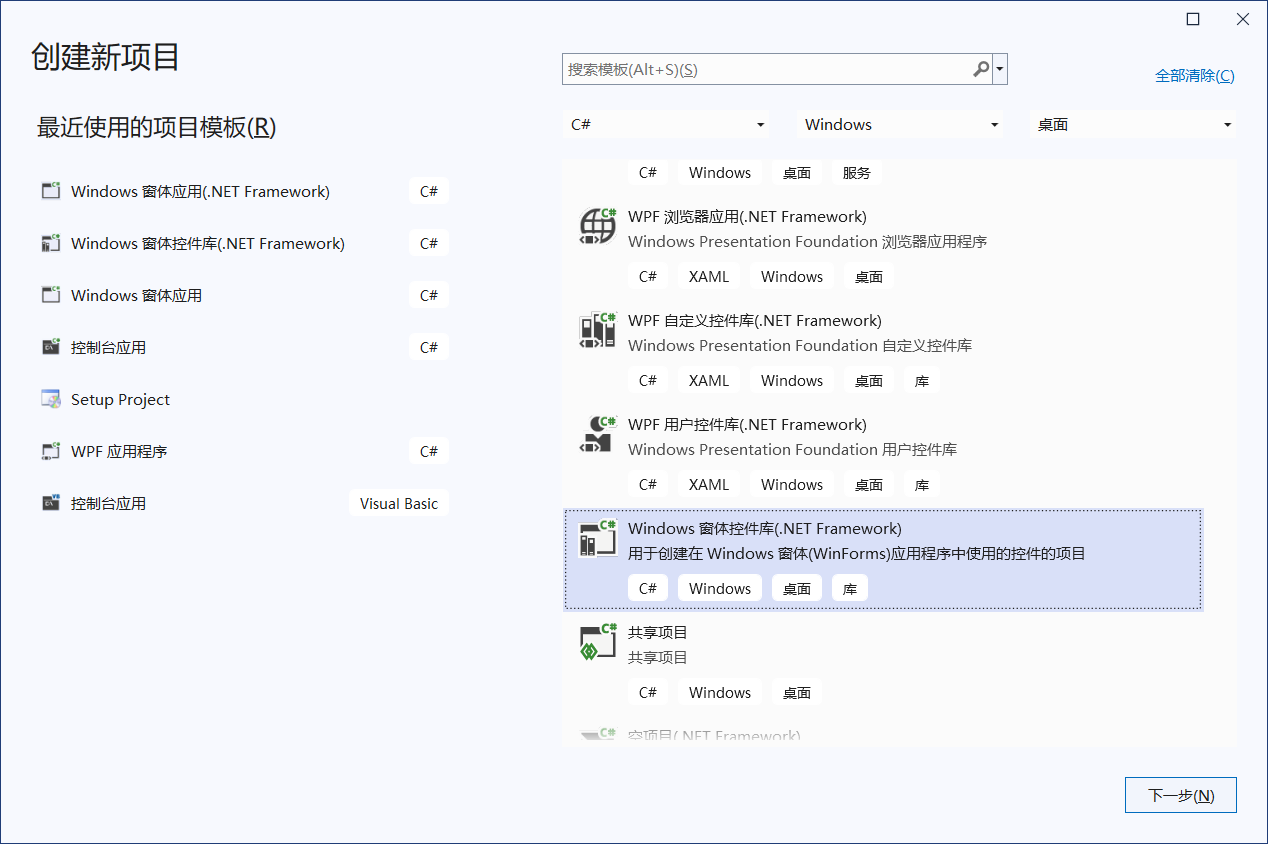
中间创建过程,不再截图。
UserControl1重命名为LibControl。
准备两张PNG:open.png,close.png,导入到resources中。
2.添加button到窗体,书写控制代码。
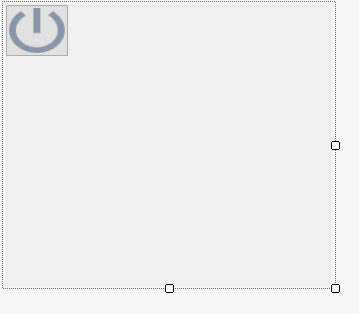
设置button的text为空,背景图为close.png,BackgroundImageLayout为stretch。
namespace myControl
{
    public partial class LibControl : UserControl
    {
        public LibControl()
        {
            InitializeComponent();
        }
        // 定义状态开关
        private static bool Status = false;
        // 打开事件
        public event EventHandler Open;
        // 关闭事件
        public event EventHandler Close;

        /// <summary>
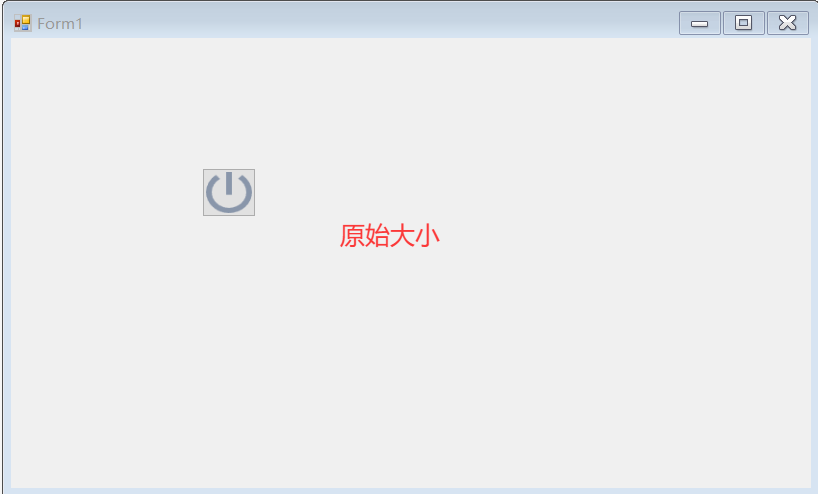
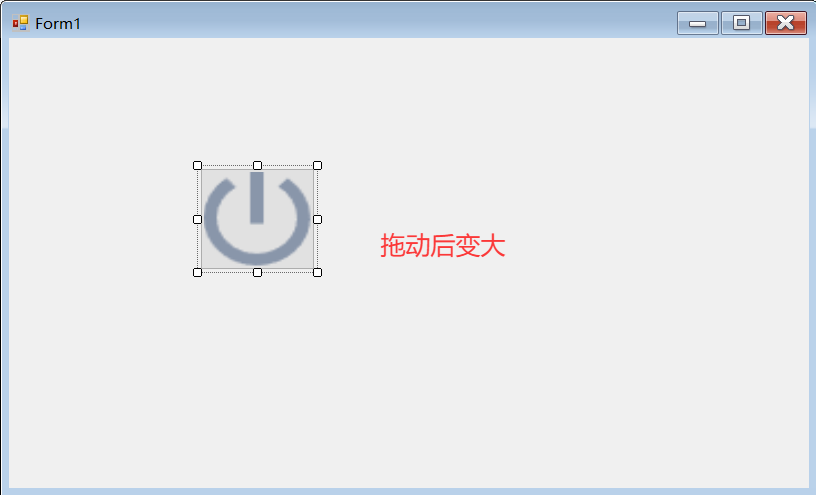
        /// 当拖动控件窗体时,确保按钮大小也同时跟着变。
        /// </summary>
        /// <param name="sender"></param>
        /// <param name="e"></param>
        private void LibControl_Paint(object sender, PaintEventArgs e)
        {
            button1.Size = this.Size;
        }

        /// <summary>
        /// 按钮点击的处理,实现在不同状态下图片的切换。
        /// </summary>
        /// <param name="sender"></param>
        /// <param name="e"></param>
        private void Button1_Click(object sender, EventArgs e)
        {
            if (Status)
            {
                button1.BackgroundImage = global::myControl.Properties.Resources.open;
                Status = false;
                if (Open != null)
                {
                    Open(this, e);
                }
            }
            else
            {
                button1.BackgroundImage = global::myControl.Properties.Resources.close;
                Status = true;
                if (Close != null)
                {
                    Close(this, e);
                }
            }
        }
    }
}
3.使用控件
创建一个windows应用程序项目ControlLib,并添加到解决方案myControl中,右键设置ControlLib为启动项目。
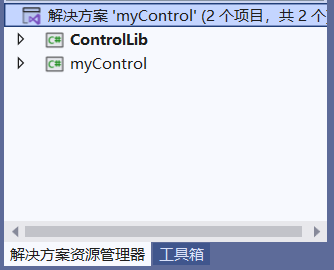
右击解决方案“myControl”,选择“生成解决方案”,在工具箱中会看到自定义控件LibControl。
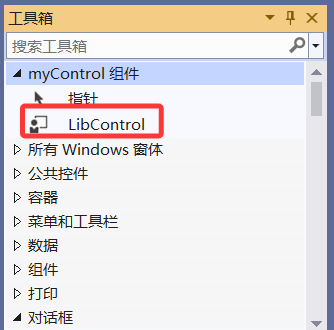
拖动控件到ControlLib的窗体中,编写Open和Close事件。
namespace ControlLib
{
    public partial class Form1 : Form
    {
        public Form1()
        {
            InitializeComponent();
        }

        private void libControl1_Close(object sender, EventArgs e)
        {
            MessageBox.Show("Close");
        }

        private void libControl1_Open(object sender, EventArgs e)
        {
            MessageBox.Show("Open");
        }
    }
}
本文来自博客园,作者:huiy_小溪,转载请注明原文链接:https://www.cnblogs.com/huiy/p/19264497

 浙公网安备 33010602011771号