1》 准备安装编译环境
yum install -y vim lrzsz tree screen psmisc lsof tcpdump wget ntpdate gcc gcc-c++ glibc glibc-devel pcre pcre-devel openssl openssl-devel systemd-devel net-tools iotop bc zip unzip zlib-devel bash-completion nfs-utils automake libxml2 libxml2-devel libxslt libxslt-devel perl perl-ExtUtils-Embed
2》 源码下载
cd /usr/local/src/
get https://nginx.org/download/nginx-1.18.0.tar.gz
tar xf nginx-1.18.0.tar.gz
cd nginx-1.18.0/
./configure --prefix=/apps/nginx --user=nginx --group=nginx --with-http_ssl_module --with-http_v2_module --with-http_realip_module --with-http_stub_status_module --with-http_gzip_static_module --with-pcre --with-stream --with-stream_ssl_module --with-stream_realip_module
make && make install
#创建一个nginx 用户
useradd nginx -s /sbin/nologin -u 2000
#授权文件的属主
chown nginx.nginx -R /apps/nginx/
![]()
sbin:保存nginx二进制启动脚本,可以接受不同的参数以实现不同的功能。
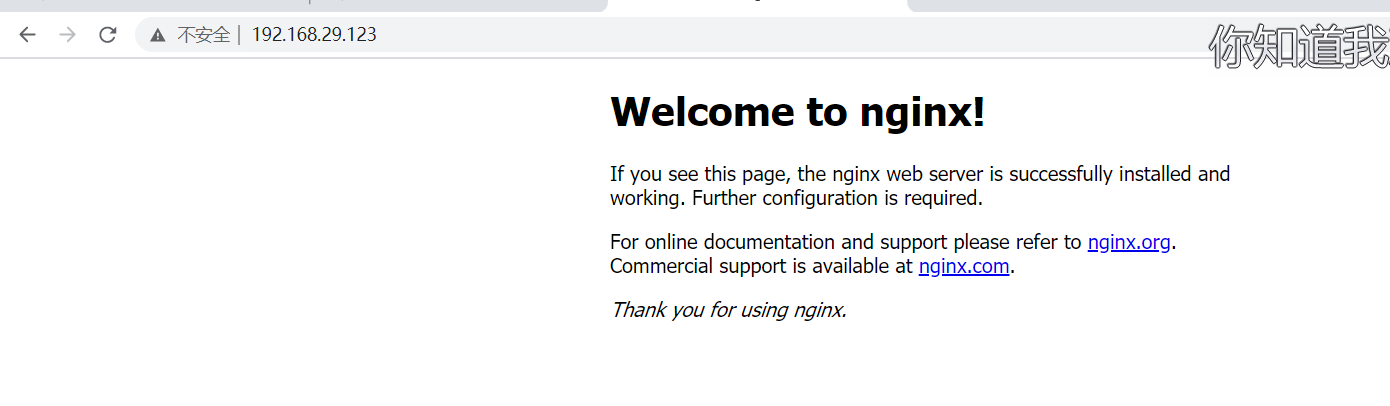
3》启动nginx ,访问
![]()
4》创建nginx 启动脚本
[root@node3 ~]# cat /usr/lib/systemd/system/nginx.service
[Unit]
Description=The nginx HTTP and reverse proxy server
After=network.target remote-fs.target nss-lookup.target
[Service]
Type=forking
PIDFile=/apps/nginx/logs/nginx.pid
# Nginx will fail to start if /run/nginx.pid already exists but has the wrong
# SELinux context. This might happen when running `nginx -t` from the cmdline.
# https://bugzilla.redhat.com/show_bug.cgi?id=1268621
ExecStartPre=/usr/bin/rm -f /apps/nginx/logs/nginx.pid
ExecStartPre=/apps/nginx/sbin/nginx -t
ExecStart=/apps/nginx/sbin/nginx
ExecReload=/bin/kill -s HUP $MAINPID
#KillSignal=SIGQUIT
#TimeoutStopSec=5
KillMode=process
PrivateTmp=true
[Install]
WantedBy=multi-user.target
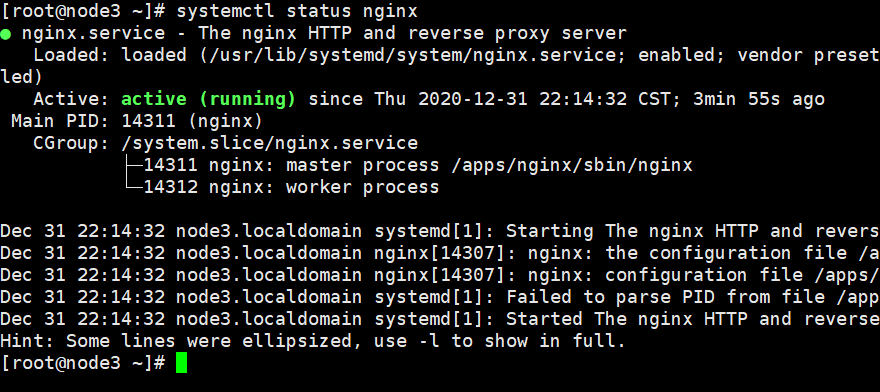
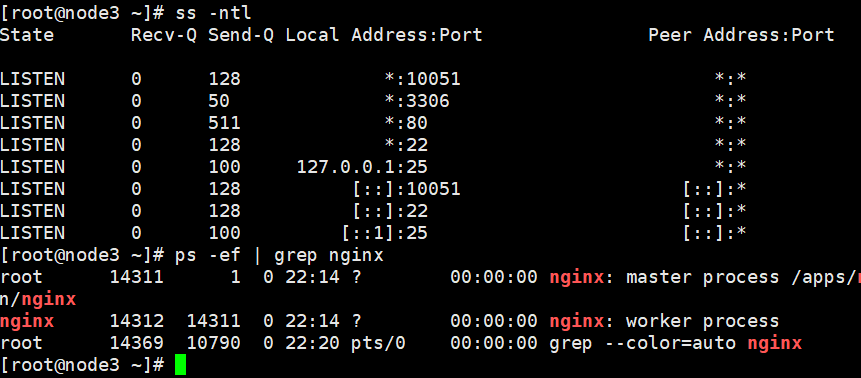
5》 验证nginx 的启动脚本
systemctl daemon-reload
systemctl start nginx
systemctl enable nginx




 浙公网安备 33010602011771号