公众号登录获取才code和openid,线上调试
1.实现静默登录获取code,在method方法里面定义函数,在onLoad里面调用getCode方法
getCode() { // 静默授权
                console.log(111111111111)
                var local = 'http://kaifa4.xinglian.work/user/#/pages/login/index' //当前页面的地址
                var appid = 'wx573536af9afe2c60' //公众号里有自己查
                this.code = this.getUrlCode().code // 截取code    code只能用一次
                console.log('code111', this.code)
                // 判断地址栏参数有无code,如果没有code,页面地址就跳转到微信提供的获取code的链接
                if (this.code == null || this.code == '') {
                    console.log(111)
                    location.href = "https://open.weixin.qq.com/connect/oauth2/authorize?appid=" + appid +
                        "&redirect_uri=" +
                        encodeURIComponent(local) + "&response_type=code&scope=snsapi_base&state=STATE#wechat_redirect"
                    this.code = this.getUrlCode().code
                } else {
                    // 获取code后自己的业务逻辑
                    console.log(222)
                    this.getOpenid()
                }

            },
            getOpenid() {
                let data = {
                    code: this.code
                }
                openid(data).then(res => {
                    console.log(res.data)
                    if (res.msg == "success") {
                        this.form.mp_openid = res.data.mp_openid;
                        console.log('this.form.mp_openid', this.form.mp_openid)
                    }
                })
            },
            // 截取url中的code方法
            getUrlCode() {
                var url = location.search

                var theRequest = new Object()
                if (url.indexOf("?") != -1) {
                    var str = url.substr(1)
                    var strs = str.split("&")
                    for (var i = 0; i < strs.length; i++) {
                        theRequest[strs[i].split("=")[0]] = (strs[i].split("=")[1])
                    }
                }
                console.log(theRequest, '111')
                return theRequest
            },
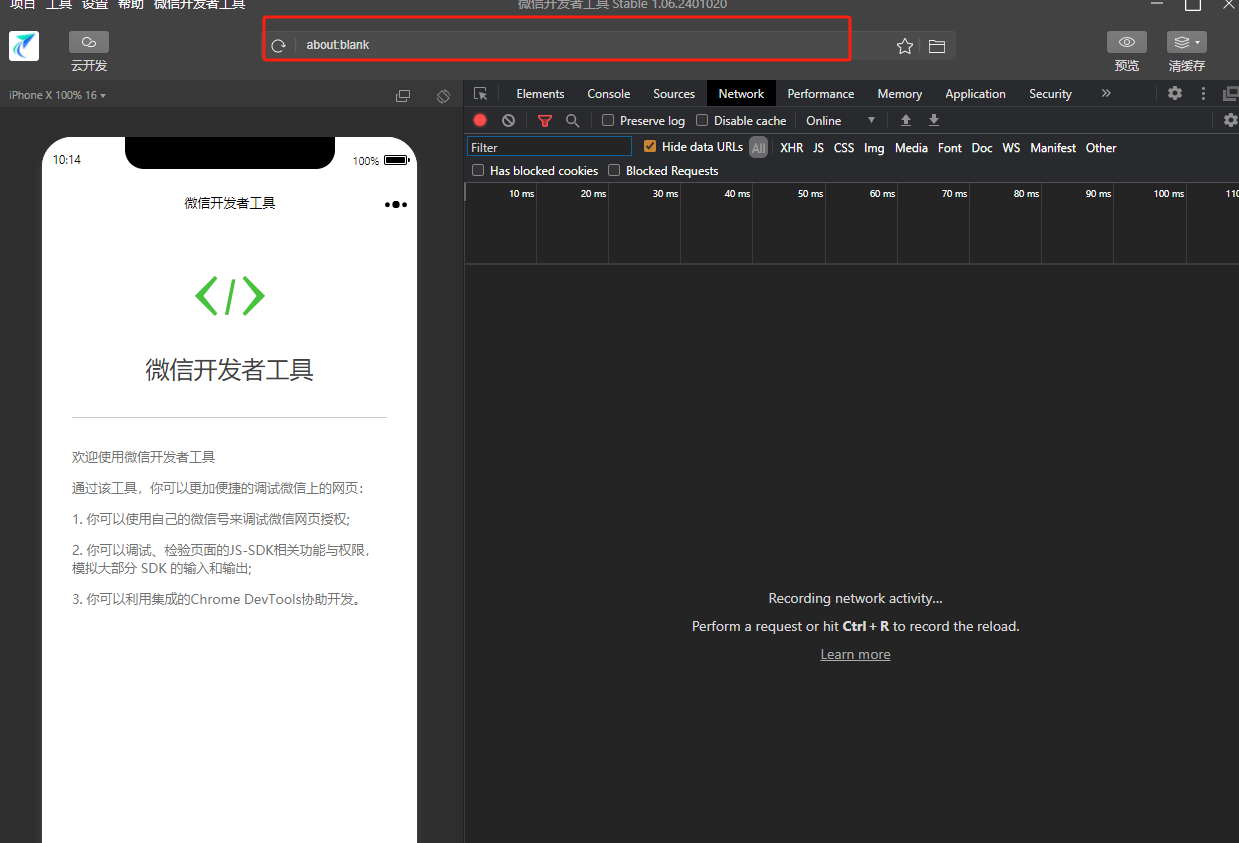
2.需要注意:调试到线上调试才能获取code,或者配置外网内射到外网
在微信开发者工具运行
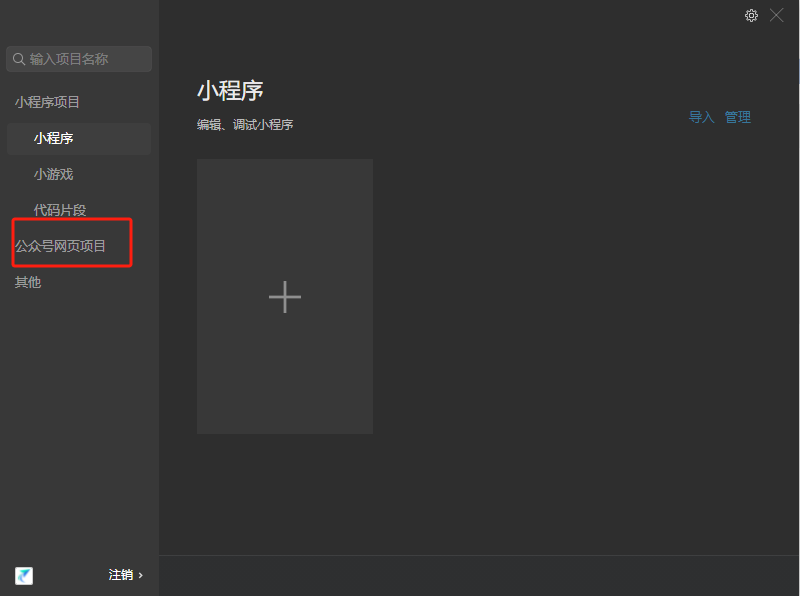
输入路径
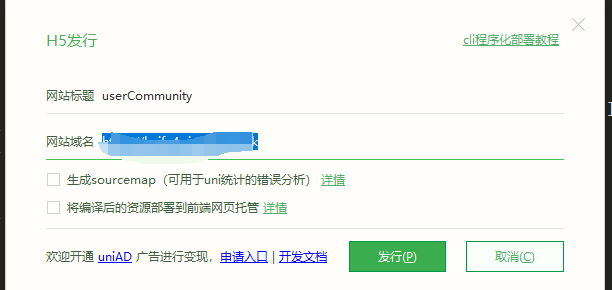
公众号打包和h5类似,配置域名点击发行


 浙公网安备 33010602011771号