
ELASTICSEARCH-监控工具cerebro
cerebro下载地址:https://github.com/lmenezes/cerebro/releases/download/v0.9.4/cerebro-0.9.4.tgz
1、解压
tar -zxvf cerebro-0.9.4.tgz
2、配置访问elasticsearch服务(可配置多个,不配置不可访问)
修改 cerebro-0.9.4/conf/application.conf
hosts = [
  {
    host = "http://192.168.1.170:9202"
    name = "es_cluster"
  },
  # Example of host with authentication
  #{
  #  host = "http://some-authenticated-host:9200"
  #  name = "Secured Cluster"
  #  auth = {
  #    username = "username"
  #    password = "secret-password"
  #  }
  #}
]
2、启动
后台启动
cd cerebro-0.9.4/bin/
nohup ./cerebro &
后台启动并配置指定访问端口
cd cerebro-0.9.4/bin/
nohup ./cerebro -Dhttp.port=9001 &
3、访问cerebro首页
输入 node节点http地址进行访问,默认访问地址:http://localhost:9000/
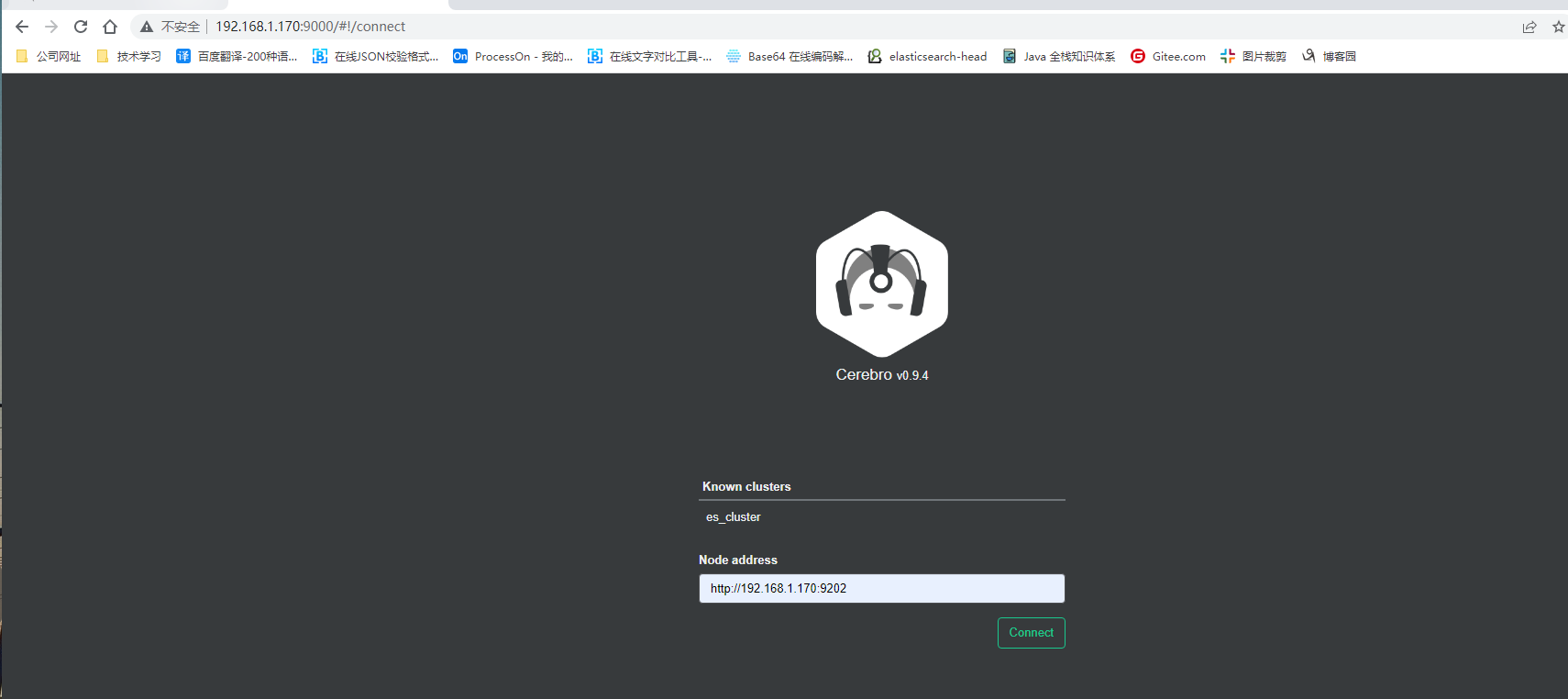
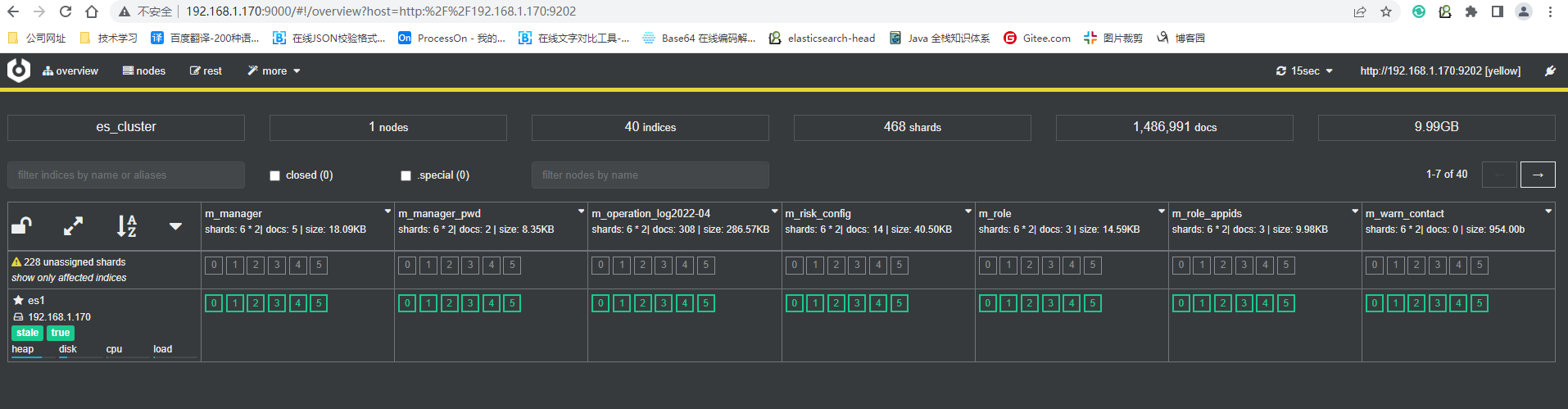
该工具可对集群、索引、模板进行操作。

 浙公网安备 33010602011771号