
jupyter notebook更改默认工作目录
jupyter notebook默认配置路径:C:\Users\Administrator\.jupyter\jupyter_notebook_config.py
如果找不到配置文件,可以生成一个
jupyter notebook --generate-config
生成配置文件,启动jupyter notebook,会显示配置文件的路径。
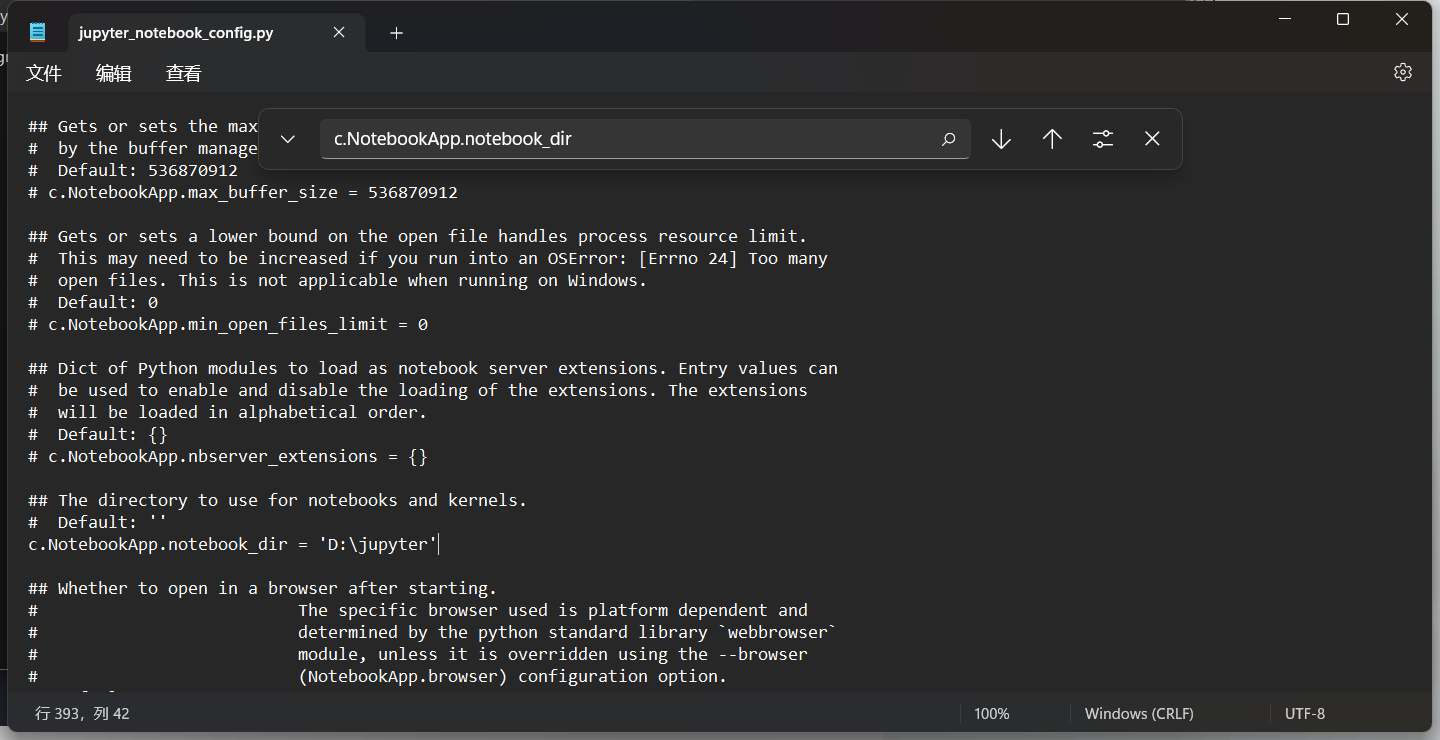
打开配置文件jupyter_notebook_config.py,找到c.NotebookApp.notebook_dir配置项,去掉注释,添加指定的目录。
c.NotebookApp.notebook_dir = 'D:\jupyter'
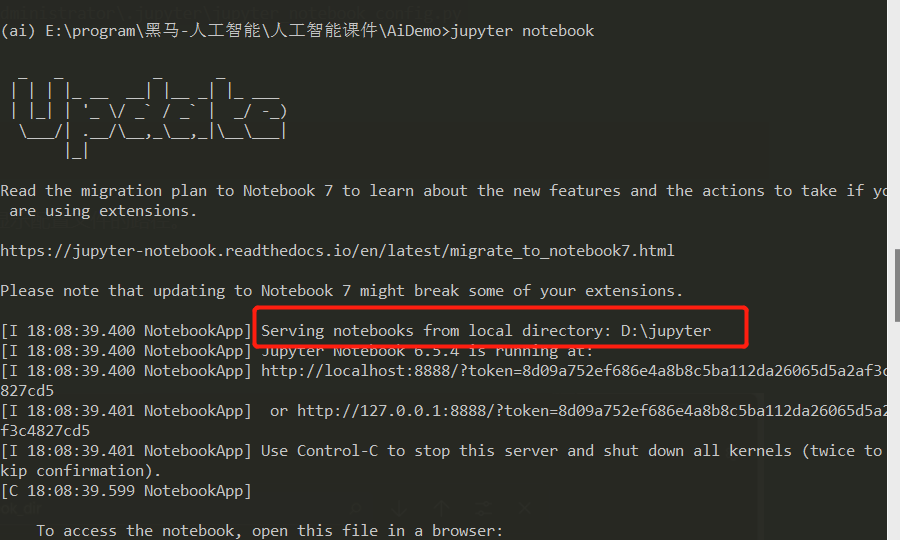
重新启动jupyter notebook,这样无论命令中当前目录是什么,jupyter notebook打开的目录都是指定的

 浙公网安备 33010602011771号