
vscode github copilot chat一直跳登录解决办法
问题表象
vscode登录上github后,借助Remote - SSH连到远端服务器上使用github copilot chat面板对项目进行提问时,一直提示要登录GitHub。查看插件日志发现如下报错:

github copilot插件日志:
[info] [fetcher] Using Helix fetcher, Electron fetcher is not available.
[error] [default] Error sending telemetry FetchError: Client network socket disconnected before secure TLS connection was established

github copilot chat插件日志:
[warning] [LanguageModelAccess] LanguageModel/Embeddings are not available without auth token
[error] InvalidArgumentError: Invalid URL protocol: the URL must start with `http:` or `https:`.
解决办法
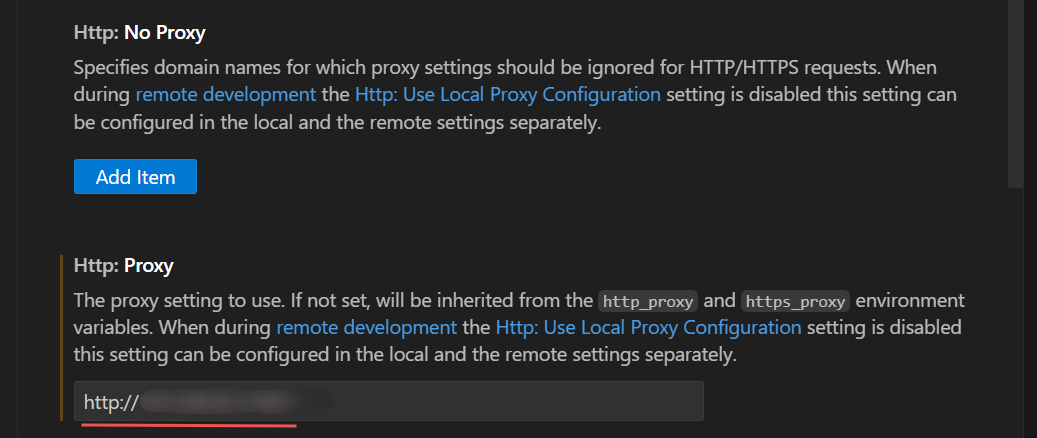
去掉http.proxy代理,或者改为http协议的代码,不要用socks5协议


 浙公网安备 33010602011771号