


1 需求:
1) 这个矩形的高度和浏览器窗口的高度相同,不能出现纵向滚动条
2) 橙色部分高度固定,比如100px
3) 紫色部分填充剩余的高度
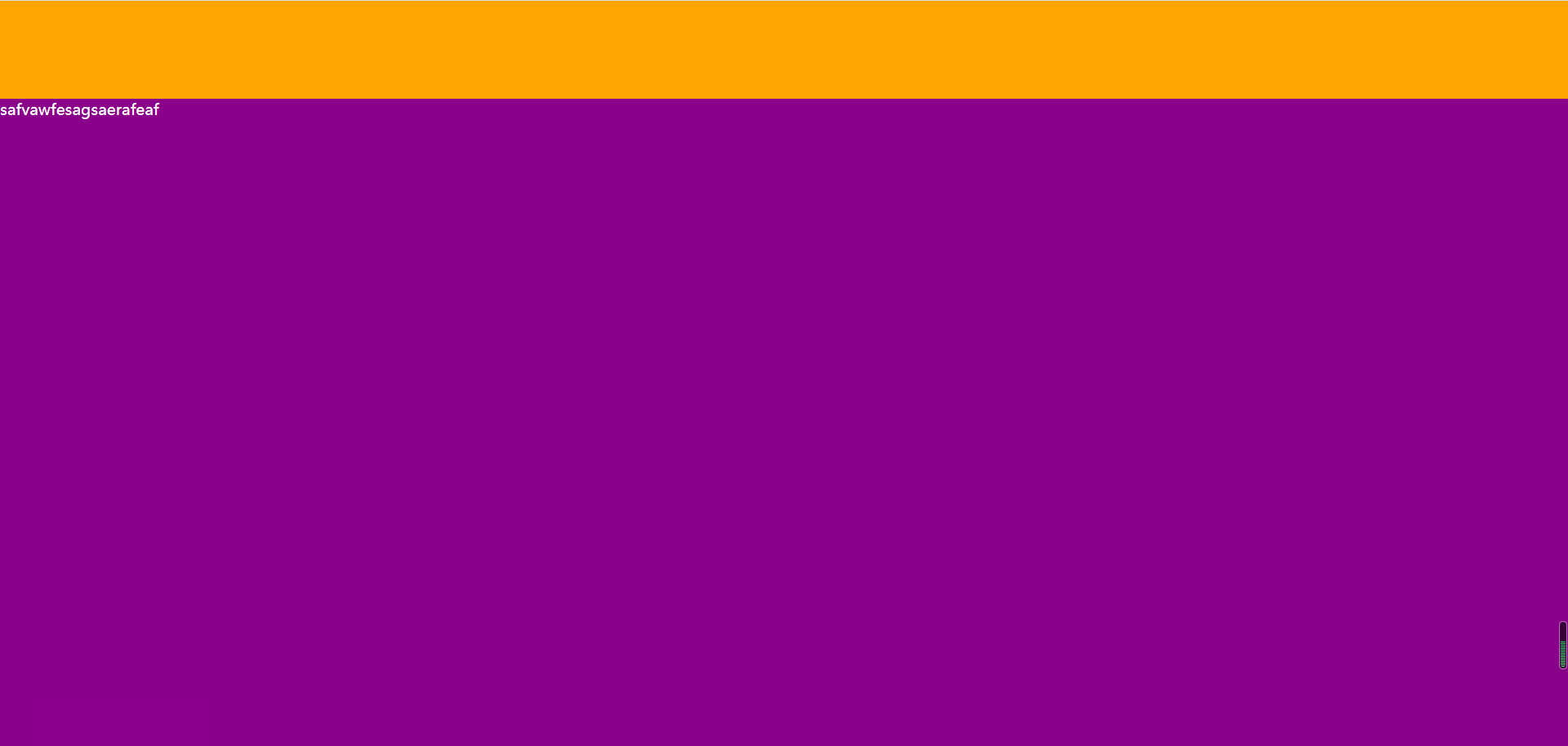
实现功能图如下:
利用position 定位代码如下:
<!DOCTYPE html>
<html>
    <head>
        <meta charset="UTF-8">
        <link rel="stylesheet" href="占领剩余空间.css"/>
        <title>占领剩余空间</title>
    </head>
    <body>
        <div class="总框">

           <div class="框1"></div>
           <div class="框2">safvawfesagsaerafeaf</div>

        </div>
    </body>
</html>
样式表:
*{
    margin: 0px;
    padding: 0px;
}

.总框{
    width: 100%;
    height: 100%;

}

.框1{
    width: 100%;
    height: 100px;
    background-color: orange;
}

.框2{
width: 100%;
background-color: darkmagenta;
position: absolute;
top: 100px;
left: 0px;
bottom: 0px;
color: white;
}
2 利用calc()函数,代码如下:
*{
    margin: 0px;
    padding: 0px;
}

.总框{
    width: 100%;
    height: 100%;

}

.框1{
    width: 100%;
    height: 100px;
    background-color: orange;
}

.框2{
width: 100%;
background-color: darkmagenta;
color: white;
height:calc(100% - 100px)
}
注意:函数里边表达式(100% - 100px)之间要空格 不然会被认为一个整体 无法实现功能。
