慕课网-Django入门到进阶-更适合Python小白的系统课程-第9章dashboard后端的搭建与开发-9-1dashboard搭建与管理员模块开发(1)
第9章 dashboard后端的搭建与开发
9-1 dashboard搭建与管理员模块开发(1)
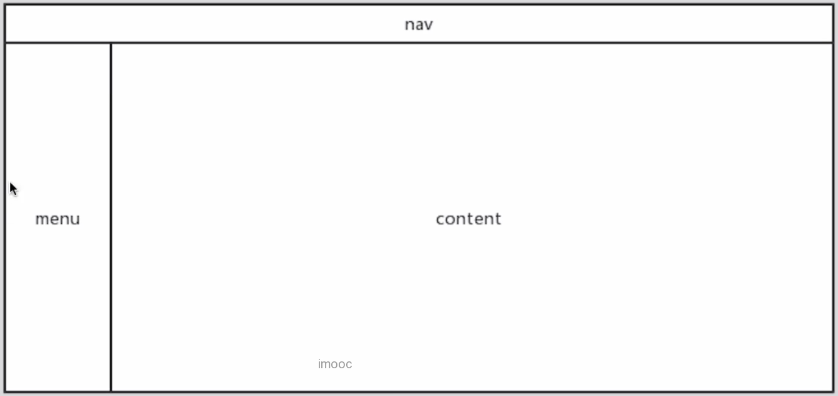
1.dashboard 基本结构图
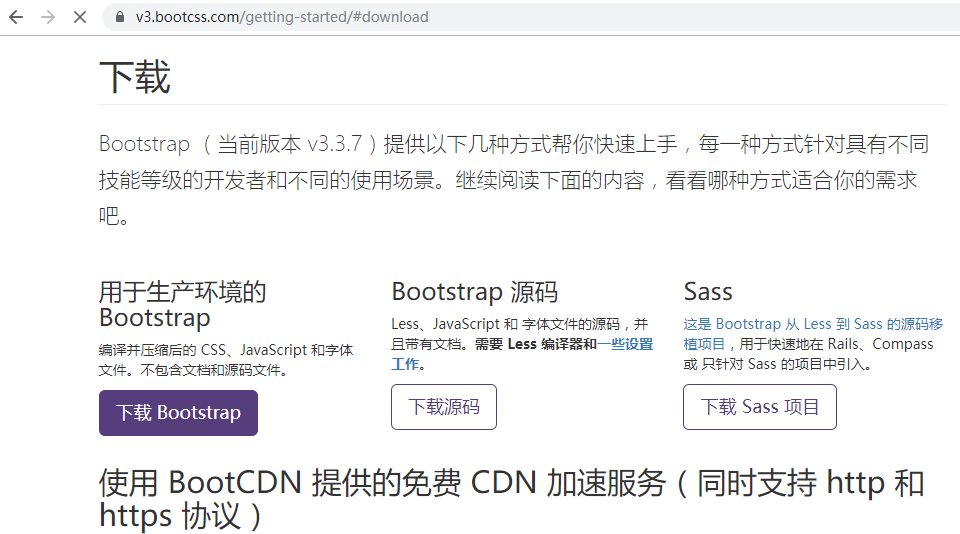
2.进入 Bootstrap 3 的下载页面,下载用户生产环境的 Bootstrap
3.在项目 video 下目录 static,新建目录 dashboard
4.在项目 video 下目录 static/dashboard,新建目录 css
5.在项目 video 下目录 static/dashboard,新建目录 js
6.下载了 Bootstrap 3 的压缩文件为 bootstrap-3.3.7-dist.zip
解压 bootstrap-3.3.7-dist.zip
拷贝 bootstrap-3.3.7-dist/css/bootstrap.min.css 到项目 video 下目录 static/dashboard/css
拷贝 bootstrap-3.3.7-dist/js/bootstrap.min.js 到项目 video 下目录 static/dashboard
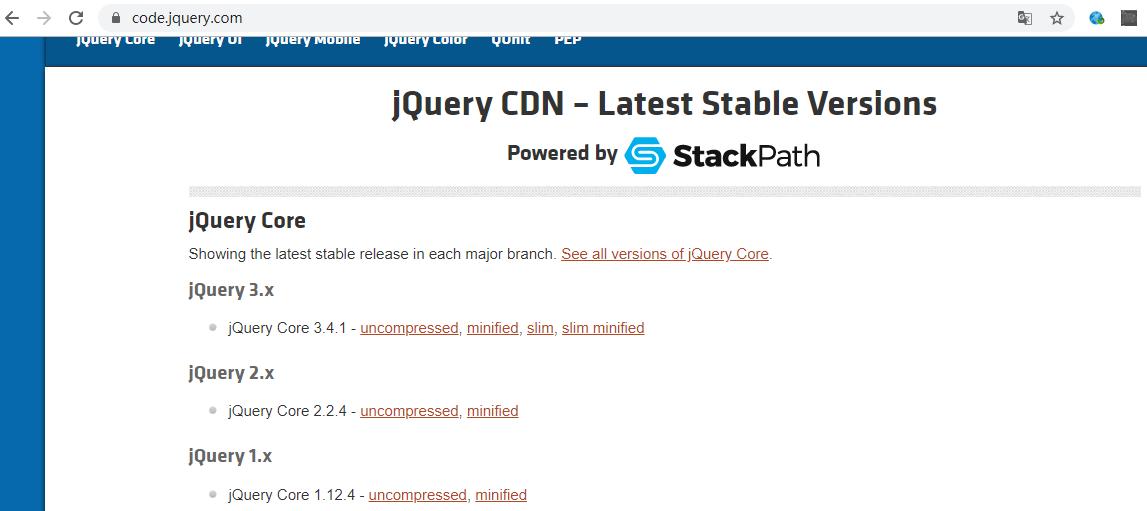
7.进入 JQuery 的下载页面,下载 JQuery 最新 1.x 版就可以了,但是由于 JQuery 主站非常慢,所以建议如下
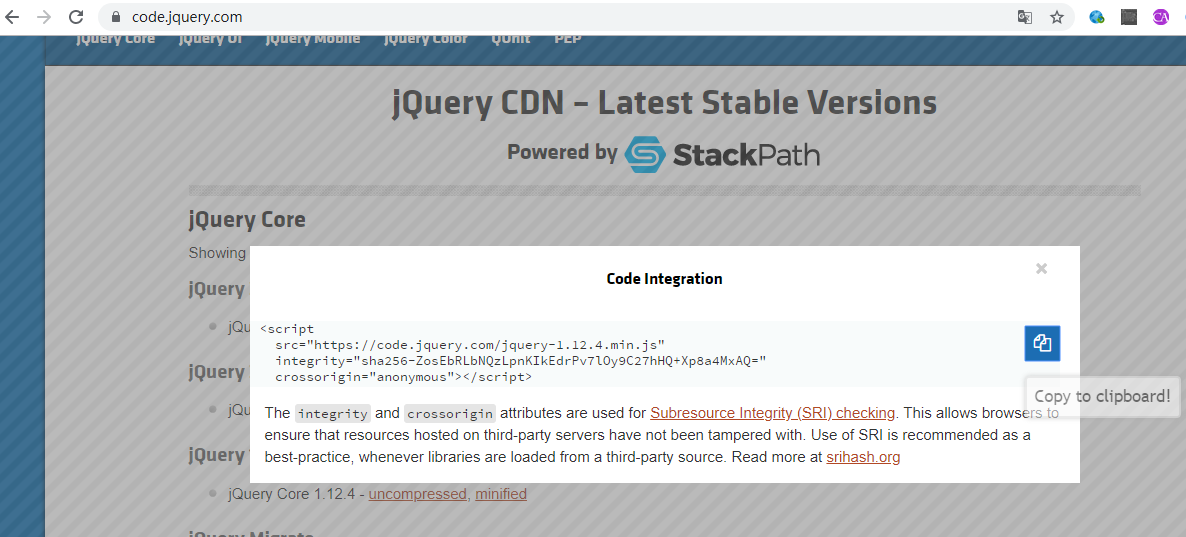
进入 https://code.jquery.com/,点击打开 JQuery 1.x 的 minified
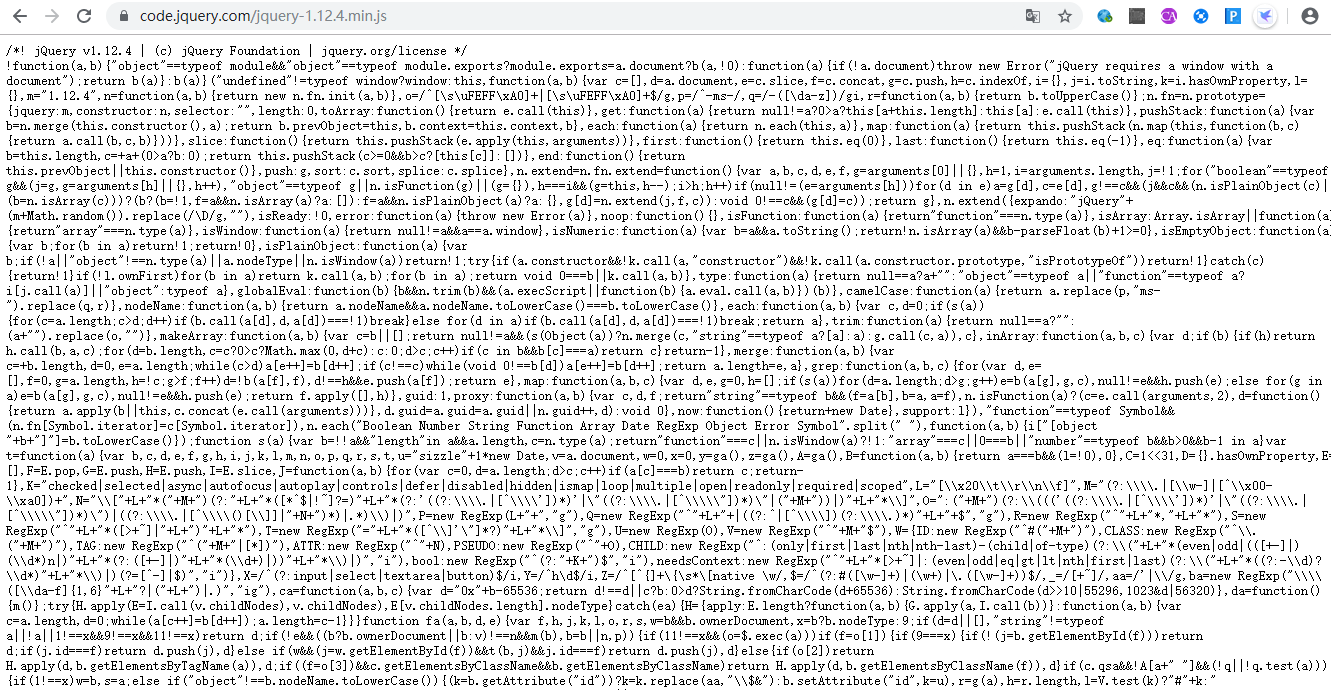
拷贝 https://code.jquery.com/jquery-1.12.4.min.js 路径在浏览器打开
在项目 video 下目录 static/dashboard/js,新建文件 jquery-1.12.4.min.js
拷贝浏览器中文件 https://code.jquery.com/jquery-1.12.4.min.js 的代码到项目 video 下目录 static/dashboard/js/jquery-1.12.4.min.js 文件
8.在项目 video 下,新建文件 requirements.txt,把使用的版本添加到文件中
django==2.1.2
mako==1.0.7
9.如果将来需要安装可以在项目 video 下命令行窗口运行
pip install -r requirements.txt
10.在项目 video 下目录 app,新建 Python Package,包名为 libs
11.在项目 video 下目录 app/libs,新建文件 base_render.py
# coding:utf-8

from django.conf import settings
from django.http import HttpResponse
from django.middleware.csrf import get_token
from django.template import RequestContext
from django.template.context import Context
from mako.lookup import TemplateLookup

def render_to_response(request, template, data=None):
    # 与 jinjia2 不同,mako 的模板需要自己定义,于是有了本页的代码
    context_instance = RequestContext(request)
    path = settings.TEMPLATES[0]['DIRS'][0]

    lookup = TemplateLookup(
        directories=[path],
        output_encoding='utf-8',
        input_encoding='utf-8'
    )

    mako_template = lookup.get_template(template)

    if not data:
        data = {}

    if context_instance:
        context_instance.update(data)
    else:
        context_instance = Context(data)

    result = {}
    for d in context_instance:
        result.update(d)
    result['request'] = request
    request.META["CSRF_COOKIE"] = get_token(request)
    result['csrf_token'] = ('<div style="display:none">'
                            '<input type="hidden" '
                            'name="csrfmiddlewaretoken" '
                            'value="{0}"/>'
                            '</div>'.format(request.META['CSRF_COOKIE']))
    return HttpResponse(mako_template.render(**result))
12.在项目 video 下目录 app/dashboard,新建 Python Package,包名为 views
13.在项目 video 下目录 app/dashboard/view,新建文件 base.py
# coding:utf-8

from django.views.generic import View
from app.libs.base_render import render_to_response

class Base(View):
    TEMPLATE = 'base.html'

    return render_to_response(request, self.TEMPLATE)
14.在项目 video 下目录 app/dashboard,修改文件 urls.py
# coding:utf-8

from django.urls import path
from .views import Base

urlpatterns = [
    path('base', Base.as_view()),
]
15.在项目 video 下目录 templates,新建目录 dashboard
posted on 2020-02-19 10:56 herisson_pan 阅读(19) 评论(0) 收藏 举报


 浙公网安备 33010602011771号