

linux查看端口对应的应用
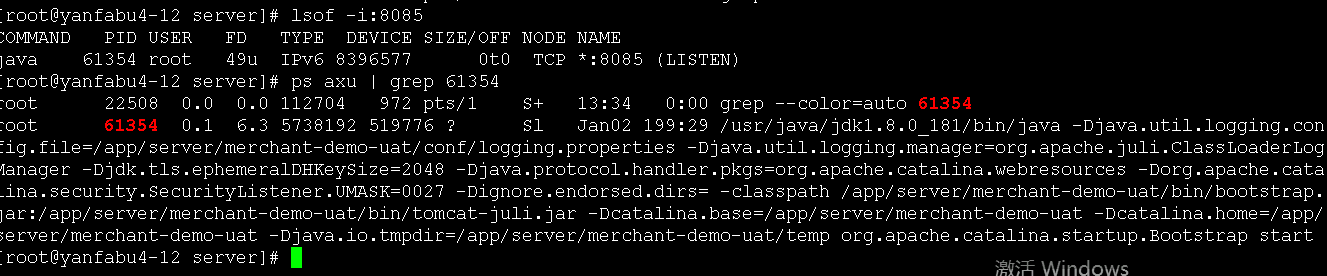
lsof -i:端口 ===>得到进程
ps axu | grep 61354 ===>得到应用
根据pid查看占用端口
netstat -nap | grep pid
一、查看进程占用的端口号
1、查看程序对应的进程号:ps -ef | grep 进程名字
2、查看进程号所占用的端口号:netstat -nltp | grep 进程号
3、通过进程号查询进程信息:ps -ef | grep 进程号
二、查看端口号所使用的进程号
1、使用lsof命令:lsof -i:端口号
使用netstat -nltp 也是可以做的
2、查看所有的进程占用的端口号:lsof -i

 浙公网安备 33010602011771号