
es安装-日志云elk
不支持root启动 乖乖创建用户吧
jdk安装 https://www.cnblogs.com/hanxing/p/5707590.html
groupadd elasticsearch
useradd es
passwd es
usermod -G elasticsearch es
mkdir -pv /appdata/elk
cd /appdata/elk
wget https://artifacts.elastic.co/downloads/elasticsearch/elasticsearch-6.3.2.tar.gz
tar xvf elasticsearch-6.3.2.tar.gz
chown -R es:elasticsearch elasticsearch-6.3.2 vim config/elasticsearch.yml
修改内容(没有就添加):

cluster.name: zzx-elk

node.name: node-1

network.host: 0.0.0.0

http.port: 9200

#因为Centos6不支持SecComp,而ES默认bootstrap.system_call_filter为true进行检测

bootstrap.memory_lock: false

bootstrap.system_call_filter: false

修改/etc/sysctl.conf

切换回root 用户 执行

vim /etc/sysctl.conf

在文件最后面添加内容:

vm.max_map_count=262144

保存退出后,使用sysctl -p 刷新生效
vi /etc/security/limits.conf
* soft nproc 4096
* hard nproc 4096

vi /etc/security/limits.d/90-nproc.conf
* soft nproc 4096
ulimit -u 验证必须是4096
不行就退出es重新su -es
es用户启动
bin/elasticsearch
netstat -anltp|grep 9[23]00
tcp 0 0 :::9200 :::* LISTEN 2383/java
tcp 0 0 :::9300 :::* LISTEN 2383/java
http://192.168.67.11:9200/
内容如下

{
  "name" : "node-1",
  "cluster_name" : "zzx-elk",
  "cluster_uuid" : "BBw0RrOpRoKtEy2Kgw8Blw",
  "version" : {
    "number" : "6.3.2",
    "build_flavor" : "default",
    "build_type" : "tar",
    "build_hash" : "053779d",
    "build_date" : "2018-07-20T05:20:23.451332Z",
    "build_snapshot" : false,
    "lucene_version" : "7.3.1",
    "minimum_wire_compatibility_version" : "5.6.0",
    "minimum_index_compatibility_version" : "5.0.0"
  },
  "tagline" : "You Know, for Search"
}
ntpdate ntp.ntsc.ac.cn
wget https://artifacts.elastic.co/downloads/kibana/kibana-6.3.2-linux-x86_64.tar.gz --no-check-certificate
vim  config/kibana.yml
 取消注释
server.port: 5601
server.host: "192.168.67.11"
 用来连接es服务
elasticsearch.url: "http://192.168.67.11:9200"
http://192.168.67.11:5601 验证
wget https://artifacts.elastic.co/downloads/beats/filebeat/filebeat-6.2.1-linux-x86_64.tar.gz --no-check-certificate
 cat filebeat.yml|grep -v ^#|grep -v            '  #'|grep -v ^$
filebeat.prospectors:
- type: log
  enabled: true
  paths:
    - /var/log/*.log
    - /var/log/secure*
    - /var/log/messages*
filebeat.config.modules:
  path: ${path.config}/modules.d/*.yml
  reload.enabled: false
setup.template.settings:
  index.number_of_shards: 3
tags: ["log"]
setup.kibana:
  host: "192.168.67.11:5601"
output.elasticsearch:
  hosts: ["192.168.67.11:9200"]
./filebeat -e -c filebeat.yml
http://192.168.67.11:5601/ 图形界面配置
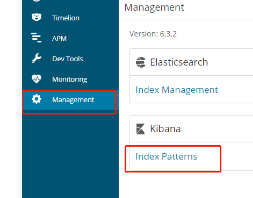
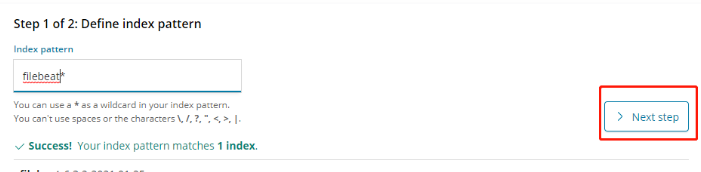
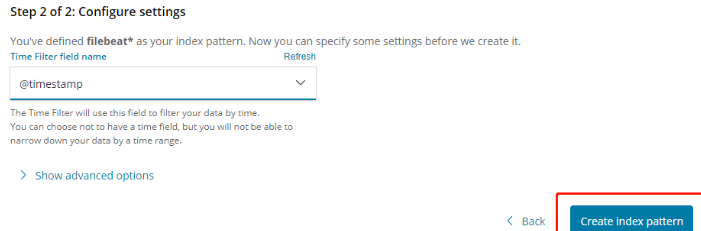

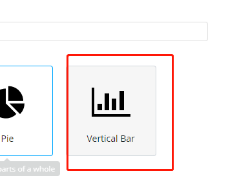
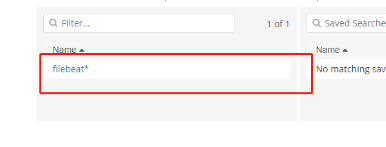
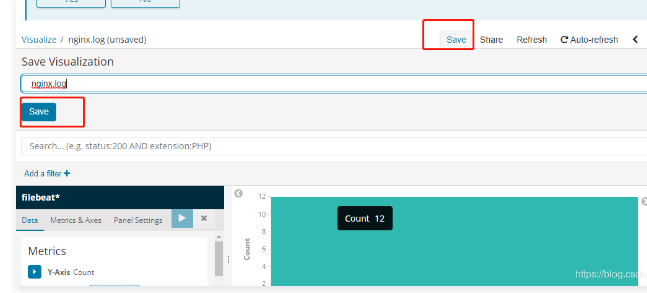
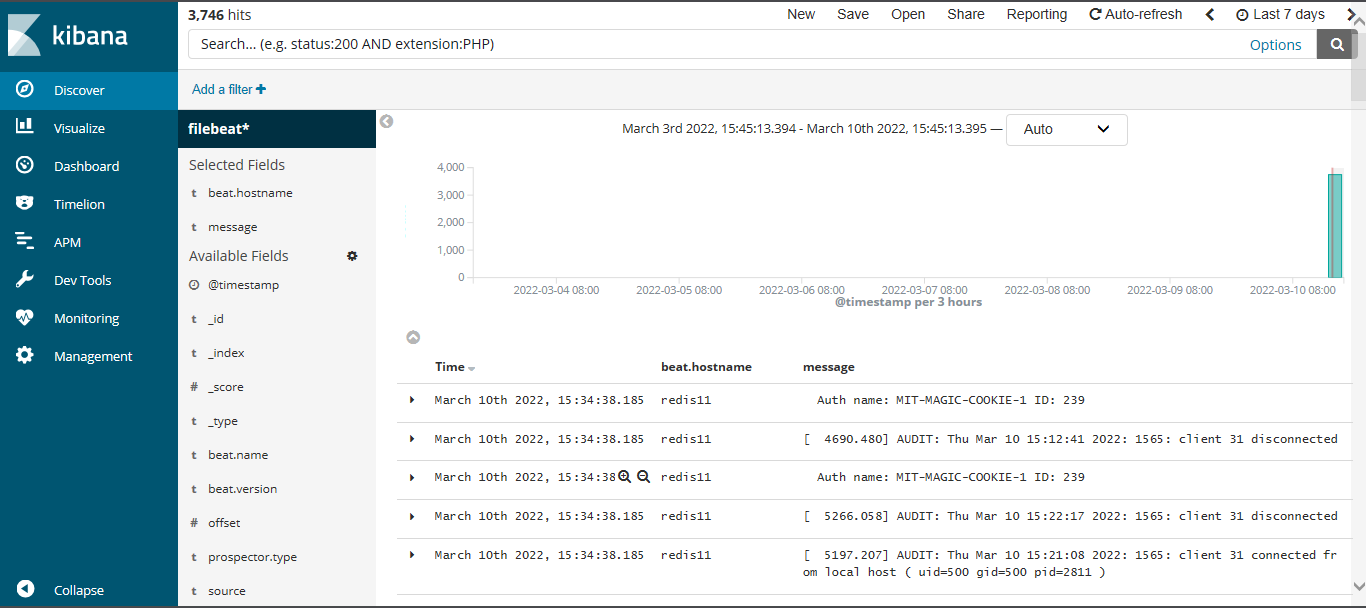
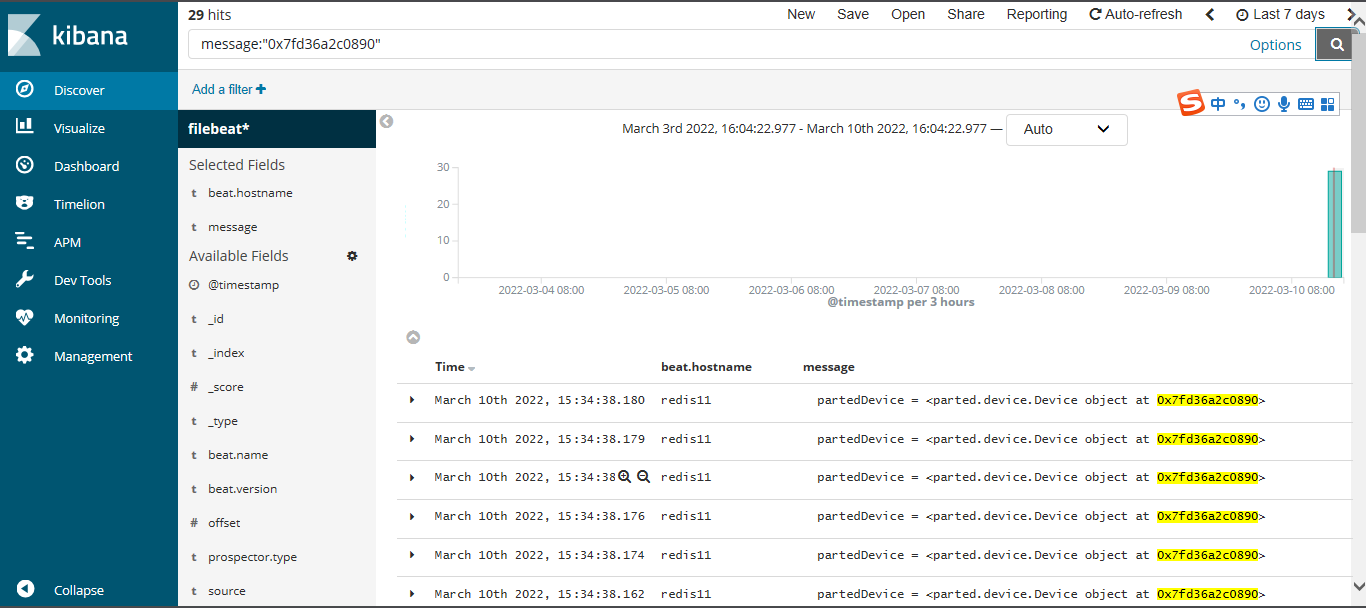
- /var/log/*.log - /var/log/secure* - /var/log/messages*

 浙公网安备 33010602011771号