


将exe做成windows服务
将自行开发的 Windows 应用 MyApp.exe安装为服务
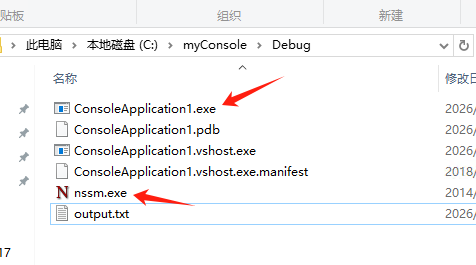
以管理员身份打开命令提示符或PowerShell
把nssm.exe 复制到 要做成服务的 *.exe 目录下
安装服务,服务名设为MyExeApp
示例
C:\nssm\win64\nssm.exe install MyExeApp
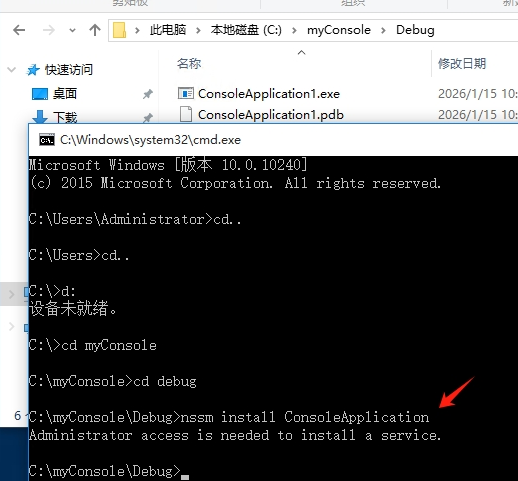
根据提示填入
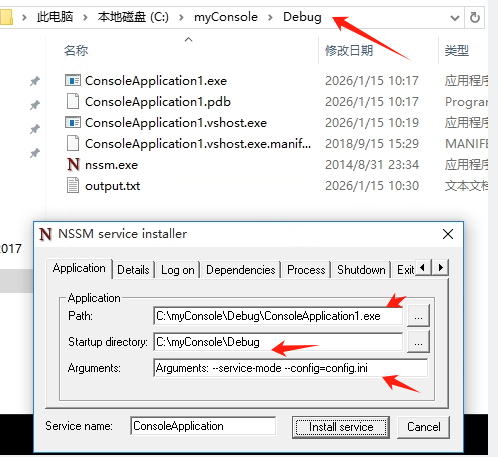
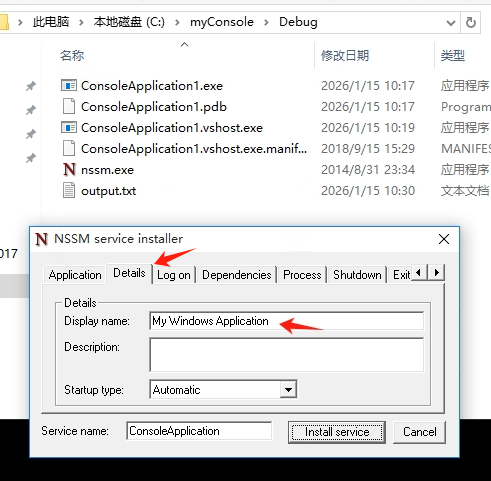
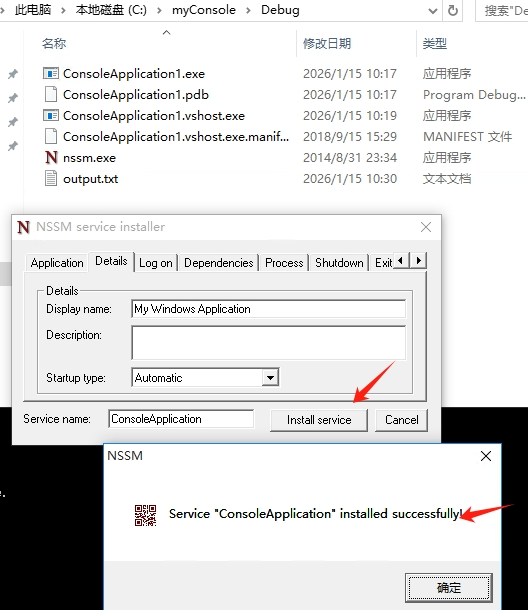
详细的配置 示例
# 【Application 标签页】
Path: D:\MyApplication\MyApp.exe
Startup directory: D:\MyApplication
Arguments: --service-mode --config=config.ini

# 【Details 标签页】
显示名称: My Windows Application
描述: 业务处理应用程序

# 【Log on 标签页】
登录身份: 选择特定用户
用户: .\YourUsername 或 DOMAIN\Username
密码: ********
✓ 允许服务与桌面交互

# 【Dependencies 标签页】(如有依赖)
依赖服务: MSSQLSERVER,EventLog

# 【Process 标签页】
优先级: Normal
CPU 关联性: All CPUs
启动方式: Automatic
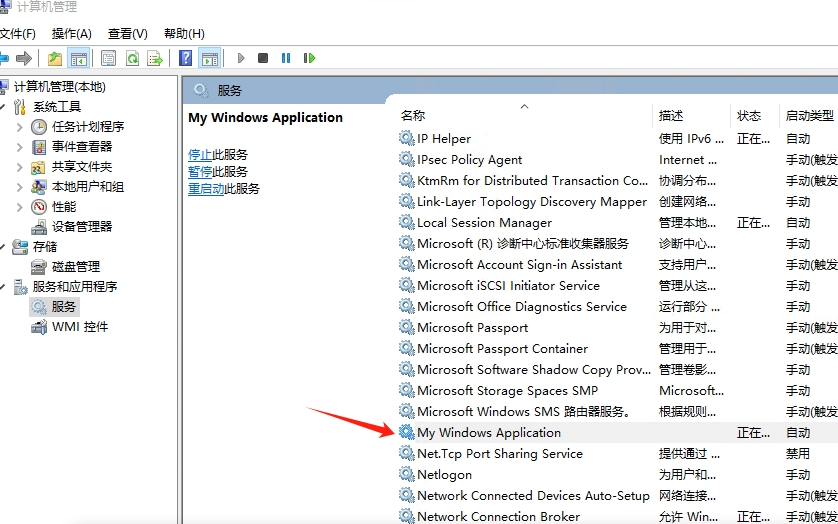
在服务中找到刚刚安装的
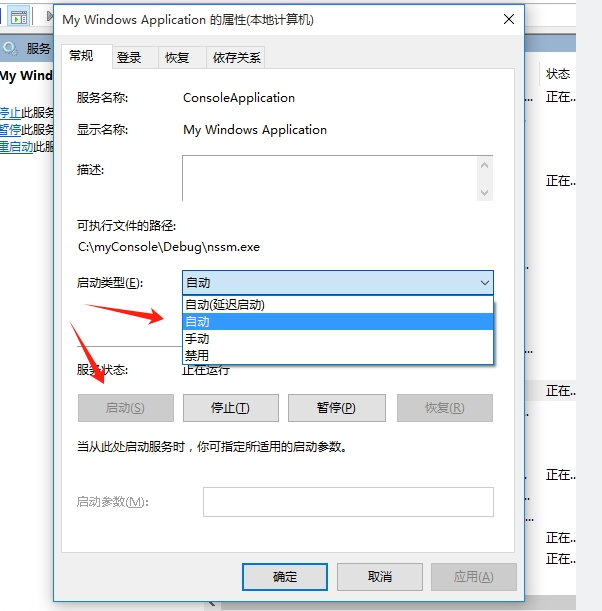
启动

 浙公网安备 33010602011771号