import logging
import re

from api.excel_api import ExcelAPI
from utils import FileUtils


class DataImportService:

    def __init__(self):
        self.api = ExcelAPI()


    def parse_file(self, file_path , delimiter):
        def _read_lines(path):
            encs = ['utf-8-sig', 'gb18030', 'utf-16']
            for enc in encs:
                try:
                    with open(path, 'r', encoding=enc) as f:
                        return [line.rstrip('\r\n') for line in f]
                except Exception:
                    continue
            out = []
            with open(path, 'rb') as f:
                for b in f:
                    s = None
                    try:
                        s = b.decode('utf-8', errors='ignore').rstrip('\r\n')
                    except Exception:
                        try:
                            s = b.decode('gb18030', errors='ignore').rstrip('\r\n')
                        except Exception:
                            s = b.decode('latin1', errors='ignore').rstrip('\r\n')
                    out.append(s)
            return out

        def _norm_delim(s):
            k = (s or '').strip().lower()
            if not k:
                return None, None
            if k in ('\\t', 'tab', '制表符'):
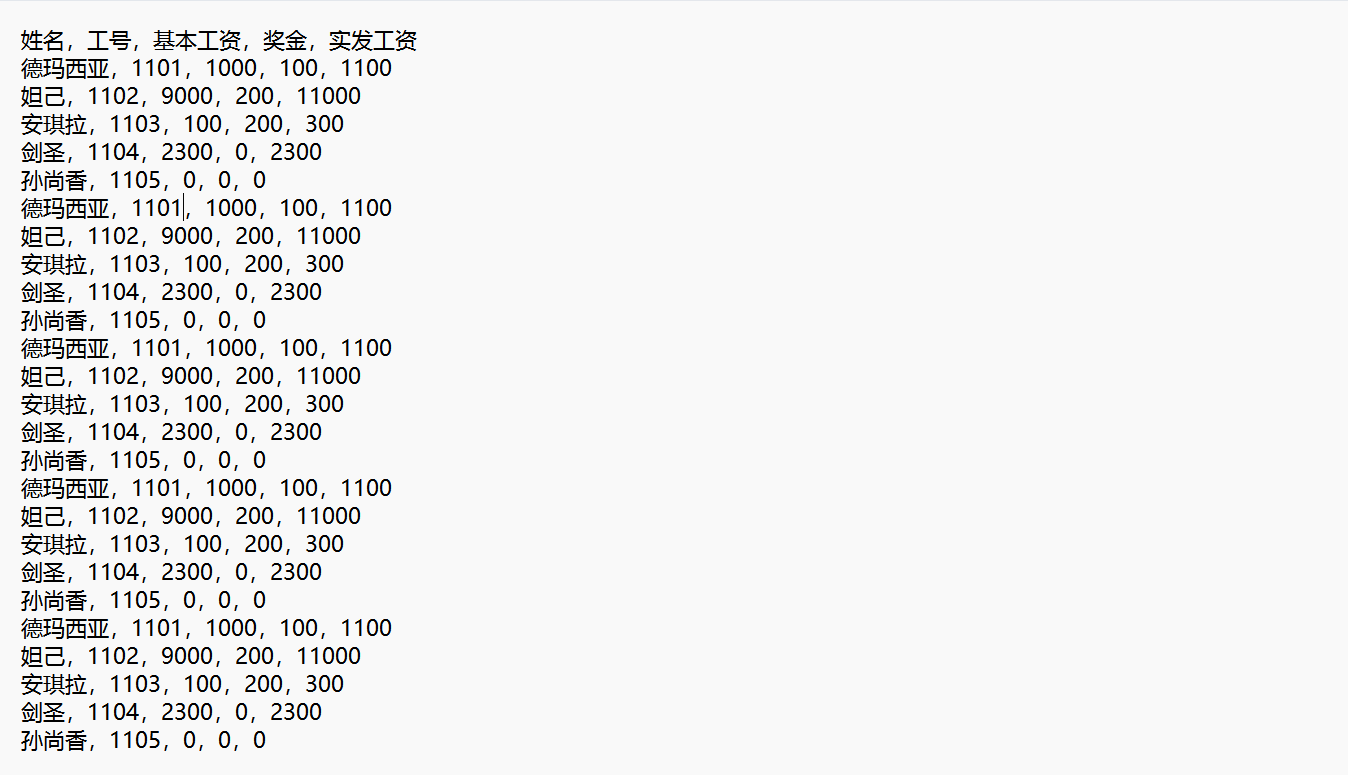
                return 'regex', r'(?i)(?:\t|\\t|tab)'
            if k in ('\\n', 'newline'):
                return 'char', '\n'
            if k in ('space', '空格'):
                return 'whitespace', None
            if k in ('逗号', 'comma', '中文逗号'):
                return 'regex', r'[,,]'
            if k in ('英文逗号'):
                return 'char', ','
            if k in ('分号', 'semicolon'):
                return 'regex', r'[;;]'
            if k in ('竖线', '管道', 'pipe'):
                return 'regex', r'[\||]'
            if k in ('冒号', 'colon'):
                return 'regex', r'[::]'
            if k in ('斜杠', 'slash'):
                return 'regex', r'[\/、]'
            return 'regex', r'(?i)' + re.escape(s)

        def _eval_delim(lines, mode, sep):
            nonempty = [x for x in lines if x]
            if not nonempty:
                return (0.0, 0)
            counts = []
            for s in nonempty[:1000]:
                if mode == 'whitespace':
                    parts = re.split(r'\s+', s.strip())
                elif mode == 'regex':
                    parts = re.split(sep, s)
                else:
                    parts = s.split(sep)
                counts.append(len(parts))
            valid = sum(1 for c in counts if c > 1)
            if not counts:
                return (0.0, 0)
            mode_count = max(set(counts), key=counts.count)
            return (valid / len(counts), mode_count)

        def _choose_delim(lines):
            specs = [
                ('regex', r'[,,]'),
                ('regex', r'[;;]'),
                ('regex', r'[\\||]'),
                ('regex', r'(?i)(?:\t|\\t|tab)'),
                ('char', '\t'),
                ('regex', r'[::]'),
                ('regex', r'[\/、]'),
                ('whitespace', None),
            ]
            best_spec = None
            best_score = (-1.0, -1)
            for spec in specs:
                score = _eval_delim(lines, spec[0], spec[1])
                if score[0] > best_score[0] or (score[0] == best_score[0] and score[1] > best_score[1]):
                    best_spec = spec
                    best_score = score
            if best_score[0] <= 0:
                return None, None
            return best_spec

        lines = _read_lines(file_path)
        mode, sep = _norm_delim(delimiter)
        if mode is None:
            mode, sep = _choose_delim(lines)

        out = []
        for s in lines:
            if not s:
                continue
            if mode == 'whitespace':
                parts = re.split(r'\s+', s.strip())
                out.append([p.strip() for p in parts])
            elif mode == 'regex' and sep:
                parts = re.split(sep, s)
                out.append([p.strip() for p in parts])
            elif mode == 'char' and sep:
                parts = s.split(sep)
                out.append([p.strip() for p in parts])
            else:
                out.append([s])
        return out


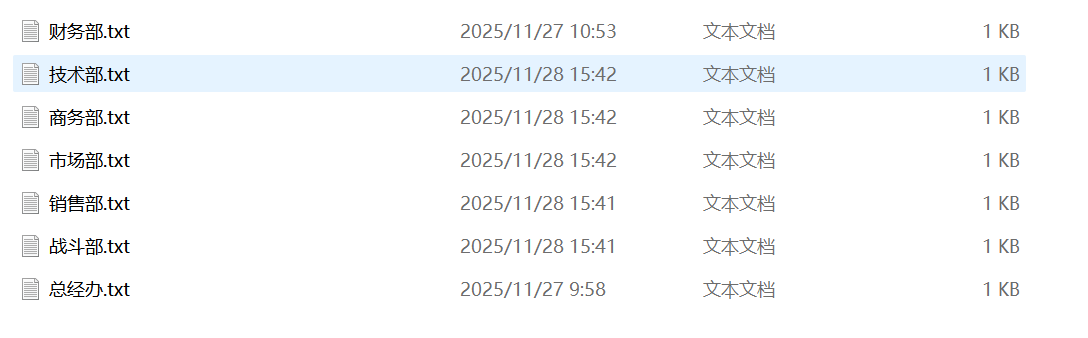
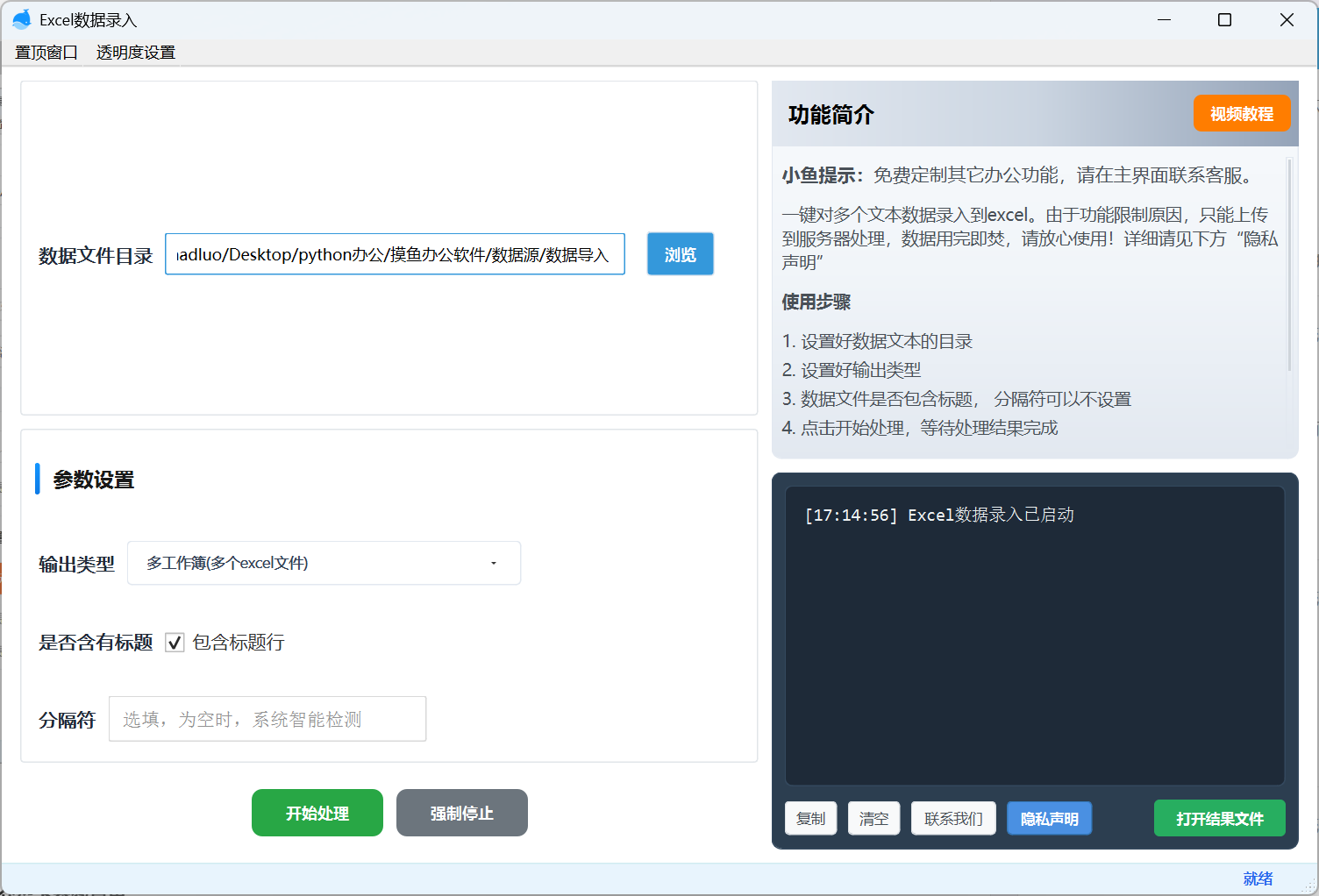
    def handle_file(self , file_path , out_excel_path ,delimiter,has_title):
        ## 读取文本文件
        data_content = self.parse_file(file_path , delimiter)
        print(data_content)
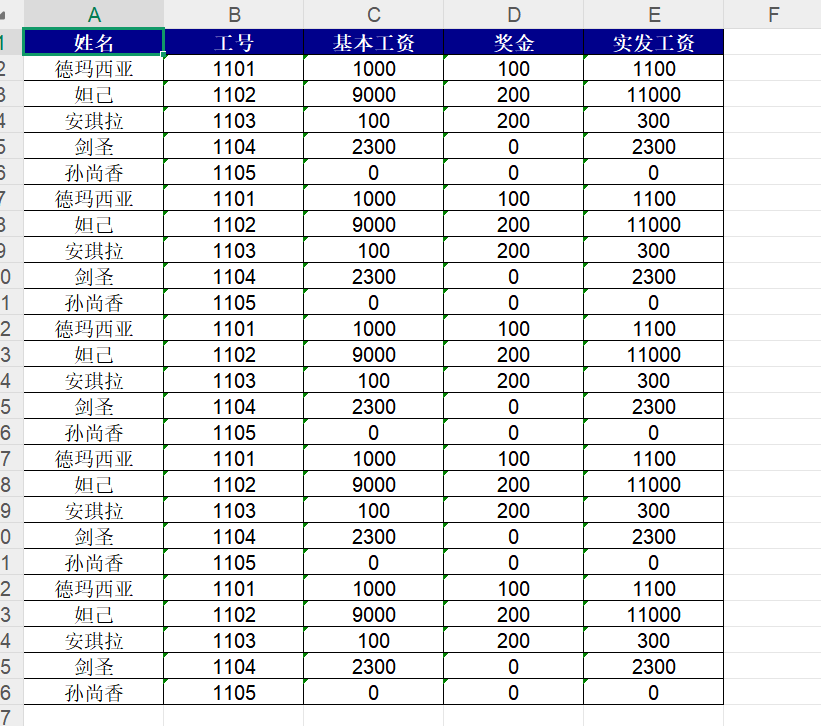
        self.api.import_data(out_excel_path, {
            "data_content":data_content,
            "has_title":has_title
        })




 浙公网安备 33010602011771号