


koa2中验证码的生成
1.安装:npm install --save svg-captcha
2.在koa项目中使用:
const Koa = require('koa');
const Router = require('koa-router') // koa 路由中间件
const svgCaptcha = require('svg-captcha')
const app = new Koa();
const router = new Router(); // 实例化路由

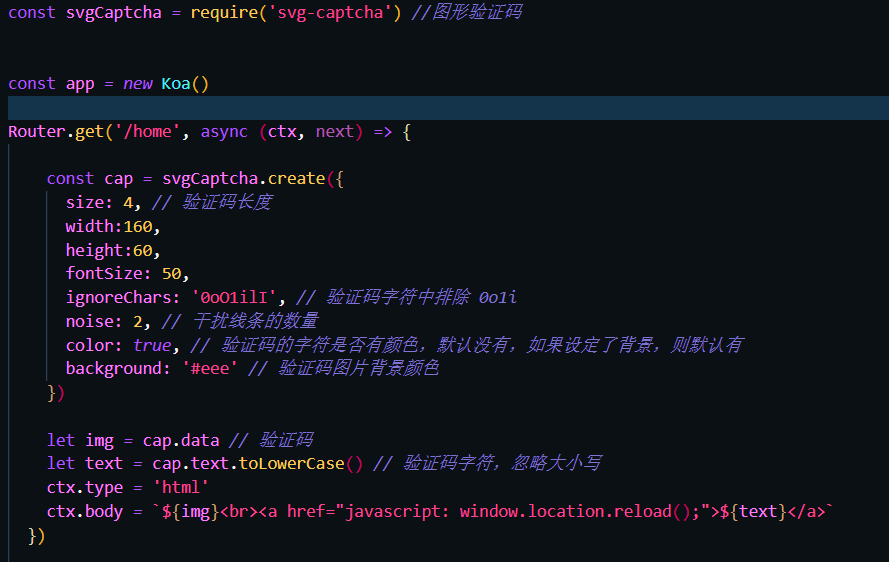
router.get('/home', async (ctx, next) => {

  const cap = svgCaptcha.create({
    size: 4, // 验证码长度
    width:160,
    height:60,
    fontSize: 50,
    ignoreChars: '0oO1ilI', // 验证码字符中排除 0o1i
    noise: 2, // 干扰线条的数量
    color: true, // 验证码的字符是否有颜色,默认没有,如果设定了背景,则默认有
    background: '#eee' // 验证码图片背景颜色
  })

  let img = cap.data // 验证码
  let text = cap.text.toLowerCase() // 验证码字符,忽略大小写
  ctx.type = 'html'
  ctx.body = `${img}<br><a href="javascript: window.location.reload();">${text}</a>`
});

app.use(router.routes());

app.listen(8000, () => {
  console.log('This server is running at http://localhost:8000)
})
3.也可以生成一个算数结果:(更改cap即可)
 const cap = svgCaptcha.createMathExpr({
    size: 4, // 验证码长度
    width:160,
    height:60,
    fontSize: 50,
    ignoreChars: '0oO1ilI', // 验证码字符中排除 0o1i
    noise: 2, // 干扰线条的数量
    color: true, // 验证码的字符是否有颜色,默认没有,如果设定了背景,则默认有
    background: '#eee' // 验证码图片背景颜色
})

 浙公网安备 33010602011771号