使用IDEA连接数据库:
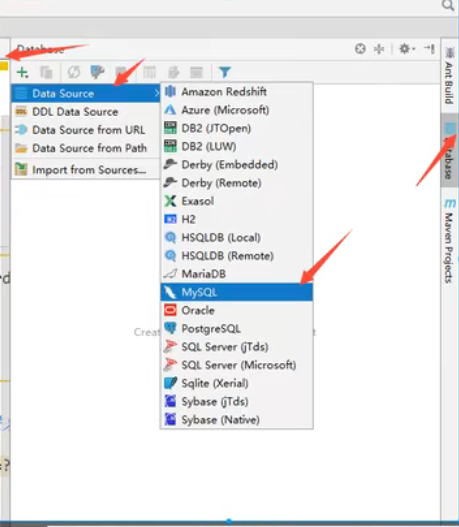
配置数据源:
配置mysql连接信息;
测试连接:
//报错:Connection to data_test@localhost failed.[08001] Could not create connection to database server. Attempted reconnect 3 times. Giving up. //报错原因:我们在URL后补上?serverTimezone=GMT// url例子:jdbc:mysql://localhost:3306/demo?serverTimezone=GMT
配置参考连接:
idea配置mysql参考链接
查看数据库内容:
双击数据库;
更新数据:
改完数据后,点DB绿色按钮;


 浙公网安备 33010602011771号