

Swagger
如果进入swagger页面一直出现弹窗错误就去检查一下spring boot的版本是不是太高了,我之前就是减低了版本之后就解决了一直弹窗的问题;
我降低的版本是:
 <groupId>org.springframework.boot</groupId>
        <artifactId>spring-boot-starter-parent</artifactId>
        <version>2.3.9.RELEASE</version>
        <relativePath/> <!-- lookup parent from repository -->
或者是检查一下properties中的自己设置的是哪个启动环境端口,端口在控制台可以看自己的启动端口
spring.profiles.active=dev(这个dev是对应哦我们自己的哪个启动的配置文件,其中自己看看配置文件的端口是多少)
配置完了在Swagger中校验
    //配置了Swagger的Docket的bean实例
    @Bean
    public Docket docket(Environment environment){//org.springframework.core.env的版本
        Profiles profiles=Profiles.of("dev","test");//设置要显示的Swagger环境
        //通过environment.acceptsProfiles判断是否处在自己设定的环境当中
        boolean flage = environment.acceptsProfiles(profiles);
        System.out.println(flage);
        return new Docket(DocumentationType.SWAGGER_2)
                .apiInfo(apiInfo())
                .groupName("虎虎生威,虎年大吉,龙精虎猛")//不能放在.select()后面
                .enable(flage)
                .select()//RequestHandlerSelectors,配置要扫描接口的方式
                //指定要扫描的包:basePackage
                 //any()//扫描全部
                //none()不扫描
                //withClassAnnotation:扫描类上的注解。参数是一个注解的反射对象
                //withMethodAnnotation:扫描方法上的注解。例如:GetMapping.class
                .apis(RequestHandlerSelectors.basePackage("com.gzg.apitest_gzg.controller"))
               // .paths(PathSelectors.ant("*/Kuang/**"))
                //paths()过滤什么路径
                //.paths(PathSelectors.ant("/"))
                .build();
                //enable是否启动Swagger,如果为False,则Swagger不能在浏览器中访问
    }
swagger必备的两个依赖
        <!--swagger2 依赖-->
        <dependency>
            <groupId>io.springfox</groupId>
            <artifactId>springfox-swagger2</artifactId>
            <version>2.6.1</version>
        </dependency>
        <dependency>
            <groupId>io.springfox</groupId>
            <artifactId>springfox-swagger-ui</artifactId>
            <version>2.6.1</version>
        </dependency>
Swagger配置类
package com.gzg.apitest_gzg.config;

import org.springframework.context.annotation.Bean;
import org.springframework.context.annotation.Configuration;
import springfox.documentation.service.ApiInfo;
import springfox.documentation.service.Contact;
import springfox.documentation.spi.DocumentationType;
import springfox.documentation.spring.web.plugins.Docket;
import springfox.documentation.swagger2.annotations.EnableSwagger2;
@Configuration
@EnableSwagger2
public class SwaggerConfig {
    //配置了Swagger的Docket的bean实例
    @Bean
    public Docket docket(){
        return new Docket(DocumentationType.SWAGGER_2)
                .apiInfo(apiInfo());
    }

    private ApiInfo apiInfo(){
        Contact contact=new Contact("gzg","www.baidu.com","hero@qq.com");
       return new ApiInfo("Api Documentation",
               "Api Documentation",
               "1.0",
               "urn:tos",
               contact,
               "Apache 2.0",
               "http://www.apache.org/licenses/LICENSE-2.0");
    }
}
Swagger配置扫描接口
                                           //withClassAnnotation:扫描类上的注解。参数是一个注解的反射对象
                                           //withMethodAnnotation:扫描方法上的注解。例如:GetMapping.class
               .apis(RequestHandlerSelectors.withMethodAnnotation(RestController.class))
               // .paths(PathSelectors.ant("*/Kuang/**"))
                //paths()过滤什么路径
                //.paths(PathSelectors.ant("/"))
经典步骤:
 .apiInfo(apiInfo())
.select()//RequestHandlerSelectors,配置要扫描接口的方式
.enable(false)//是否启动Swagger,如果为false,则swagger不能在浏览器中启动

.apis(RequestHandlerSelectors.basePackage("com.gzg.apitest_gzg.controller"))
.build();
如何配置API文档的分组
.groupName("不高兴就睡觉")//不能放在.select()后面
这个“不高兴就睡觉“分组时怎么来的?是因为这个Docket方法
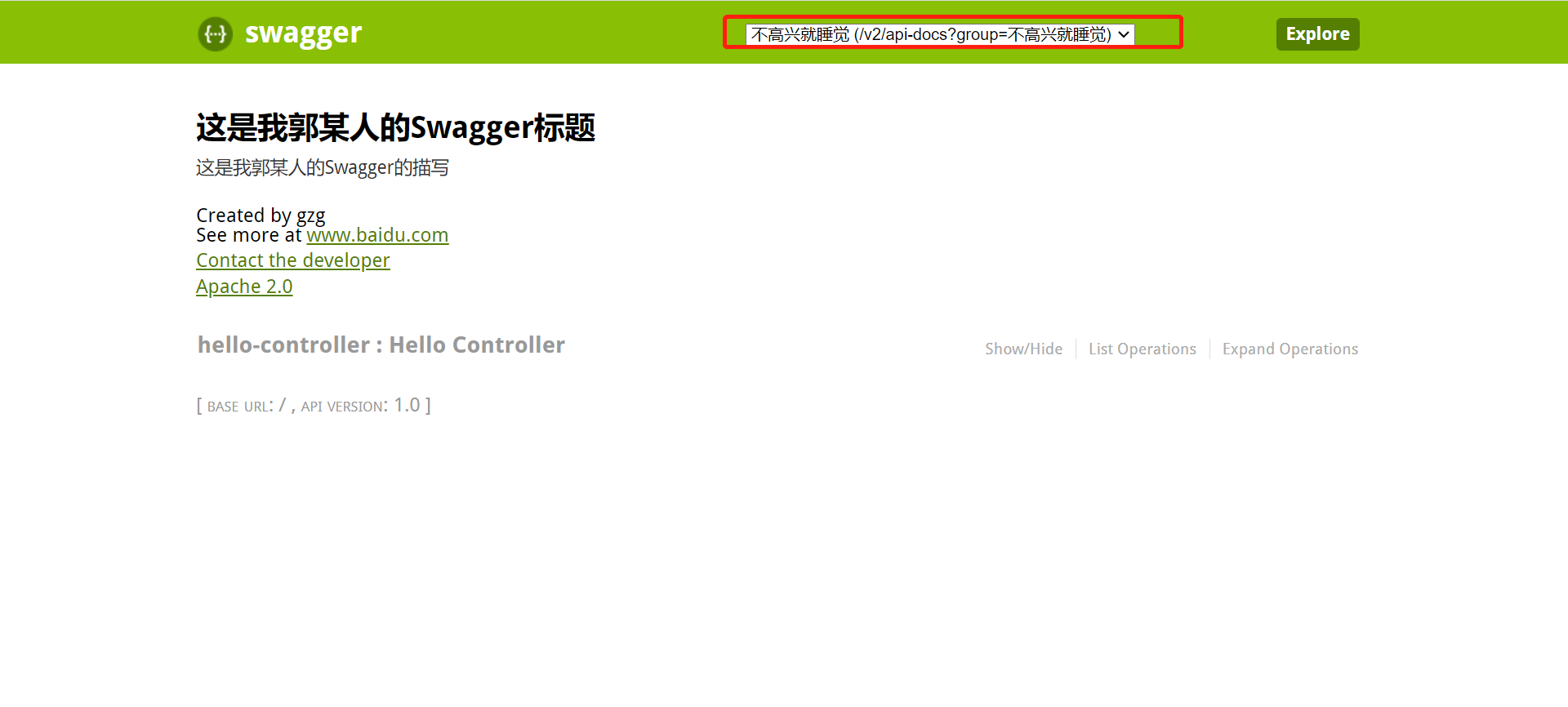

有多个docket就有多个版本了呢
接下来在SwaggerConfig类中去创建docket方法就可以创建一个新的版本
后端提供接口,前端查看接口
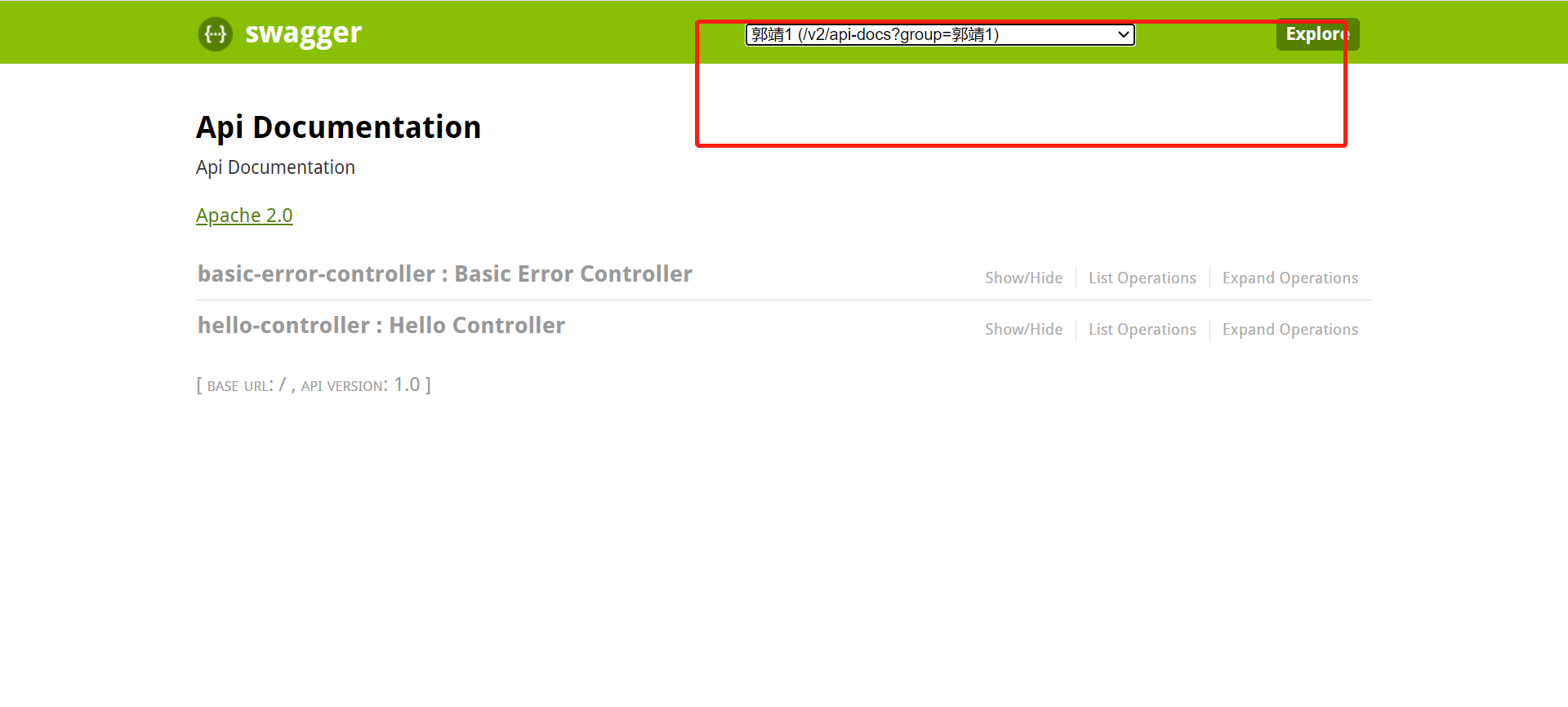
  @Bean
    public Docket docket1(){
        return new Docket(DocumentationType.SWAGGER_2).groupName("郭靖1");
    }
    @Bean
    public Docket docket2(){
        return new Docket(DocumentationType.SWAGGER_2).groupName("郭靖2");
    }
    @Bean
    public Docket docket3(){
        return new Docket(DocumentationType.SWAGGER_2).groupName("郭靖3");
    }
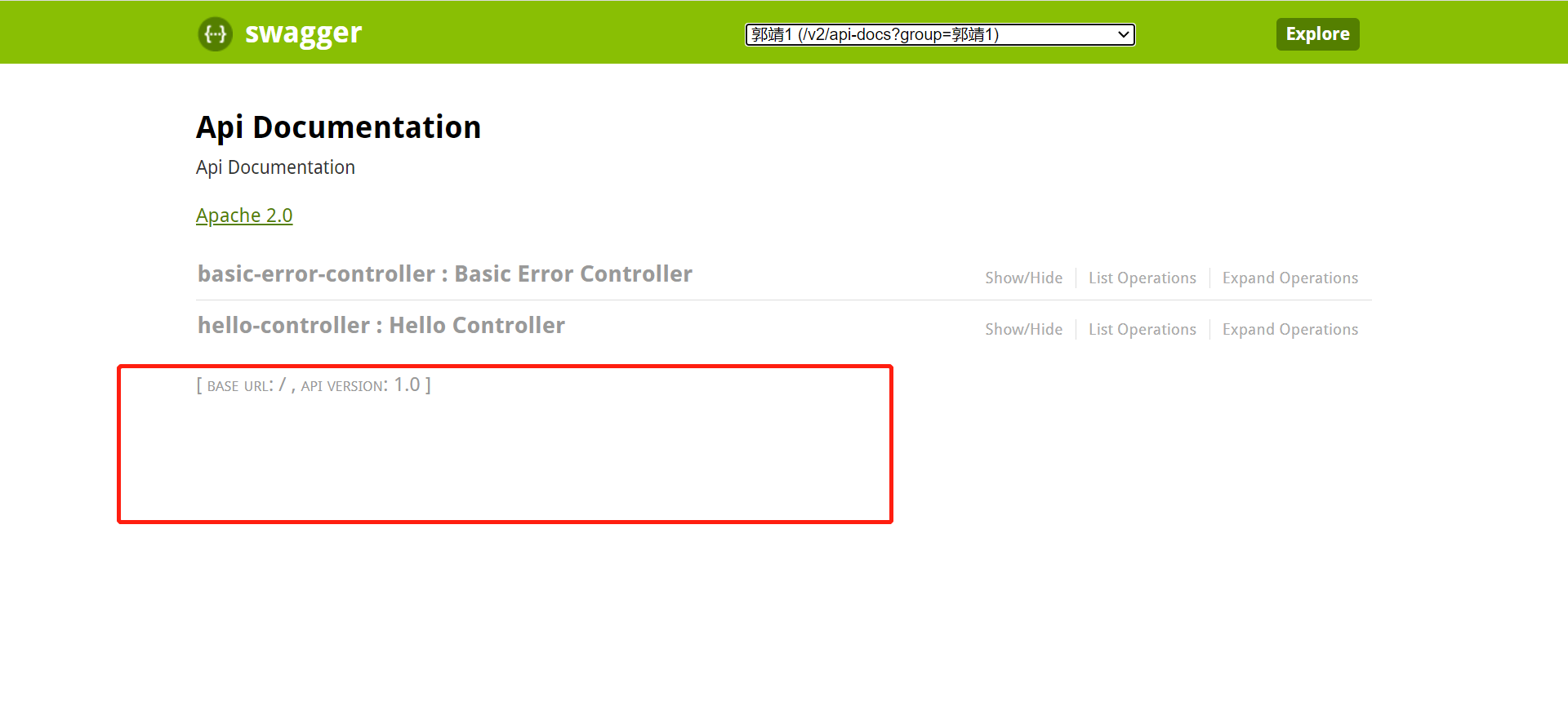
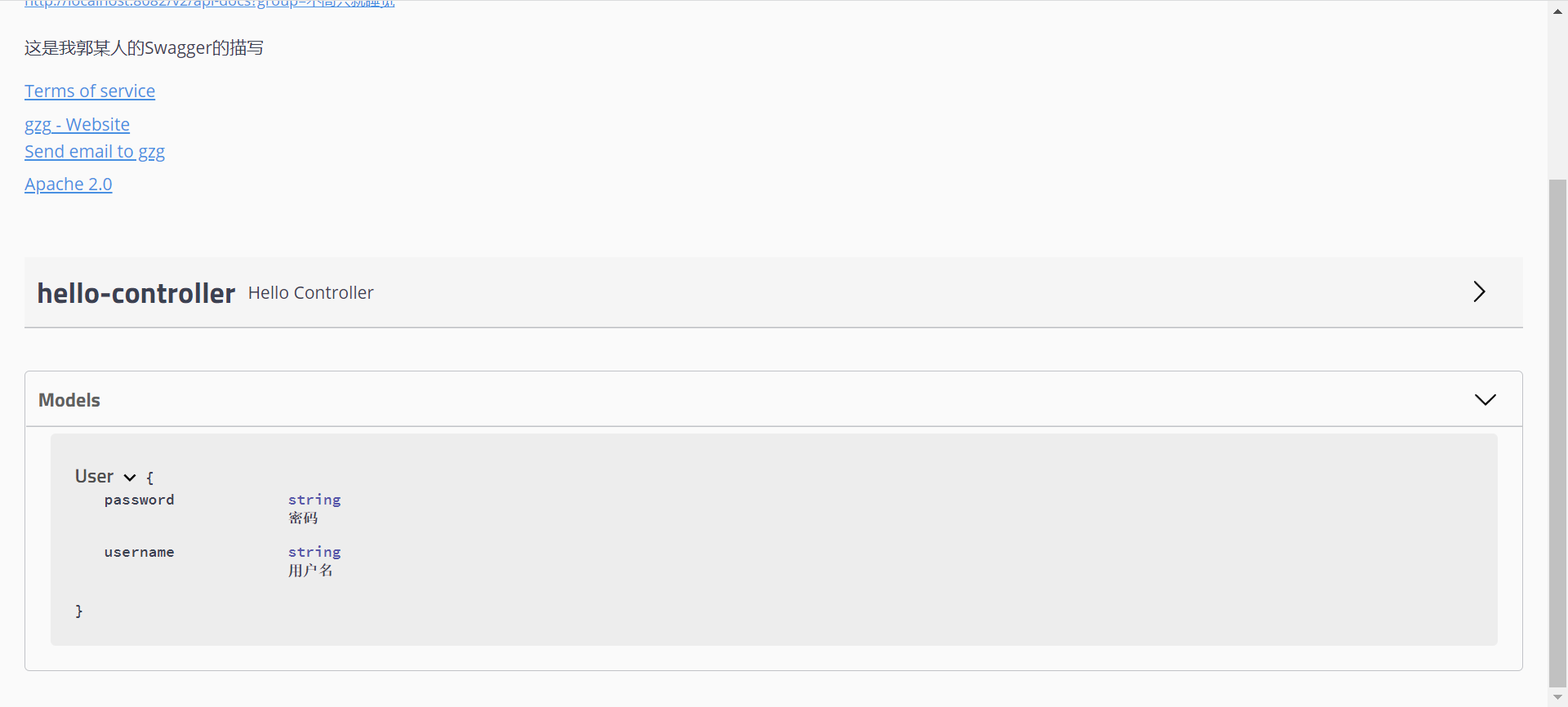
如果没有model就去切换pom中swagger依赖为2.9.2的版本
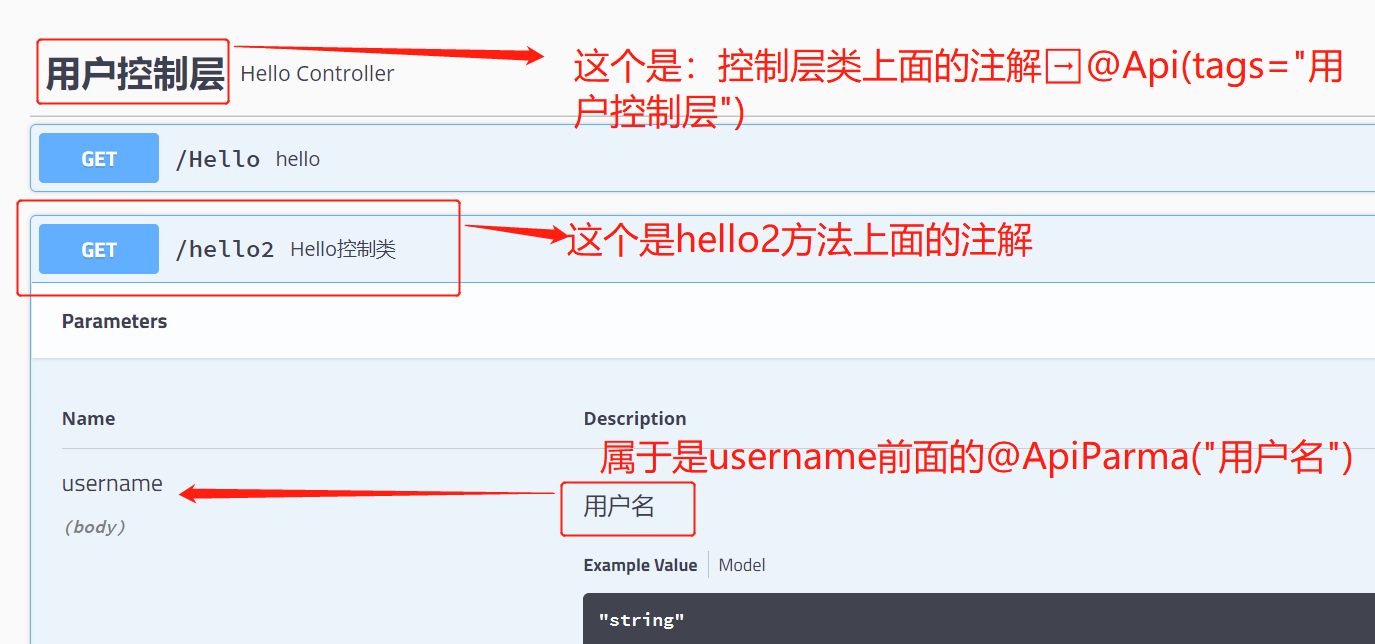
加注解
@ApiOperation("Hello控制类")
@GetMapping(value = "/hello2")
public String hello2(@ApiParam("用户名") String username){
    return "hello2"+username;
}
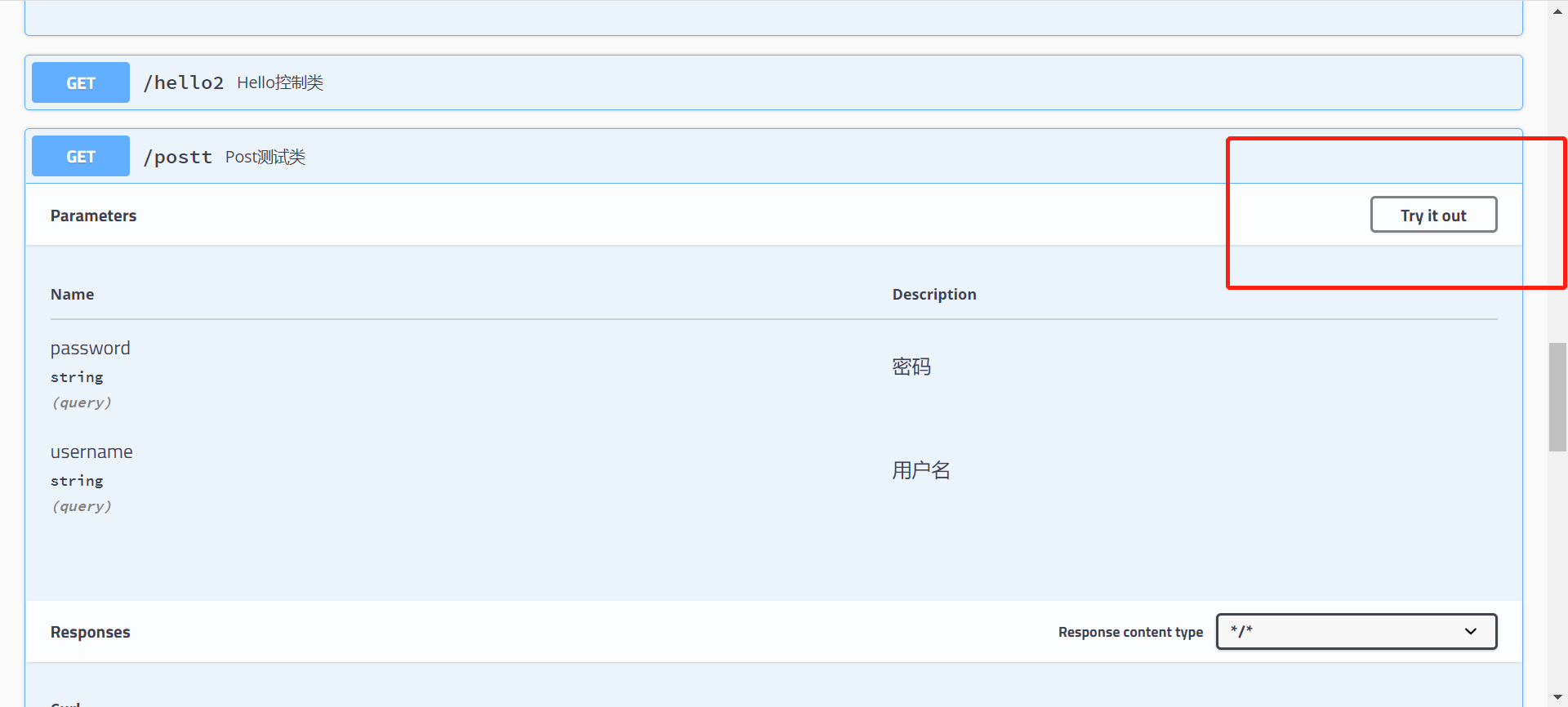
点Try it out就可以开始测试了
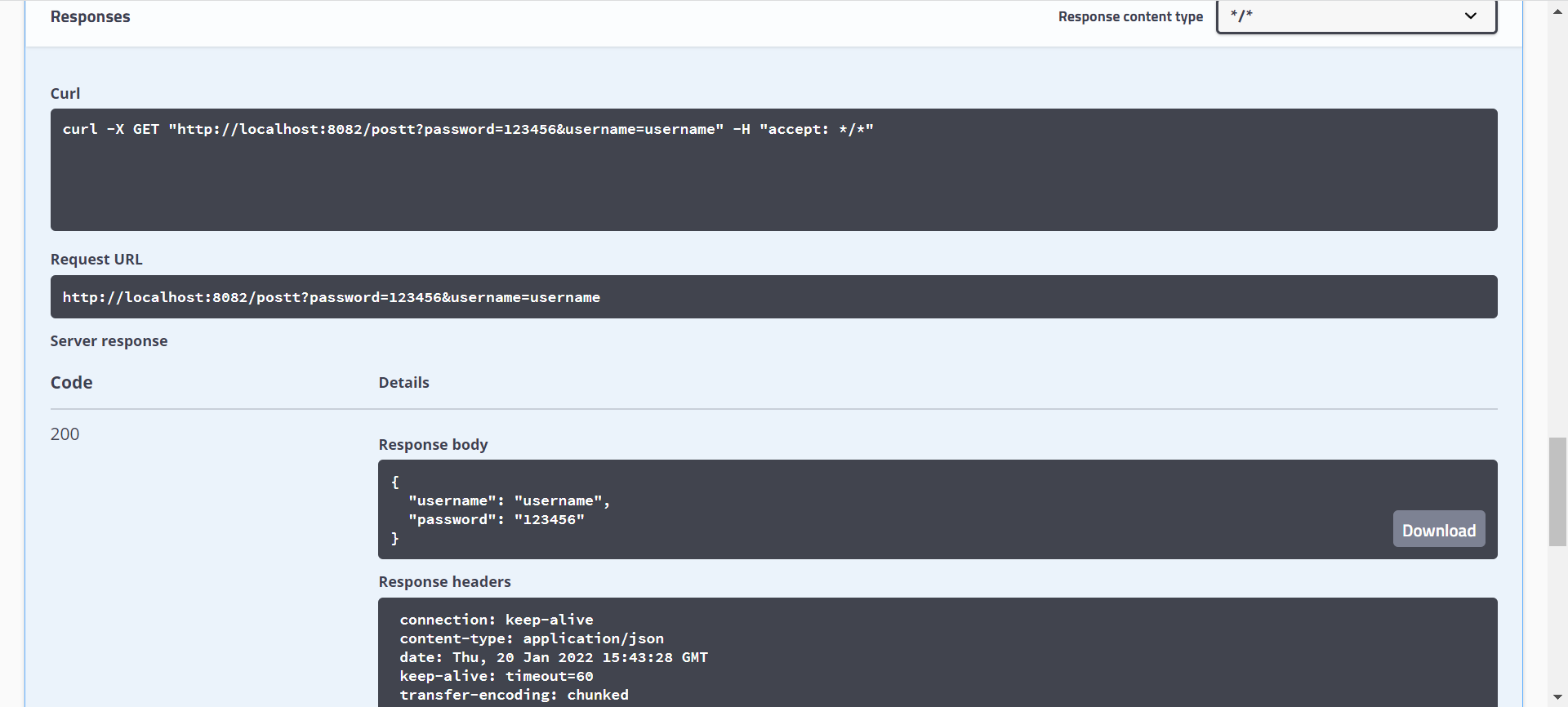
后面会返回一些测试的结果
在正式发布的时候,关闭Swagger!!出于安全考虑,而且节约内存

 浙公网安备 33010602011771号