

使用createrepo工具创建本地yum源
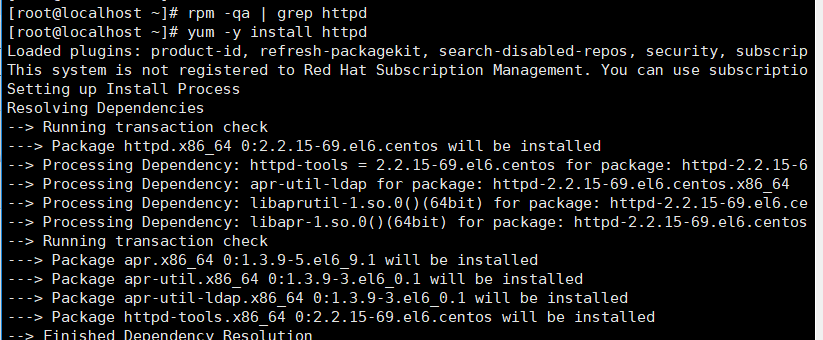
1, 安装httpd(其他web应用也可以)和createrepo包。
1、安装httpd,或者其他web服务器都可以。
#yum install -y httpd
2、查看httpd安装路径(可选)。
# which httpd
# rpm -qf /usr/sbin/httpd
# rpm -ql <包名> | grep html
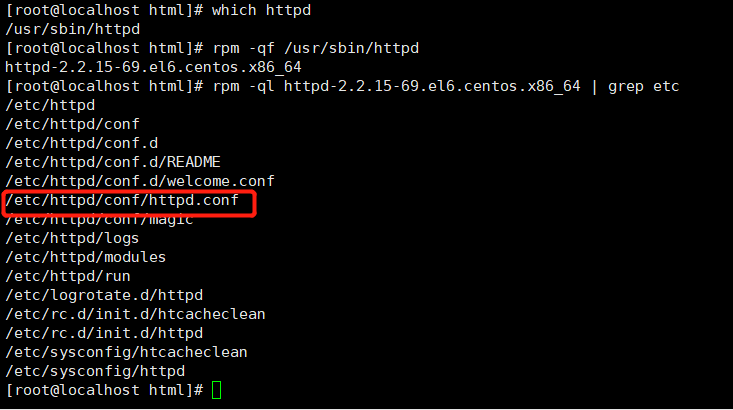
3、进入httpd的配置文件,查找默认路径,/var/www/html就是http的默认路径,在默认路径下创建相应的本地包路径即可。

4、使用rsync从网易镜像源中同步网易镜像数据(https://mirrors.edge.kernel.org/centos/6/os/x86_64/Packages/)到本地,该随笔已从网易下载源,为保证速度,使用本地另一台服务器直接同步。
#rsync -avrt --delete rsync://mirrors.163.com/centos/6/updates/x86_64/Packages/ /var/www/html/centos/updates/
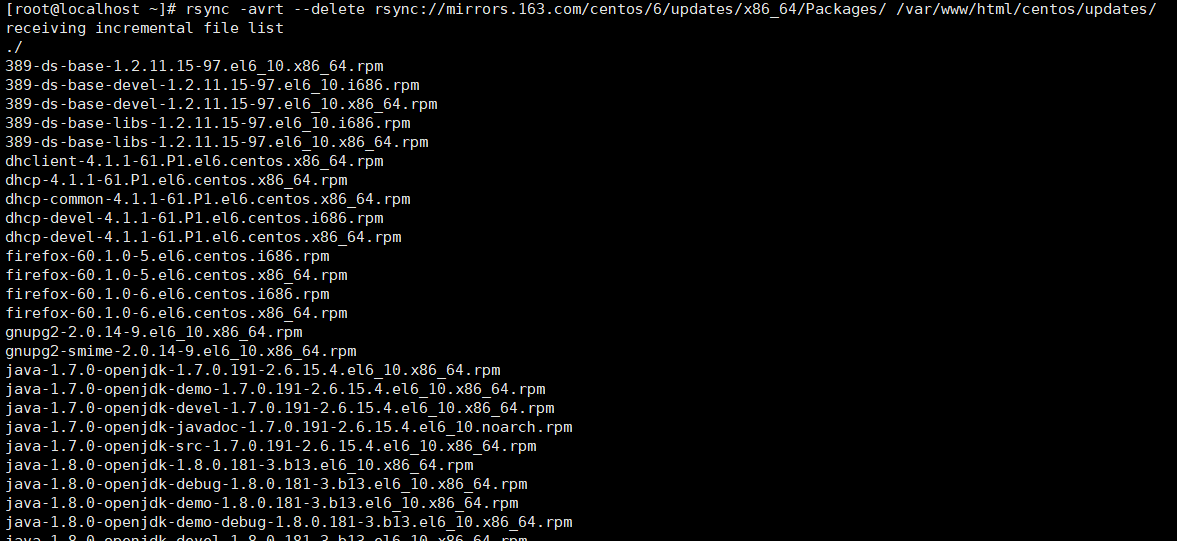
同步完成。
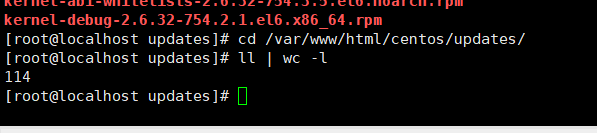
5、安装createrepo工具
# yum install -y createrepo
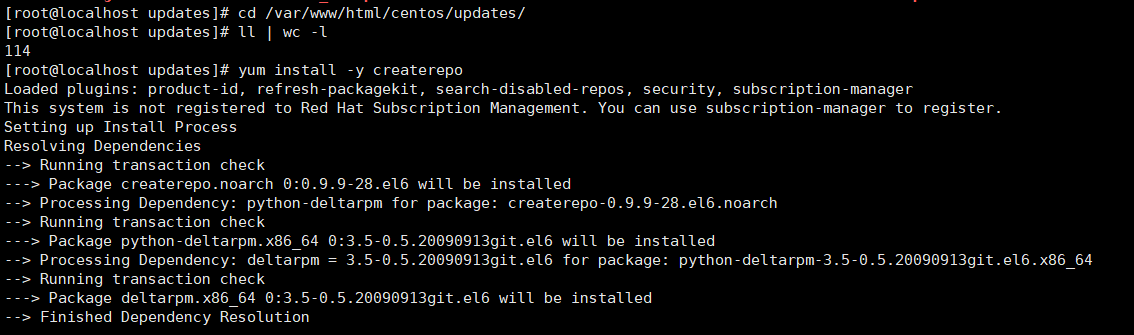
6, 在本地源服务器做同步。
# createrepo --update /var/www/html/centos/updates
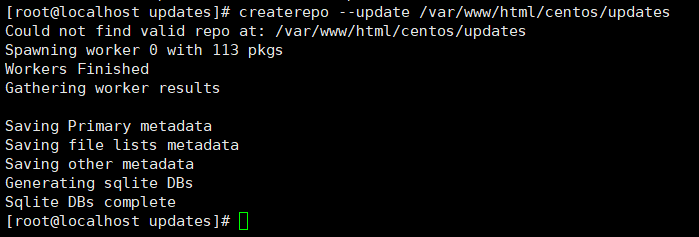
PS:以后新增包都需要update操作。
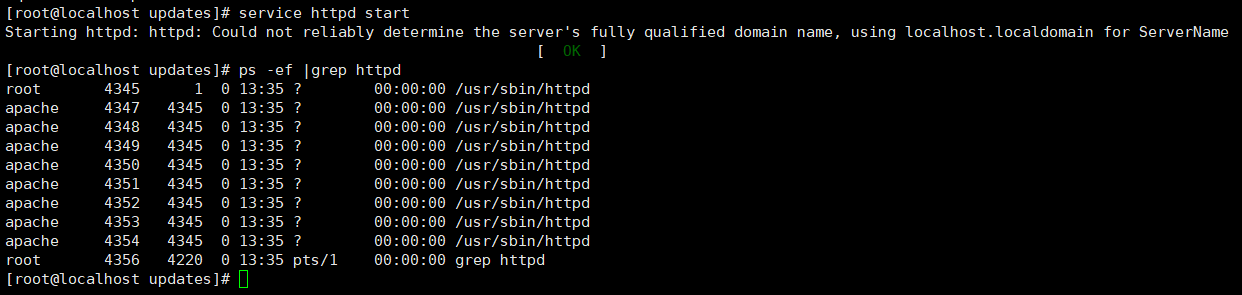
6,开启httpd
# service httpd start
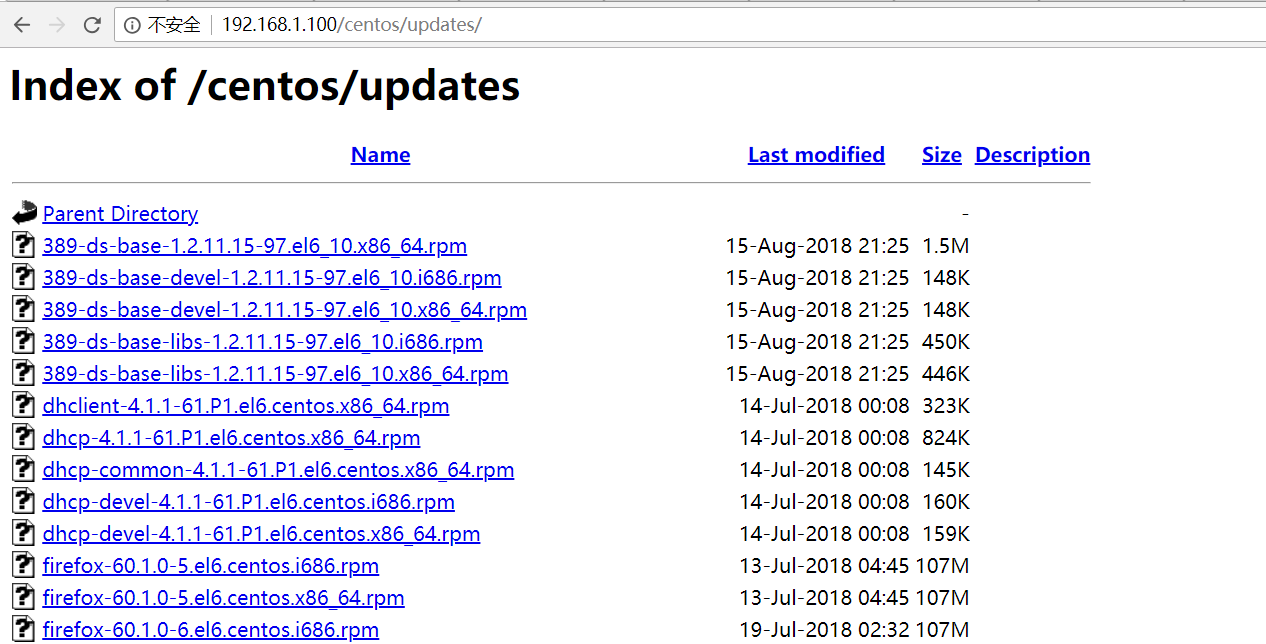
7、网页验证:http://192.168.1.100/centos/updates
7、客户端配置yum源验证
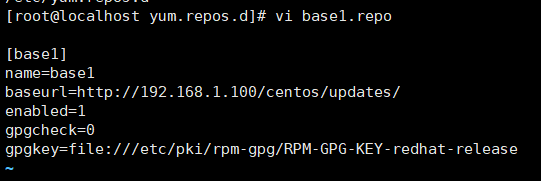
7.1 在/etc/yum.repos.d目录下新建base1.repo,写入配置信息,保存退出。yum clean all yum makecache yumlist

posted on 2018-08-19 13:45 guangfenge 阅读(350) 评论(0) 收藏 举报


 浙公网安备 33010602011771号