


集合框架第15天(Collection父接口及方法、新建集合,集合添加元素,遍历集合、删除集合、判断集合)
Collection父接口
特点:代表一组任意类型的对象,无序、无下标、不可重复
方法:
boolean add(Object obj)//添加一个对象
boolean addAll(Collection c)//将一个集合中的所有对象添加到此集合中
void clean()//清空此集合中的所有对象
boolean contains(Object o)//检查此集合中是否包含o对象
boolean equals(Object o)//比较此集合是否与指定对象相等
boolean isEmpty()//判断此集合是否为空
boolean remove(Object o)//在此集合中移除o对象
int size()//返回此集合中元素个数
Object[] toArray()//将此集合转换为数组
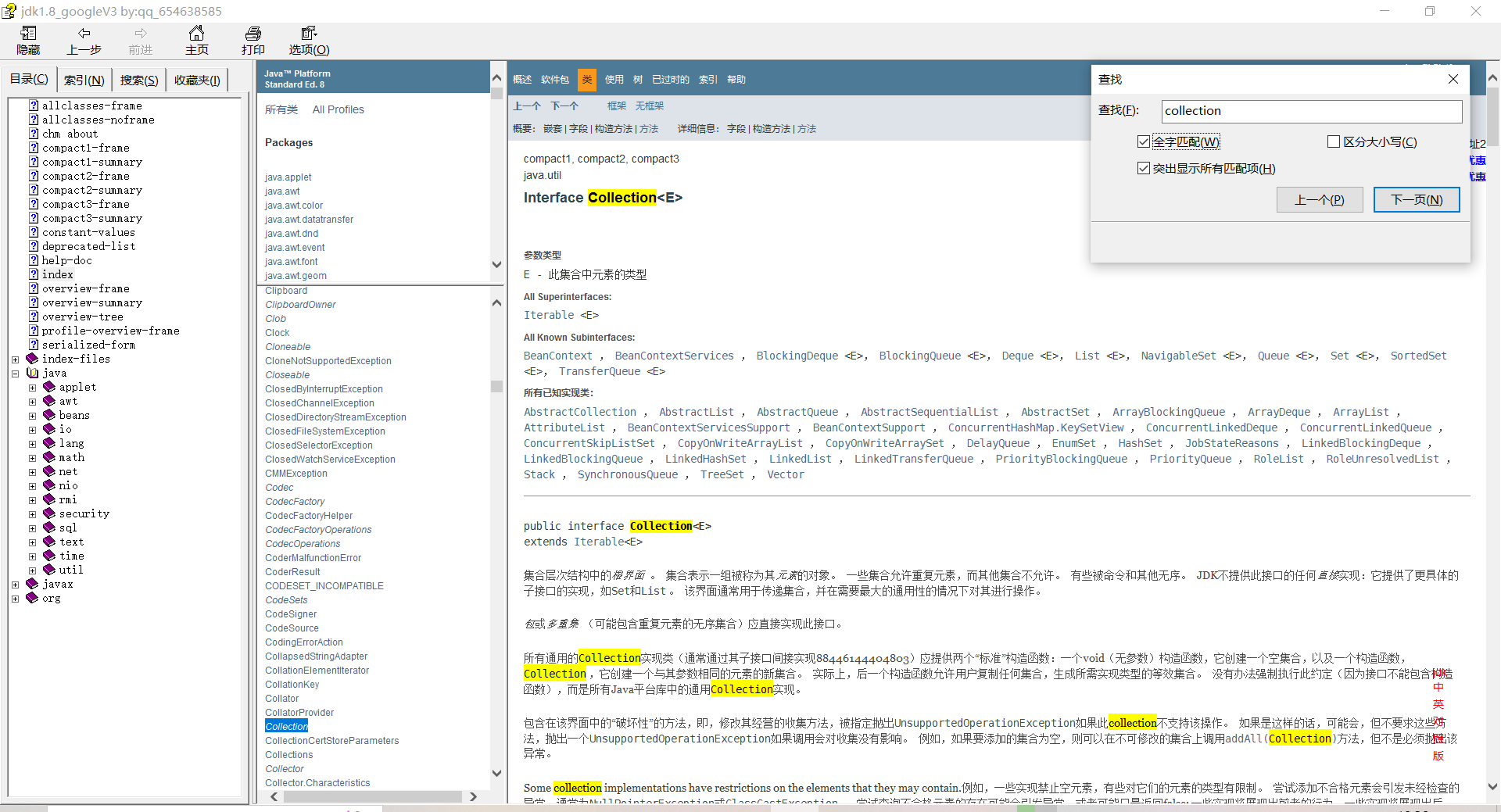
在JDK帮助文档中可通过ctrl+f搜索collection查看方法
操作1,添加水果
public static void main(String[] args) {
        //创建集合
        Collection collection=new ArrayList();
        //1、添加元素
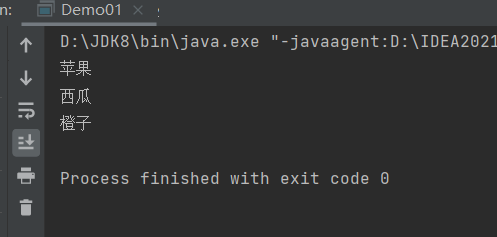
        collection.add("苹果");
        collection.add("西瓜");
        collection.add("橙子");
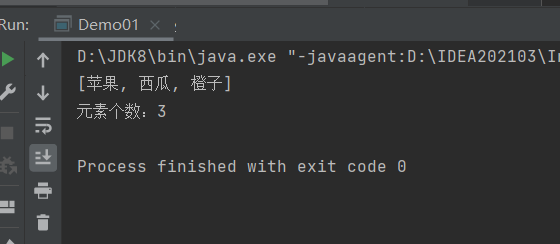
        System.out.println(collection);//打印元素
        System.out.println("元素个数:"+collection.size());//打印元素个数
        //2、删除元素
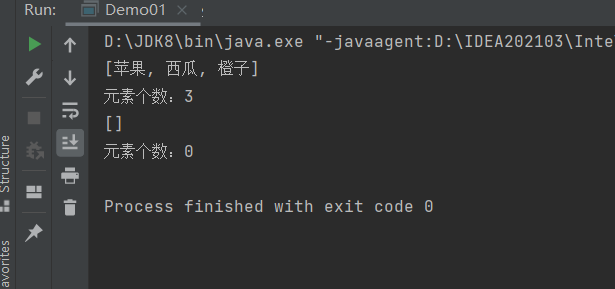
        collection.remove("苹果");//删除某一个元素
        collection.clear();//清空所有元素
        System.out.println(collection);//打印元素
        System.out.println("元素个数:"+collection.size());//打印元素个数
        //3、遍历元素
        //3.1使用增强for循环
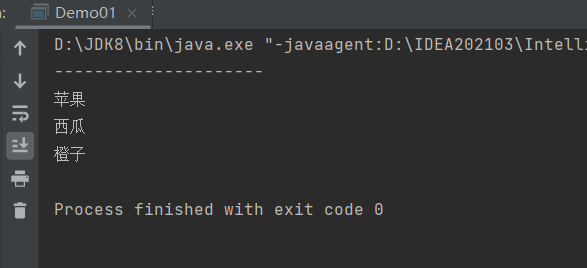
       System.out.println("---------------------");
        for (Object object:collection
             ) {
            System.out.println(object);
        }
        //3.2使用迭代器(专门用来遍历集合的一种方式)
        hasNext()判断有没有下一个元素,有就返回true,没有就返回false
        next()获取下一个元素
        remove()删除当前元素,在迭代过程中不允许使用remove方删除元素
        Iterator it=collection.iterator();
        while (it.hasNext())
        {
            System.out.println(it.next());
        }
        //4、判断
        //判断该元素是否存在
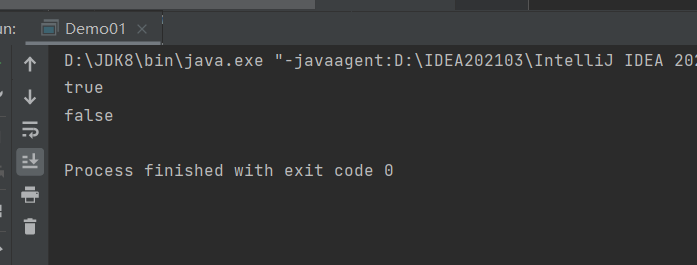
        System.out.println(collection.contains("苹果"));
        //判断集合元素是否为空
        System.out.println(collection.isEmpty());
    }
操作二添加学生类
先创建一个学生类,定义两个元素
//1、新建collection对象
        Collection collection=new ArrayList();
        //1、添加学生数据
        Student s1=new Student("张三",18);
        Student s2=new Student("张无忌",22);
        Student s3=new Student("赵敏",18);
        //将学生数据添加到集合中
        collection.add(s1);
        collection.add(s2);
        collection.add(s3);
        //查询是否添加成功
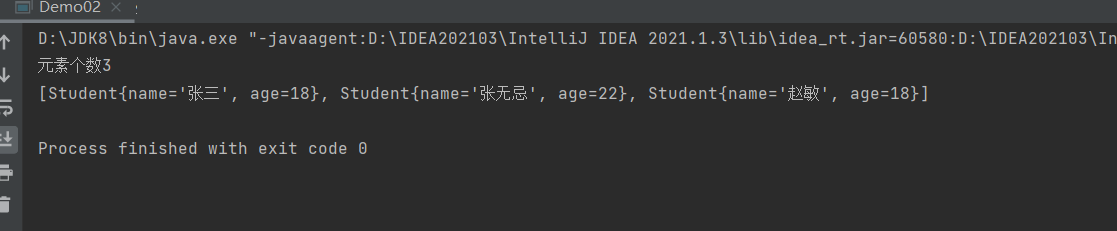
        System.out.println("元素个数"+collection.size());
        System.out.println(collection.toString());
//2、删除
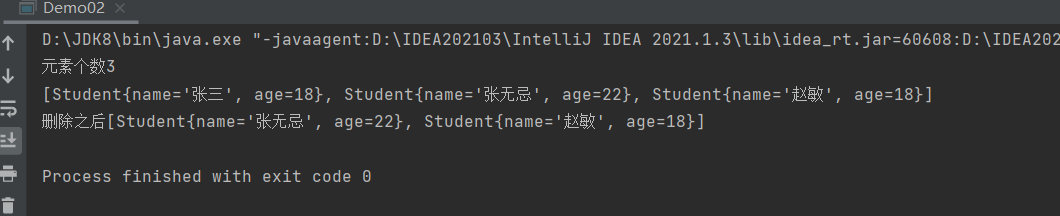
       collection.remove(s1);
       System.out.println("删除之后"+collection.toString());
       //清空集合
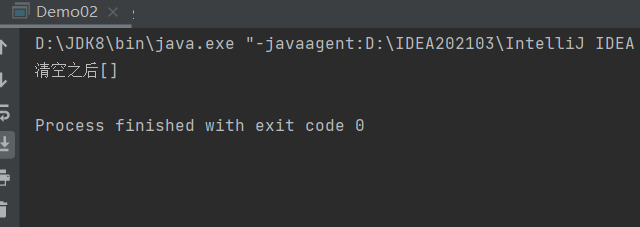
       collection.clear();
        System.out.println("清空之后"+collection.toString());
3、遍历
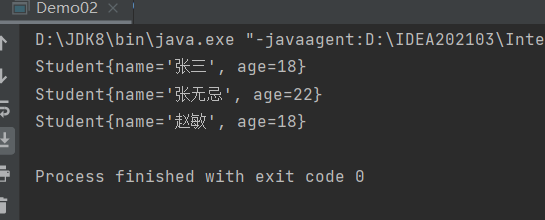
//增强for循环
for (Object obj:collection
             ) {
            System.out.println(obj);
        }
//迭代器
        Iterator iterator = collection.iterator();
        while (iterator.hasNext()){
            System.out.println(iterator.next());
        }
//4、判断
 //判断集合中有某个元素
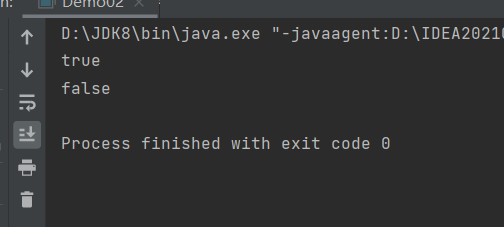
        System.out.println(collection.contains(s1));
//判断集合是否为空
        System.out.println(collection.isEmpty());

 浙公网安备 33010602011771号