

cpp: 因控制台65001,936 中文输入问题
win10 64位
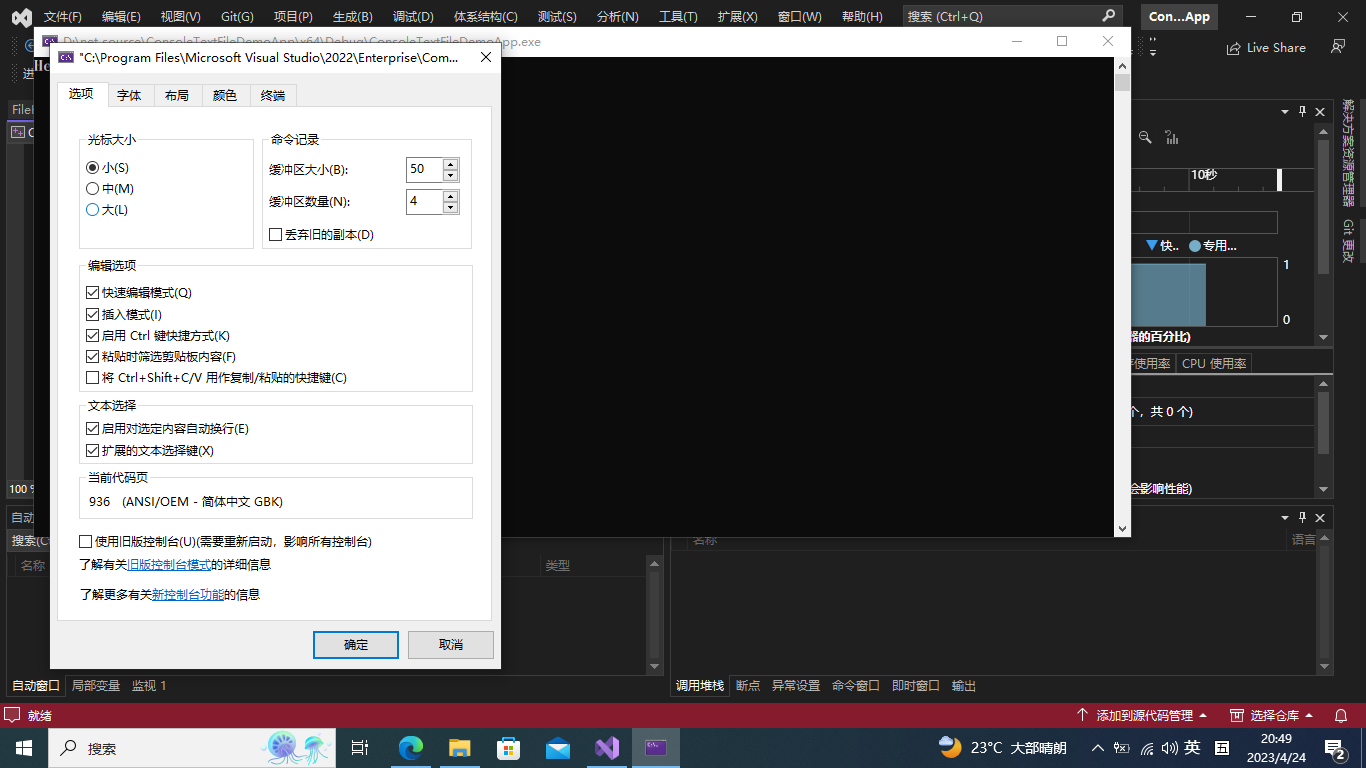
* 控程台936,程序文件UTF-8,输入可以获得中文字,输出中文没有问题(需要转码),保存的text文件编码utf-8 (需要转码)
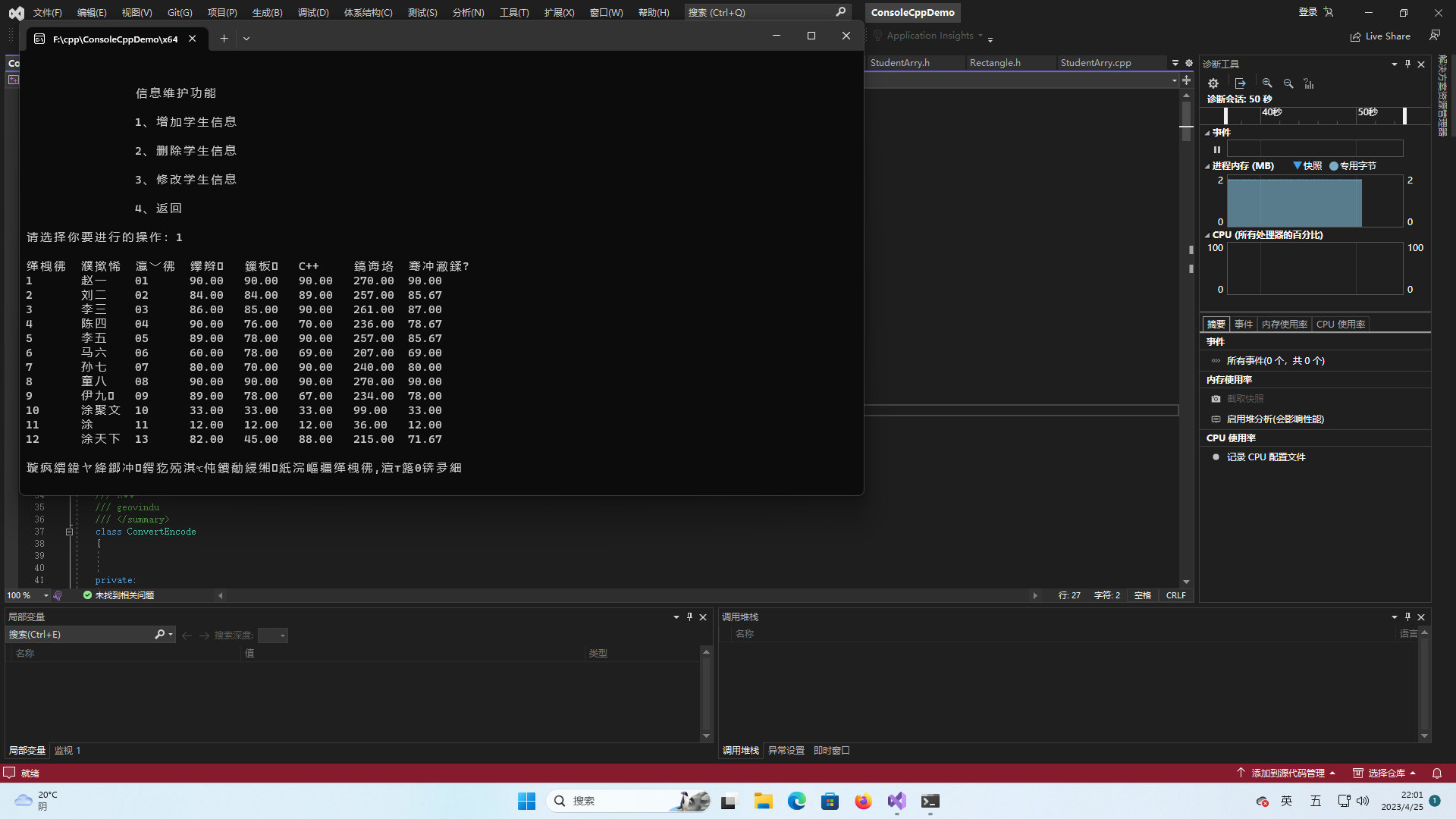
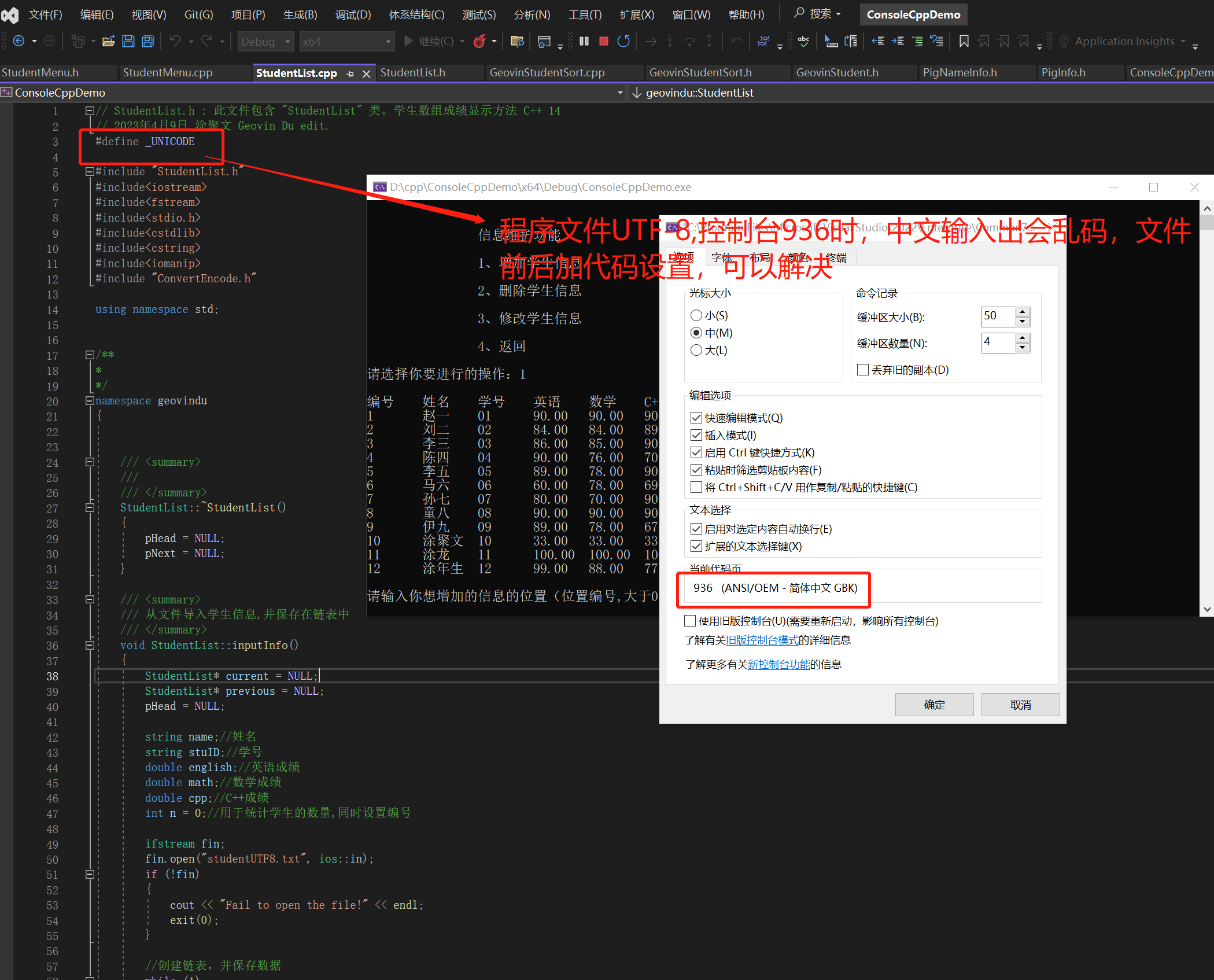
* 控程台65001 程序文件utf-8 输入中文获得是乱码,输出中文没有问题(需要代码设置),保存的text文件编码utf-8(需要转码)
* 控制台936,程序文件BGK 936,输入可以获得中文,输出中文没有问题,保存的text文件编码ANSI。
// ConsoleTextFileDemoApp.cpp : 此文件包含 "main" 函数。程序执行将在此处开始并结束。
//geovindu,Geovin Du 涂聚文
#define _UNICODE
#define _CRT_SECURE_NO_WARNINGS


#include <iostream>
#include <windows.h>
#include <string>
#include <string.h>
#include <fstream>
#include <stdio.h>
#include <cstdlib>
#include <cstring>
#include <iomanip>
#include <cstdio>
#include <codecvt>
#include <assert.h>
#include <windows.h>
#include <iostream>
#include <fstream>
#include <io.h>
#include <vector>

#include "ConvertEncode.h"
#include "geovindu.h"
#include "FileHelper.h"


using namespace std;
using namespace geovindu;


/// <summary>
/// 写成UTF-8文本文件
/// </summary>
void createFile(wstring& strchinese)
{
	ConvertEncode encode;
	wstring_convert<std::codecvt_utf8_utf16<wchar_t>, wchar_t> convert;

	ofstream testFile;

	testFile.open("geovinduinput.txt", std::ios::out | std::ios::binary);

	//std::wstring text = strchinese;


	std::string outtext = convert.to_bytes(strchinese);//

	testFile << outtext;

	testFile.close();

	std::string narrowStr = convert.to_bytes(strchinese);
	{
		std::ofstream ofs("geovinduinput2.txt");			//文件是utf8编码
		ofs << narrowStr;
	}

}
/// <summary>
/// 读文写文件 utf-8的文本文件
/// </summary>
void readfile()
{
	ConvertEncode encode;
	string sname;
	string stuID;//学号
	int num;//编号
	double english;//英语成绩
	double math;//数学成绩
	double cpp;//C++成绩
	vector<string> lines;
	string line;

	ifstream fin;
	fin.open("student.txt", ios::in); //utf-8文件读

	if (!fin)
	{
		cout << "Fail to open the file!" << endl;
		exit(0);
	}

	//创建链表,并保存数据
	while (1)
	{
		if (!(fin >> sname >> stuID >> english >> math >> cpp))//从文件中读取数据 中文没有读出来
		{
			break;
		}
		else
		{
			cout << encode.UTF8ToGBDu(sname.c_str()) << "\t" << stuID << "\t" << english << "\t" << math << "\t" << cpp << endl;
		}
	}

	while (getline(fin, line)) {
		lines.push_back(line);
	}
	fin.close();
	//cout << encode.UTF8ToGBDu(sname) << "\t" << stuID << "\t" << english << "\t" << math << "\t" << cpp << endl;

}


const int FBLOCK_MAX_BYTES = 256;
/*
// File Type.
typedef enum FileType
{
	ANSI = 0,
	unicode,
	UTF8,
}FILETYPE;

FILETYPE GetTextFileType(const std::string& strFileName);

int UnicodeToANSI(char* pDes, const wchar_t* pSrc);
*/

int main(void)
{


	//控制器是936,程序文件是utf-8,用这个 只是COUT显示正常 输入获取不了值
	setlocale(LC_ALL, "zh_CN.UTF-8");
	//加另一设置,都显示正常,就是获取输入中文值问题
	//system("CHCP 65001");
	//system("CHCP 936");
	//cout.imbue(locale("zh_CN.utf8"));
    wcout << L"Hello World! 涂聚文\n";
	wstring dsname;
	wcin >> dsname;
	wcout << L"cin:" << dsname << endl;


	readfile();
	//读内容
	//std::wstring_convert<std::codecvt_utf8<wchar_t>> conv;
	//std::ifstream ifs(L"geovinduinput.txt");
	//while (!ifs.eof())
	//{
	//	string line;
	//	getline(ifs, line);
	//	wstring wb = conv.from_bytes(line);
	//	wcout.imbue(locale("chs"));			//更改区域设置 只为控制台输出显示 其他语言显示不了,中文可以
	//	wcout << wb << endl;
	//}
	//ifs.close();


    Geovin geovin;
    geovin.createFile();
	wstring allstr;
    wstring sname;
	//wstring stuID;//学号
	int stuID;
	int num;//编号
	double english;//英语成绩
	double math;//数学成绩
	double cpp;//C++成绩
	int location = 0;//位置编号
	int flag = 0;//标记是否有对应的编号
	wcout.imbue(locale("zh_CN.UTF-8"));
	wcout << L"请输入新增学生的信息" << endl;
	wcout << L"姓名\t" << L"学号\t" << L"英语\t" << L"数学\t" << L"C++\t" << endl;
	//wcin.imbue(locale("zh_CN.UTF-8"));//获取的不是中文
	wcin.imbue(locale("chs"));
    wcin >> sname >> stuID >> english >> math >> cpp;  //但获不到值

	//allstr = sname + ' ' + stuID;
	allstr.append(sname); //C++ wstring::append
	allstr.append(L" ");
	allstr.append(to_wstring(stuID));
	allstr.append(L" ");
	allstr.append(to_wstring(english));
	allstr.append(L" ");
	allstr.append(to_wstring(math));
	allstr.append(L" ");
	allstr.append(to_wstring(cpp));
    createFile(allstr);


	system("pause");
	return 0;


}

// 运行程序: Ctrl + F5 或调试 >“开始执行(不调试)”菜单
// 调试程序: F5 或调试 >“开始调试”菜单

// 入门使用技巧:
//   1. 使用解决方案资源管理器窗口添加/管理文件
//   2. 使用团队资源管理器窗口连接到源代码管理
//   3. 使用输出窗口查看生成输出和其他消息
//   4. 使用错误列表窗口查看错误
//   5. 转到“项目”>“添加新项”以创建新的代码文件,或转到“项目”>“添加现有项”以将现有代码文件添加到项目
//   6. 将来,若要再次打开此项目,请转到“文件”>“打开”>“项目”并选择 .sln 文件


#define UNICODE
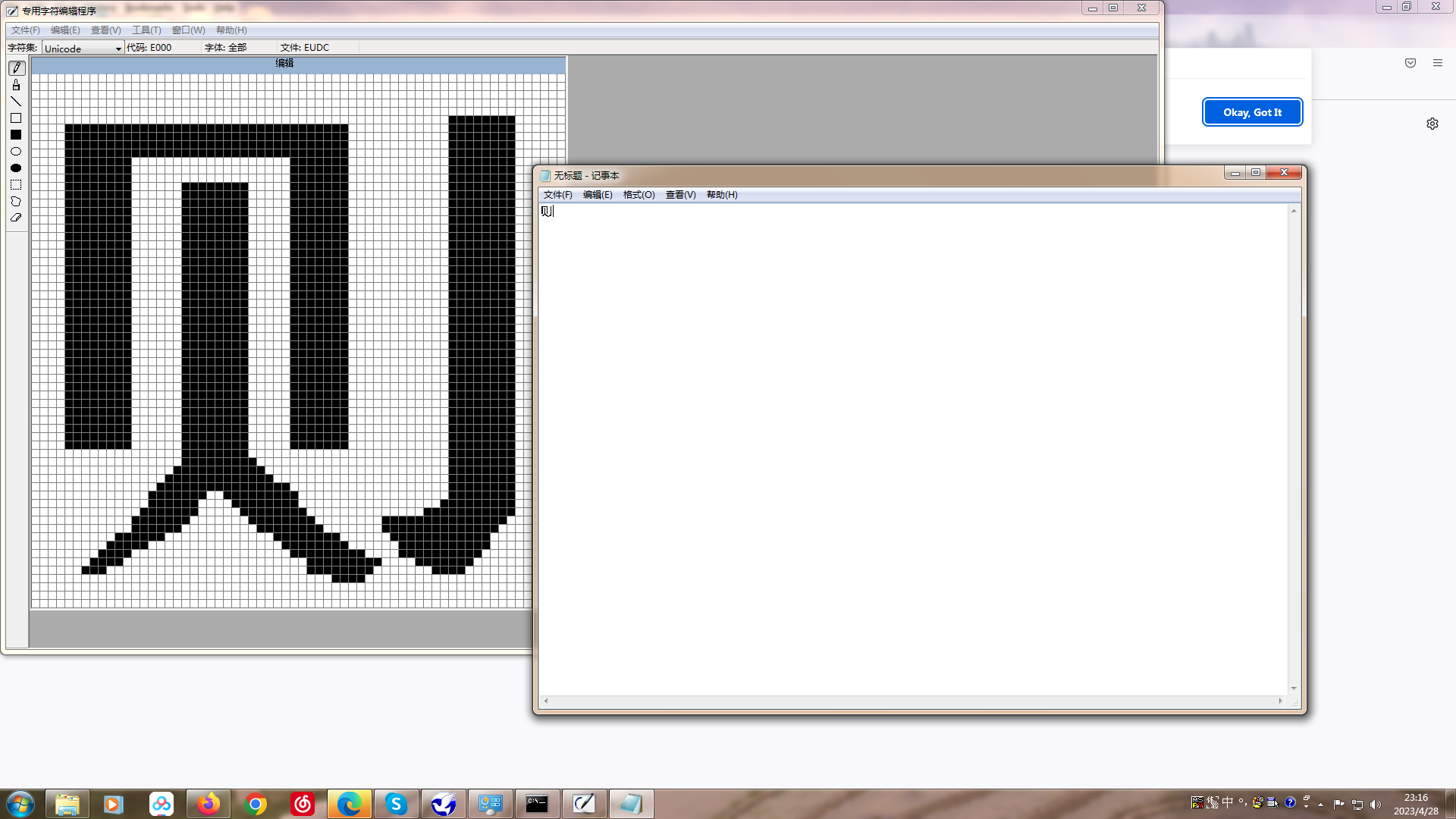

您無法在 Eudcedit.exe 中連結 TextService - Windows Client | Microsoft Learn
哲学管理(学)人生, 文学艺术生活, 自动(计算机学)物理(学)工作, 生物(学)化学逆境, 历史(学)测绘(学)时间, 经济(学)数学金钱(理财), 心理(学)医学情绪, 诗词美容情感, 美学建筑(学)家园, 解构建构(分析)整合学习, 智商情商(IQ、EQ)运筹(学)生存.---Geovin Du(涂聚文)

 浙公网安备 33010602011771号