
FFmpeg: 网页播放Venice.m3u8
https://playerjs.com/docs/en=hls
https://github.com/video-dev/hls.js/
https://hls-js.netlify.app/api-docs/
https://hls-js.netlify.app/demo/
https://docs.gumlet.com/docs/insights-hlsjs-web
http://clappr.io/demo/
https://github.com/clappr/clappr
http://clappr.io/
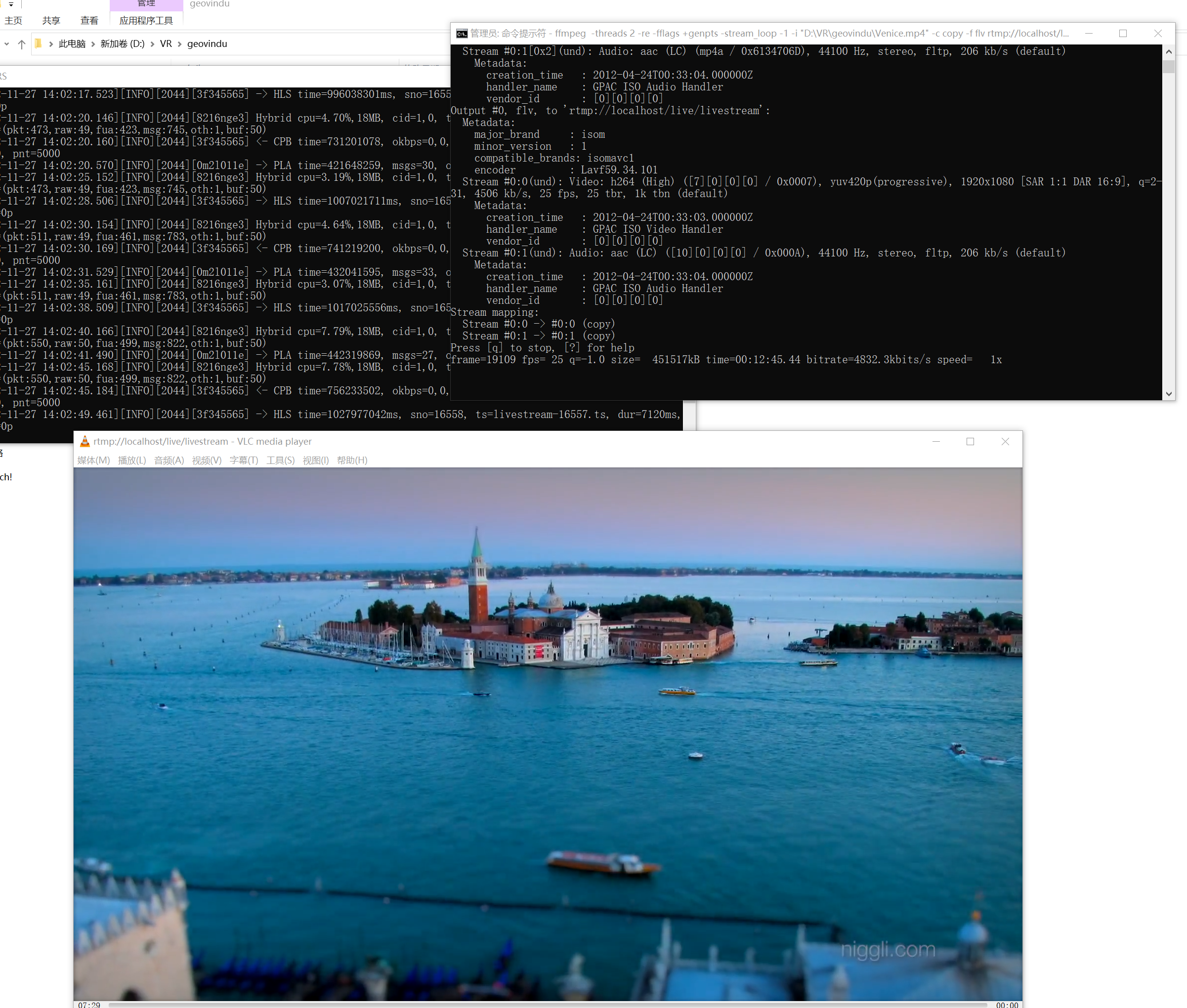
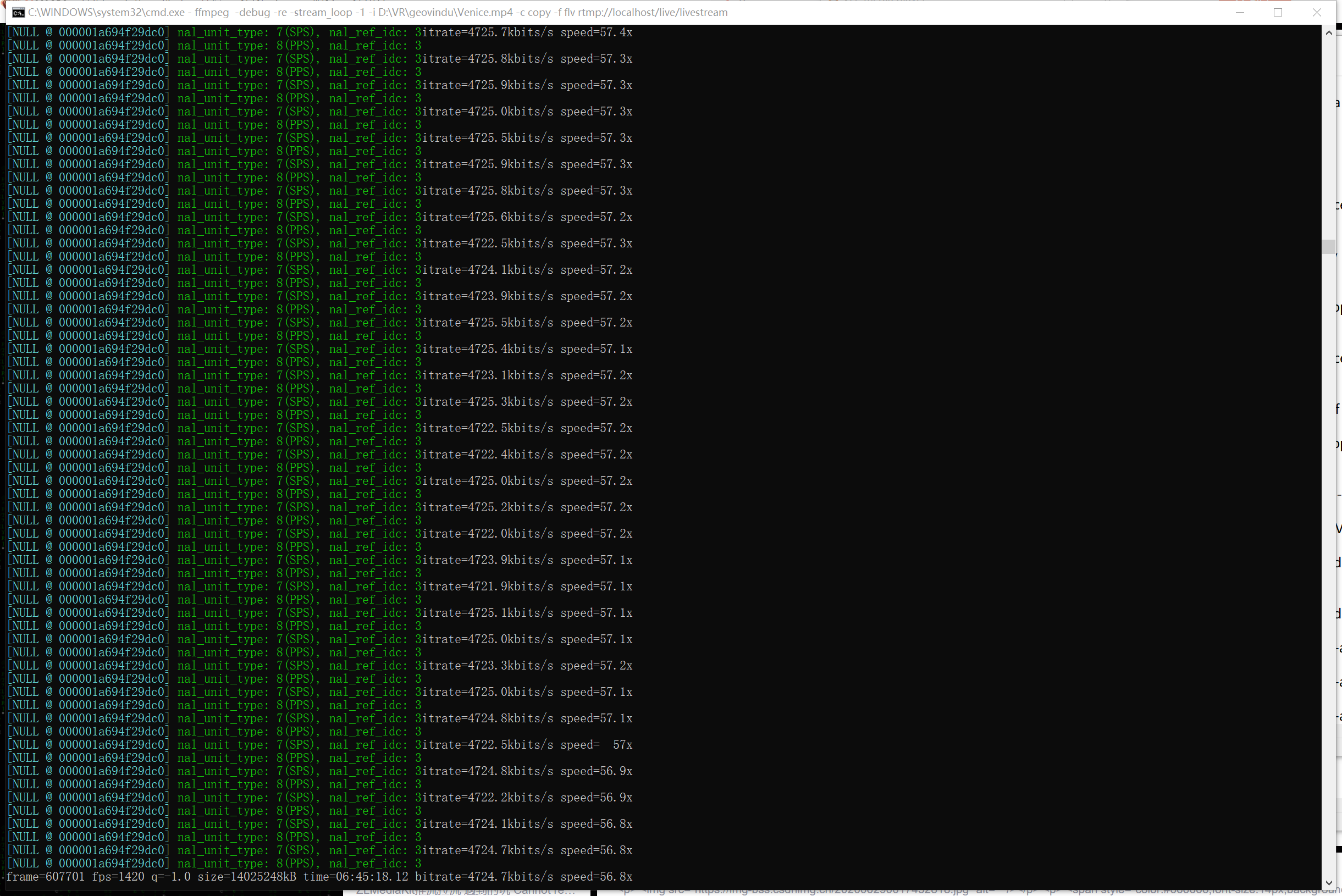
ffmpeg -threads 2 -re -fflags +genpts -stream_loop -1 -i "D:\VR\geovindu\Venice.mp4" -c copy -f flv rtmp://localhost/live/livestream
<!DOCTYPE html>
<html>
<head>
	  <meta charset="UTF-8">
    <meta name="viewport" content="width=device-width, initial-scale=1.0">
    <meta http-equiv="X-UA-Compatible" content="ie=edge">
<title>Welcome to nginx!</title>
	<meta name="Description" content="geovindu"/>
<meta name="Keywords" content="geovindu"/>
<meta name="author" content="geovindu"/>
<style>
html { color-scheme: light dark; }
body { width: 35em; margin: 0 auto;
font-family: Tahoma, Verdana, Arial, sans-serif; }

	     #video{
        margin: 0 auto;
        width: 50%;
     }
</style>
</head>
<body>
<h1>Welcome to nginx!</h1>
<p>If you see this page, the nginx web server is successfully installed and
working. Further configuration is required.</p>

<p>For online documentation and support please refer to
<a href="http://nginx.org/">nginx.org</a>.<br/>
Commercial support is available at
<a href="http://nginx.com/">nginx.com</a>.</p>

<p><em>Thank you for using nginx.</em></p>
<script src="https://cdn.jsdelivr.net/npm/hls.js@latest"></script>
<video id="video" controls="controls" controlslist="nodownload nodownload nodownload" ref="video"></video>
<script>
  if(Hls.isSupported()) {
    var video = document.getElementById('video');
    var hls = new Hls();
    hls.loadSource('/Venice.m3u8'); //rtmp://localhost/live/livestream  // /Venice.m3u8
    hls.attachMedia(video);
    hls.on(Hls.Events.MANIFEST_PARSED,function() {
      video.play();
  });
 }
 // hls.js is not supported on platforms that do not have Media Source Extensions (MSE) enabled.
 // When the browser has built-in HLS support (check using `canPlayType`), we can provide an HLS manifest (i.e. .m3u8 URL) directly to the video element throught the `src` property.
 // This is using the built-in support of the plain video element, without using hls.js.
  else if (video.canPlayType('application/vnd.apple.mpegurl')) {  //
    video.src = '/Venice.m3u8';  //      ///Venice.m3u8
    video.addEventListener('canplay',function() {
      video.play();
    });
  }
</script>

</body>
</html>
<!DOCTYPE html>
<html lang="en">
<head>
    <meta charset="UTF-8">
    <meta name="viewport" content="width=device-width, initial-scale=1.0">
    <meta http-equiv="X-UA-Compatible" content="ie=edge">
    <title>Document</title>
	<meta name="Description" content="geovindu"/>
<meta name="Keywords" content="geovindu"/>
<meta name="author" content="geovindu"/>
    <script type="text/javascript" src="https://cdn.jsdelivr.net/npm/clappr@latest/dist/clappr.min.js"></script>
    <style>
     #player{
        margin: 0 auto;
        width: 50%;
     }
    </style>
</head>
<body>
    <div id="player"></div>
    <script>
      var player = new Clappr.Player({source: "/Venice.m3u8", parentId: "#player"});
    </script>
</body>
</html>
from: https://github.com/rongfengliang/ffmpeg-m3u8

哲学管理(学)人生, 文学艺术生活, 自动(计算机学)物理(学)工作, 生物(学)化学逆境, 历史(学)测绘(学)时间, 经济(学)数学金钱(理财), 心理(学)医学情绪, 诗词美容情感, 美学建筑(学)家园, 解构建构(分析)整合学习, 智商情商(IQ、EQ)运筹(学)生存.---Geovin Du(涂聚文)

 浙公网安备 33010602011771号