

SVG Line Between Divs (multi-point)
<!doctype html>
<html>
<head>
<meta charset="utf-8">
<title>SVG Line Between Divs (multi-point)</title>
<style>
html, body {
  margin: 0;
  padding: 0;
}

#svg {
  position: absolute;
  top: 0;
  left: 0;
  width: 100%;
  height: 100vh;
}

#line {
  stroke-width: 2px;
  stroke: black;
}

.point {
  width: 15px;
  height: 15px;
  background: #d54501;
  position: absolute;
  z-index: 10;
}

.dupoint {
  width: 15px;
  height: 15px;
  background:#ffffff;
  position: absolute;
  z-index: 10;
}

body {
  font-family: "Niramit", sans-serif;
  background-color: #b2ada3;
}

p {
  margin-left: 20px;
  margin-right: 20px;
  position: relative;
  z-index: 11;
  background: rgba(178, 173, 163, 0.55);
}

#one {
  top: 80px;
  left: 50px;
}

#two {
  top: 290px;
  right: 50px;
}

#three {
  top: 390px;
  right: 150px;
}

#four {
  top: 590px;
  left: 20px;
}

.btn {
  display: inline-block;
  background: #4e7c80;
  color: white;
  padding: 10px 15px;
  margin-left: 5px;
  cursor: pointer;
  position: relative;
  z-index: 11;
  line-height: 1em;
}
.btn:hover {
  background: #3b5d60;
}
</style>
</head>

<body>
	 <!-- each object needs a unique ID although this could be removed for the className check -->
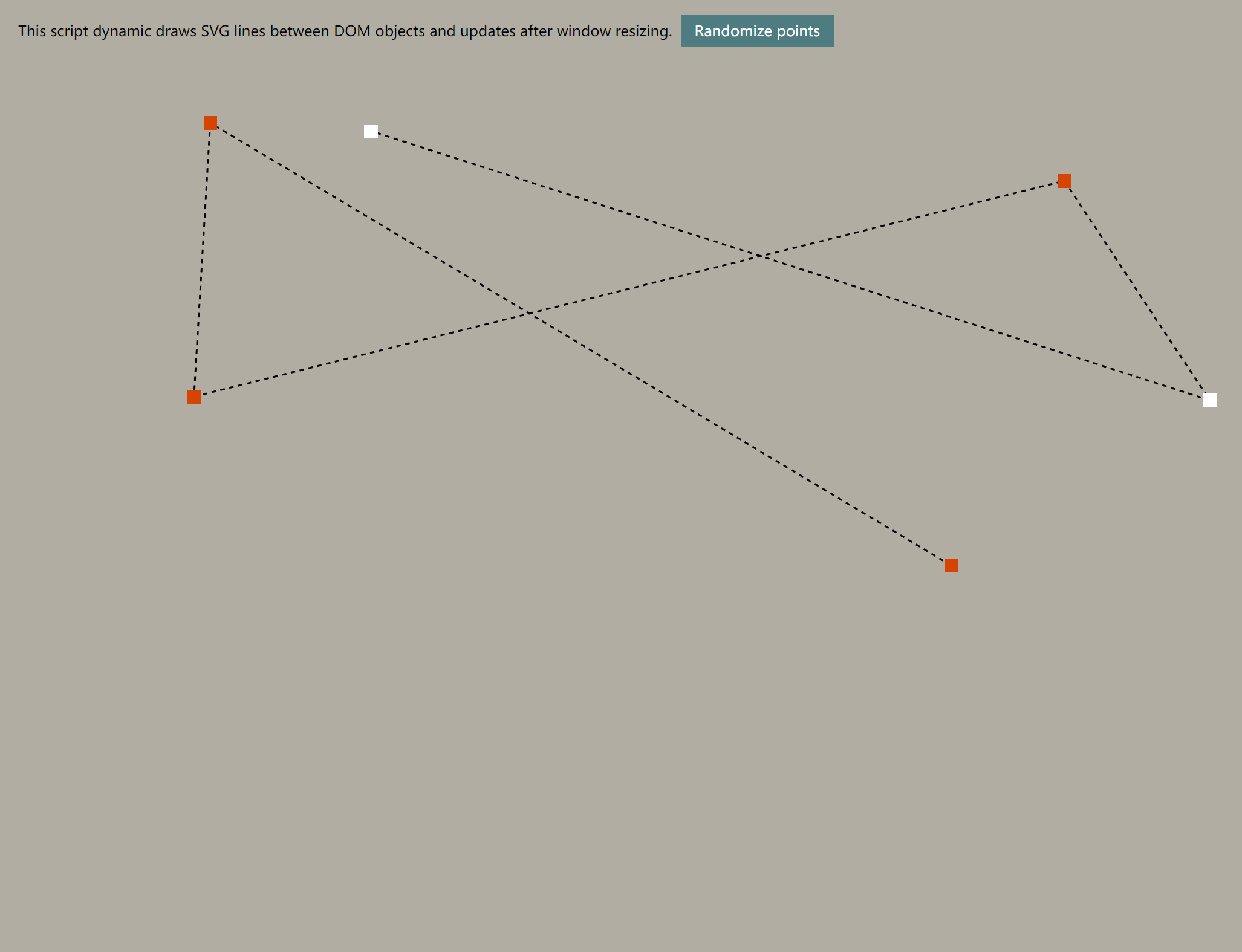
<p>This script dynamic draws SVG lines between DOM objects and updates after window resizing. <span class="btn">Randomize points</span></p>
<div id="one" class="point"></div>
<div id="two" class="point"></div>
<div id="three" class="point"></div>
<div id="four" class="point"></div>
<div id="five" class="point dupoint"></div>
<div id="six" class="point dupoint"></div>
<svg id="svg">
  <line id="line" class="line original" stroke-dasharray="5, 5"/>
	</svg>

	<script src='https://cdnjs.cloudflare.com/ajax/libs/jquery/3.3.1/jquery.min.js'></script>
      <script id="rendered-js" >
const config = {
  target: $(".point"),
  line: $(".line"),
  delay: 40 // enter zero for live resizing
};
const drawBetweenObjects = {
  //cmake the line
  makeLine: function (line, div1, div2) {
    var className = div1.attr('id') + div2.attr('id');
    if (className.includes("undefined") !== true) {//error check
      $(line).clone().addClass('deleteMe').addClass(className).removeClass("original").insertAfter(line);
      //calculations (for legibility, these are separte vars)
      var x1 = div1.offset().left + div1.width() / 2;
      var y1 = div1.offset().top + div1.height() / 2;
      var x2 = div2.offset().left + div2.width() / 2;
      var y2 = div2.offset().top + div2.height() / 2;
      $("." + className).attr('x1', x1).attr('y1', y1).attr('x2', x2).attr('y2', y2); //svg attributes
    } else {console.error("undefined object");}
  },
  findLines: function (search) {
    $(".deleteMe").remove(); //remove last set of lines
    $(search).each(function (index, el) {
      if (search.eq(index + 1).length) {//only do drawBetweenObject if there is another.
        drawBetweenObjects.makeLine(config.line, $(this), search.eq(index + 1)); //args order - line, div1 and div2 - the next div.
      }
    });
  },
  init: function () {
    drawBetweenObjects.findLines(config.target);
    //give resizing time to happen
    var resizeId;
    $(window).resize(function () {
      clearTimeout(resizeId);
      if (config.delay !== 0) {
        resizeId = setTimeout(doneResizing, config.delay);
      } else {
        drawBetweenObjects.findLines(config.target);
      }
    });
    function doneResizing() {
      drawBetweenObjects.findLines(config.target);
    }
  } };


drawBetweenObjects.init();

// umimportant ugly scripting
// this just randomizes the points
// It's pretty ugly.
$(".btn").click(function () {
  var heightMax = $(document).height(),
  widthMax = $(document).width();
  function widthCalc() {
    return Math.floor(Math.random() * widthMax);
  }
  function heightCalc() {
    return Math.floor(Math.random() * heightMax);
  }
  $("#one").css({ left: widthCalc(), top: heightCalc() });
  $("#four").css({ left: widthCalc(), top: heightCalc() });
  $("#three").css({ right: widthCalc(), top: heightCalc() });
  $("#two").css({ right: widthCalc(), top: heightCalc() });
  $("#five").css({ right: widthCalc(), top: heightCalc() });
  $("#six").css({ right: widthCalc(), top: heightCalc() });
  drawBetweenObjects.findLines(config.target);
});
//# sourceURL=pen.js from https://blog.greggant.com/posts/2018/10/16/drawing-svg-lines-between-multiple-dom-objects.html
    </script>


</body>
</html>
https://canvasjs.com/html5-javascript-line-chart/
https://konvajs.org/docs/shapes/Line_-_Spline.html
https://developer.mozilla.org/en-US/docs/Web/API/Canvas_API/Tutorial/Drawing_shapes
https://gogeometry.com/html5/index.html
https://dustinpfister.github.io/2020/03/23/canvas-example/
哲学管理(学)人生, 文学艺术生活, 自动(计算机学)物理(学)工作, 生物(学)化学逆境, 历史(学)测绘(学)时间, 经济(学)数学金钱(理财), 心理(学)医学情绪, 诗词美容情感, 美学建筑(学)家园, 解构建构(分析)整合学习, 智商情商(IQ、EQ)运筹(学)生存.---Geovin Du(涂聚文)

 浙公网安备 33010602011771号