在Vue中使用Vditor编辑器,及前端以markdown形式显示文本
在Vue中使用Vditor编辑器,及前端以markdown形式显示文本
1.技术概述
Vditor 是一款浏览器端的 Markdown 编辑器,支持所见即所得、即时渲染(类似 Typora)和分屏预览模式。它使用TypeScript实现,支持原生JavaScript、Vue、React、Angular,提供桌面版。
2.技术详述
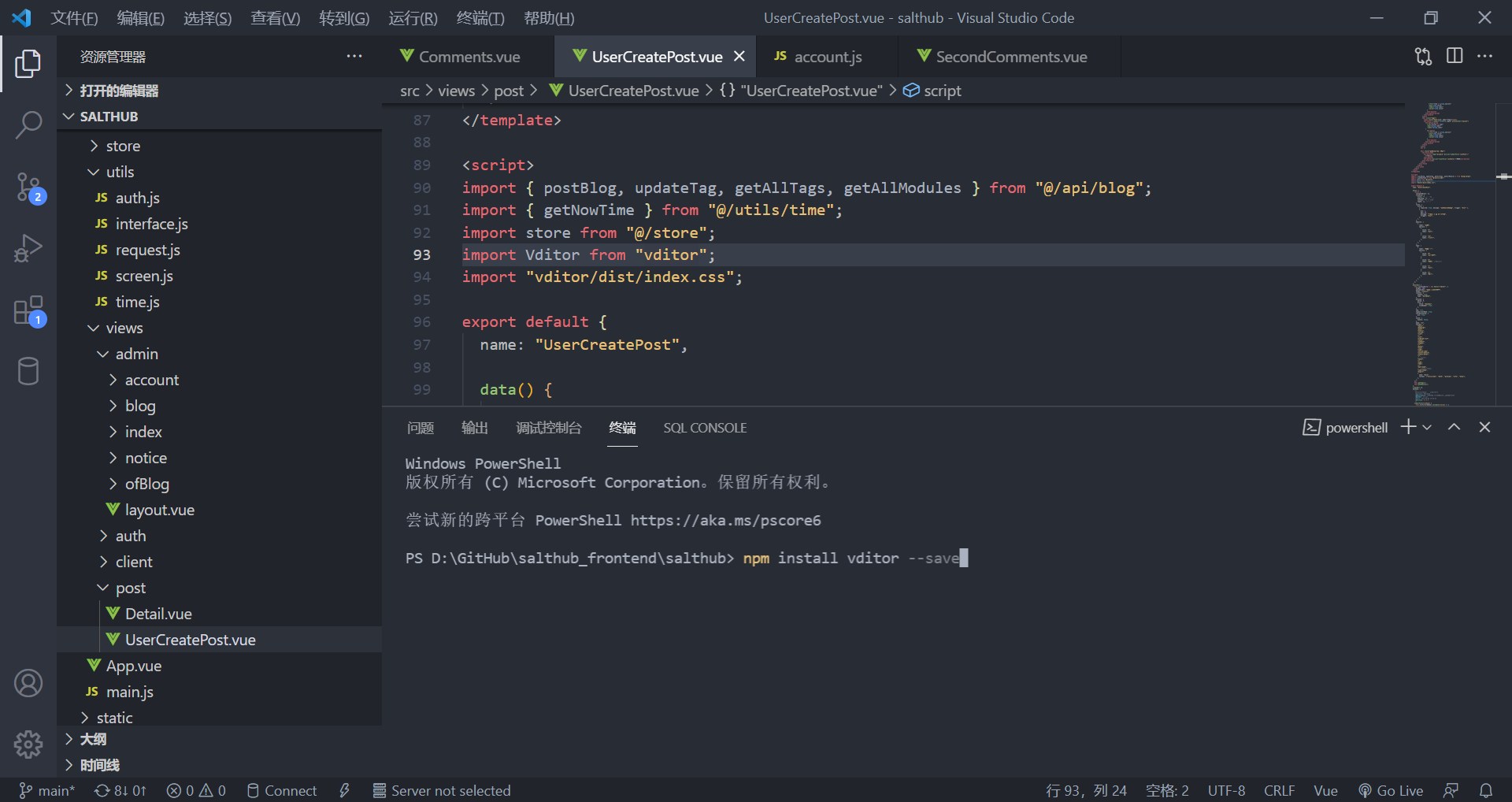
1.首先安装vditor
npm install vditor --save
用VScode直接在终端输入,如下图
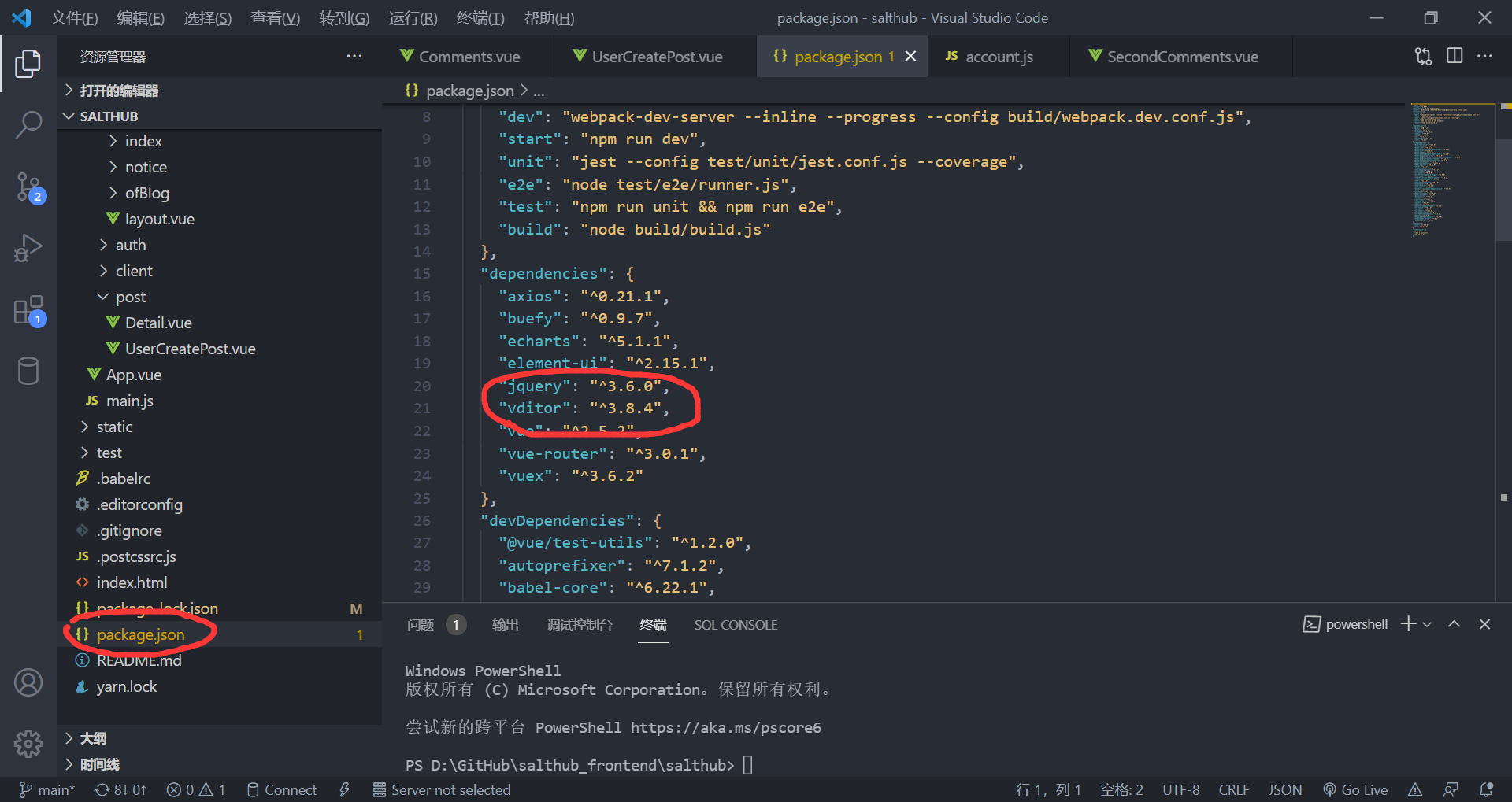
2.检查package.json中是否存在vidor依赖,如果有则引入成功,如果没有可能是网络原因导致可以试试多次尝试步骤1。
3.在vue页面中使用
代码中使用步骤分解如下:
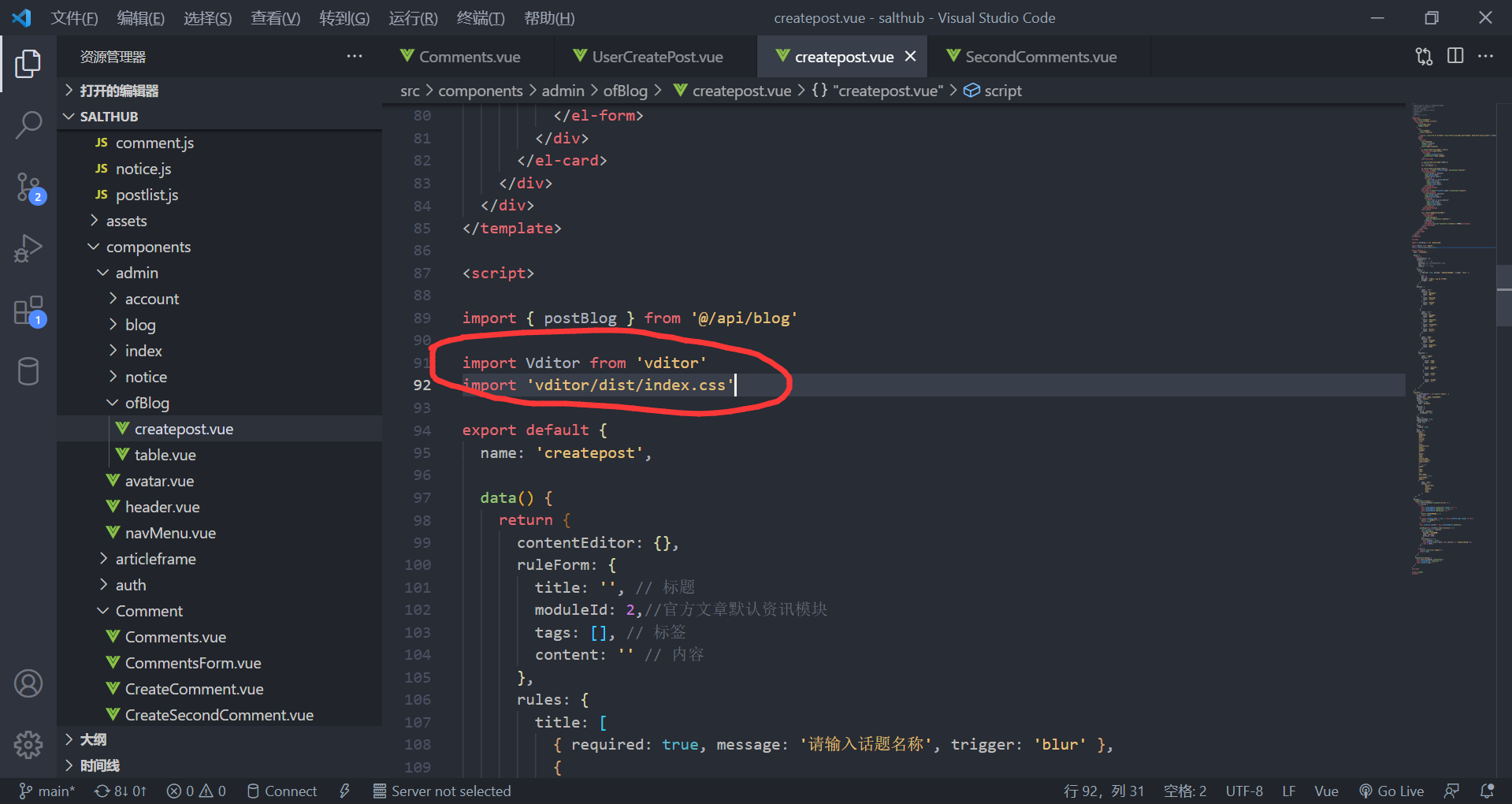
1.使用import引入
import Vditor from 'vditor'
import 'vditor/dist/index.css'
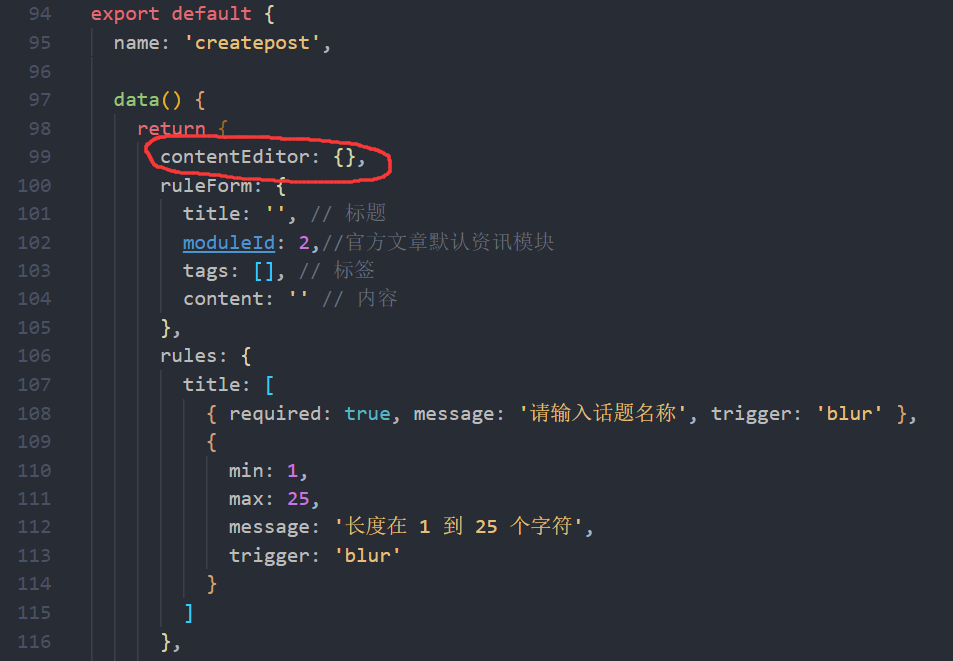
2.创建一个Vditor实例并赋值给contentEditor
具体代码可以去后面"样例"复制
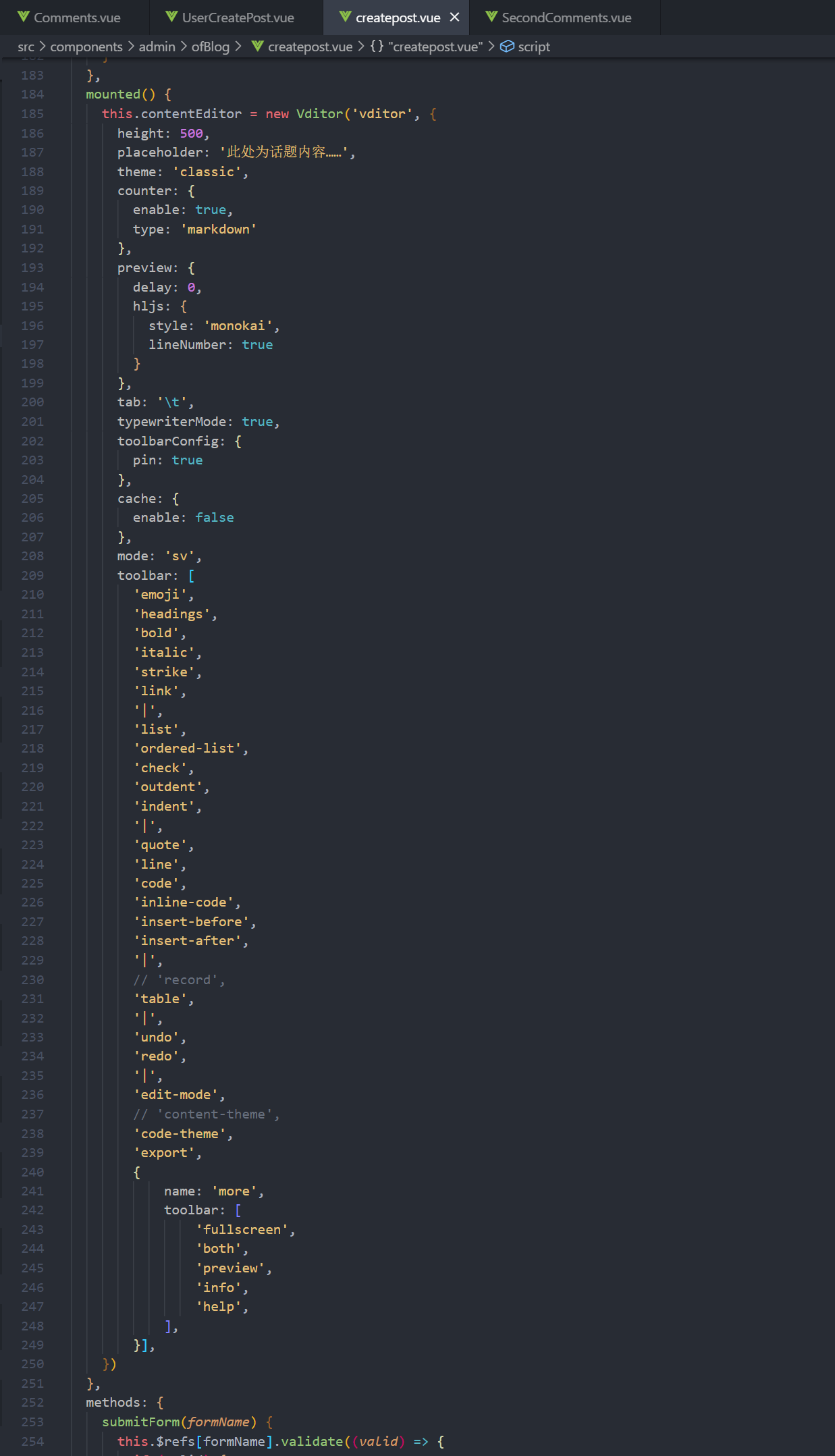
3.在前端代码中使用
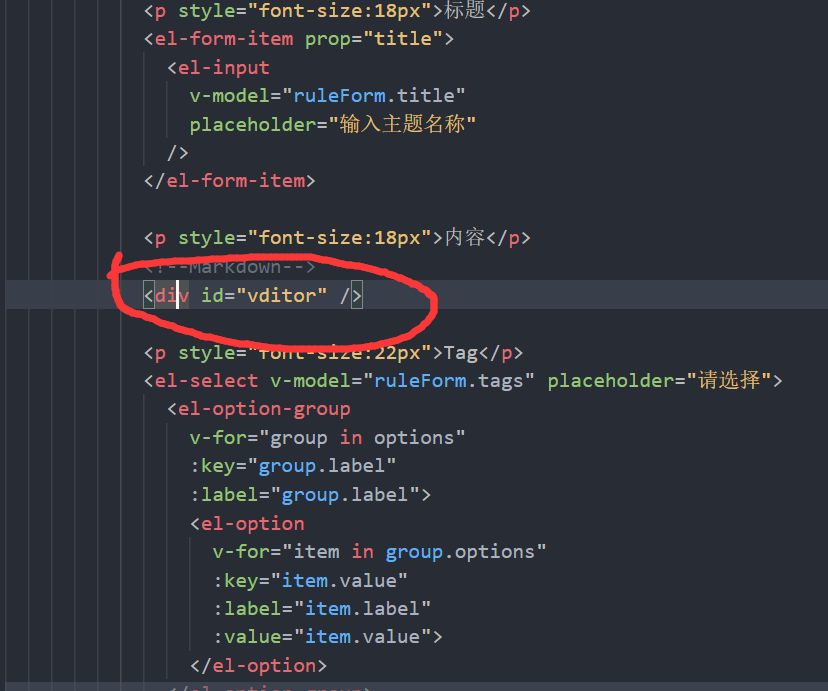
4.通过getValue()获取输入框内容
this.contentEditor.getValue()可以获取输入内容,提交表单方法中有多次使用到,如下所示:
submitForm(formName) {
this.$refs[formName].validate((valid) => {
if (valid) {
if (
this.contentEditor.getValue().length === 1 ||
this.contentEditor.getValue() == null ||
this.contentEditor.getValue() === ''
) {
alert('话题内容不可为空')
return false
}
this.ruleForm.content = this.contentEditor.getValue()
......
})
},
样例(可复制)
...
5.后端传回的数据以markdown形式显示如下"3.技术使用中遇到的问题和解决过程(后端传回的数据以markdown形式显示)"
3.技术使用中遇到的问题和解决过程(后端传回的数据以markdown形式显示)
上面的使用部分使用Vditor时我们不难发现:我们传入后端的数据是这样的:"##大标题###小标题",后端返回给前端的也是这样的:"##大标题###小标题",如果我们将从后端获取的内容不加处理地拿来显示,‘##标题’还是会原样显示为‘##标题’,所以我们将其转化为markdown形式。
方法如下所示:
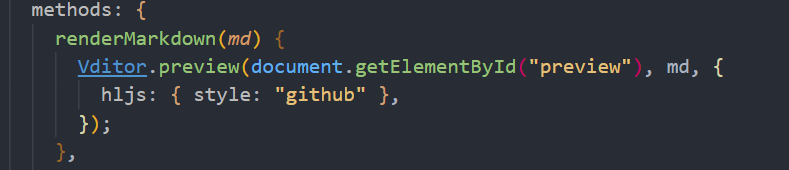
1.先写一个renderMarkdown()方法,代码如下:
renderMarkdown(md) {
Vditor.preview(document.getElementById("preview"), md, {
hljs: { style: "github" },
});
},
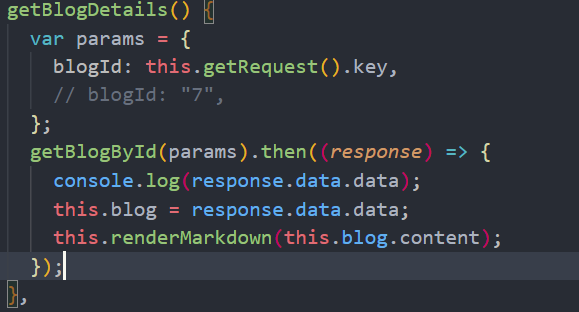
2.使用renderMarkdown()方法并传入需要以markdown显示的内容,这样被传入内容就会被修改为markdown形式。
this.renderMarkdown(this.blog.content);
然后在代码中使用
4.总结
1.首先安装vditor
npm install vditor --save
2.检查package.json中是否存在vidor依赖
3.使用
-
引入
import Vditor from 'vditor'
import 'vditor/dist/index.css' -
创建一个Vditor实例并赋值给contentEditor
-
在前端代码中使用
4.通过getValue()可以获取输入框内容
5.需要以markdown形式显示

 浙公网安备 33010602011771号