
nginx在window使用
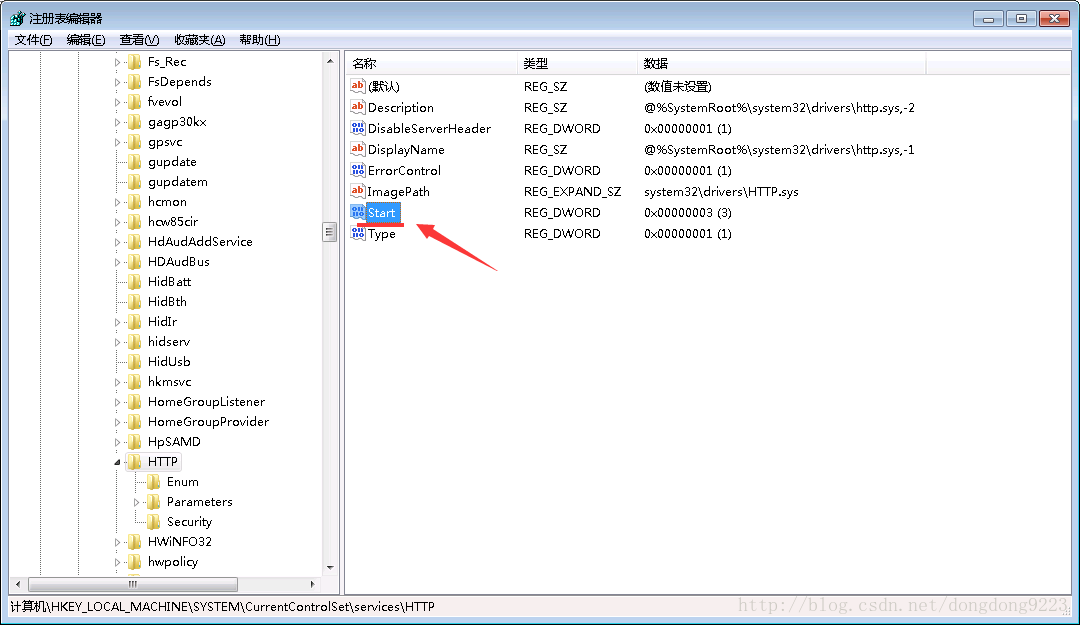
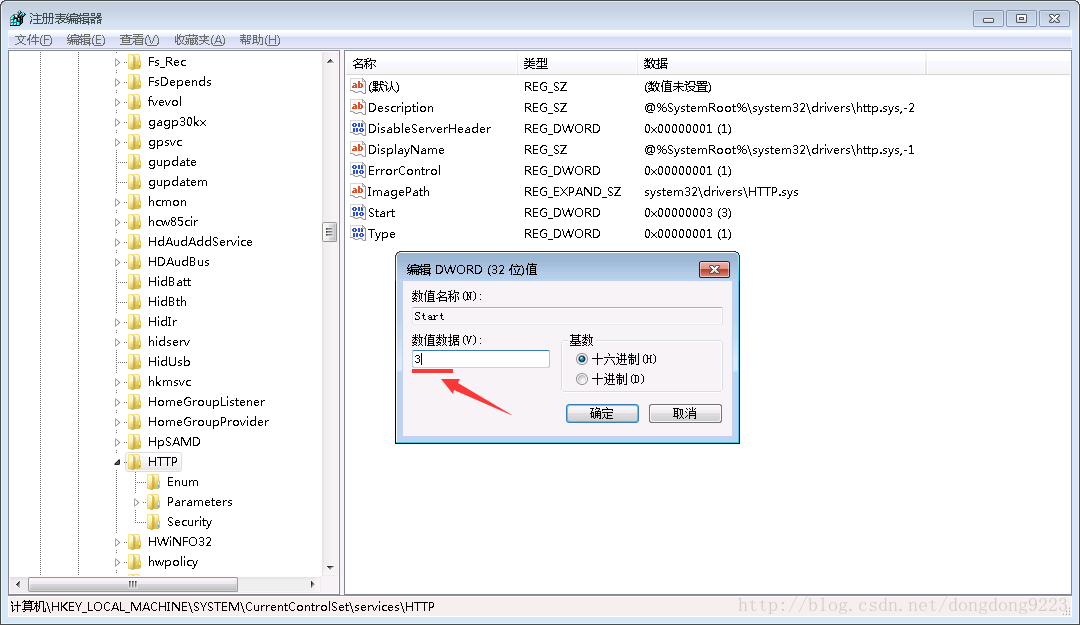
一般window会占用80端口,可以修改系统的原值,然后重启系统就可以使用80端口了
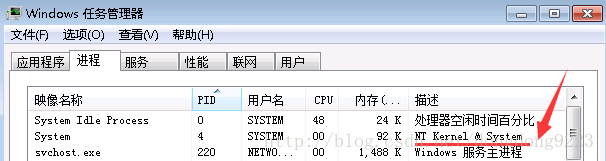
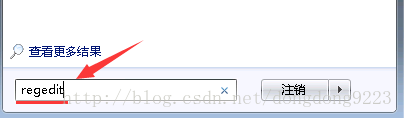
HKEY_LOCAL_MACHINE\SYSTEM\CurrentControlSet\services\HTTP
基本用法,修改nginx.conf
增加网站
server {
listen 91; # 监听端口
server_name localhost:18080; # 站点域名
root aa; # 站点根目录
index index.html index.htm index.php; # 默认导航页
}
后面访问localhost:91内容就是显示18080的内容
node的配置
    server {
        listen       80;
        server_name  www.f.cymiki.com;

        location / {
            proxy_pass  http://127.0.0.1:3000;
        }
    }
判断是pc端还是wap端访问
root   html/hengyueh;
 if ($http_user_agent ~* "(mobile|nokia|iphone|ipad|android|samsung|htc|blackberry)") {
      root html/hengyuew;
 }
启动服务:start nginx
停止服务:nginx -s stop
重新加载:nginx -s reload(配置文件被修改后需要执行它)

1.限制ip并发接请,限速
2.图片防盗链

 浙公网安备 33010602011771号