
VSCode 配置 git bash & ll 命令失效解决
PS:
- VsCode版本:1.68.1 || 1.69 || 1.70
- 新旧版本设置不一样
- 重点是 args 参数(ll生效)
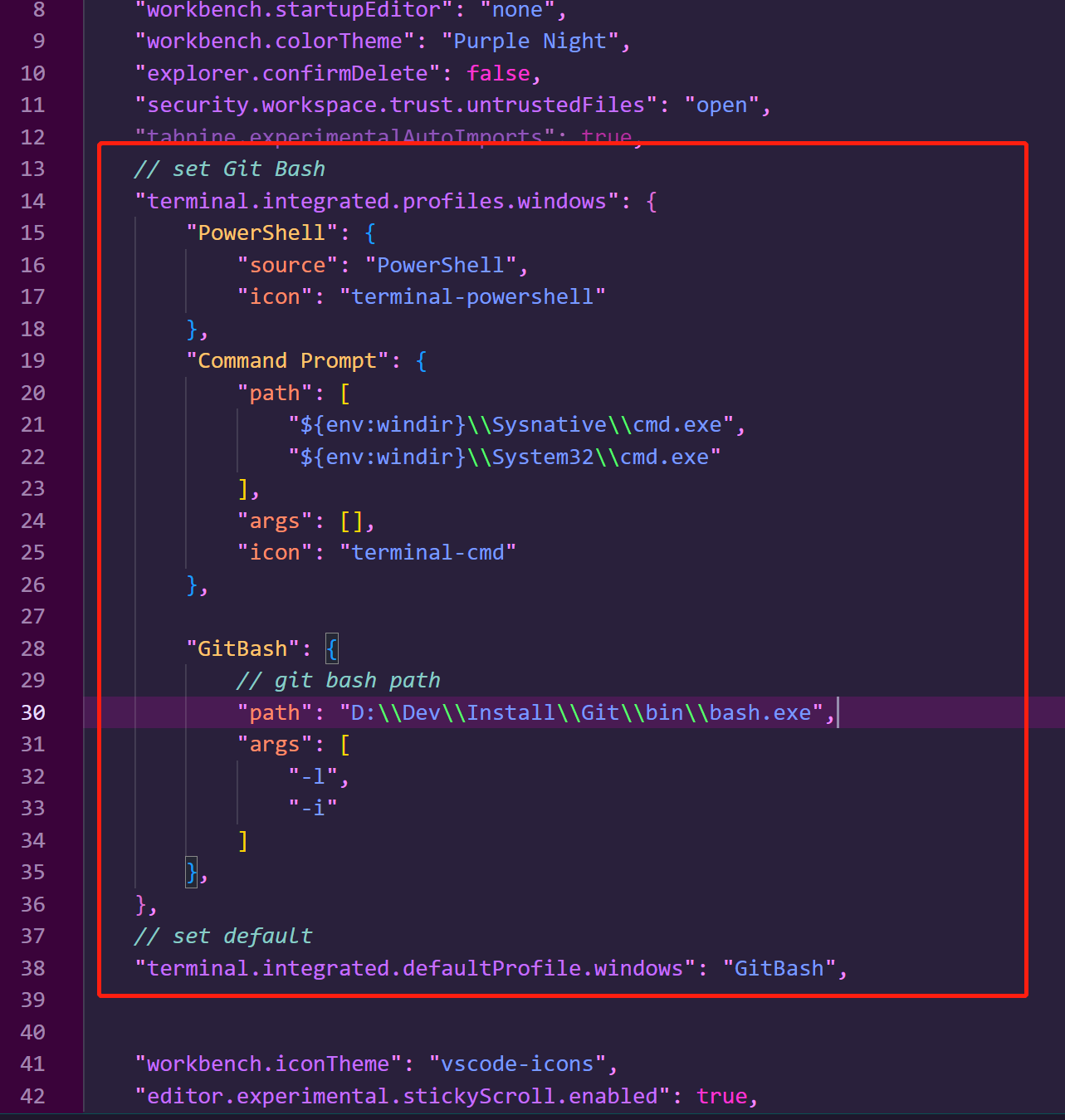
具体配置直接CV 修改Bash路径即可
// set Git Bash
    "terminal.integrated.profiles.windows": {
        "PowerShell": {
            "source": "PowerShell",
            "icon": "terminal-powershell"
        },
        "Command Prompt": {
            "path": [
                "${env:windir}\\Sysnative\\cmd.exe",
                "${env:windir}\\System32\\cmd.exe"
            ],
            "args": [],
            "icon": "terminal-cmd"
        },

        "GitBash": {
            // git bash path
            "path": "D:\\Dev\\Install\\Git\\bin\\bash.exe",
            "args": [
                "-l",
                "-i"
            ]
        },
    },
    // set default
    "terminal.integrated.defaultProfile.windows": "GitBash",

 浙公网安备 33010602011771号