

jenkins 实现制作自定义镜像并推送至harbor
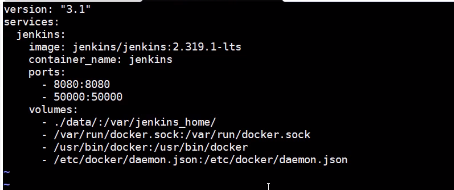
jenkins 使用 docker 容器的配置。
[root@localhost run]# pwd
/var/run
[root@localhost run]# chown root:root docker.sock
[root@localhost run]# chmod o+rw docker.sock
视频里面的操作步骤是jenkins是基于容器安装,有下面的配置操作。
2. 找到之前fenghua project,点击配置,选择构建后操作,删除之前的构建后配置。
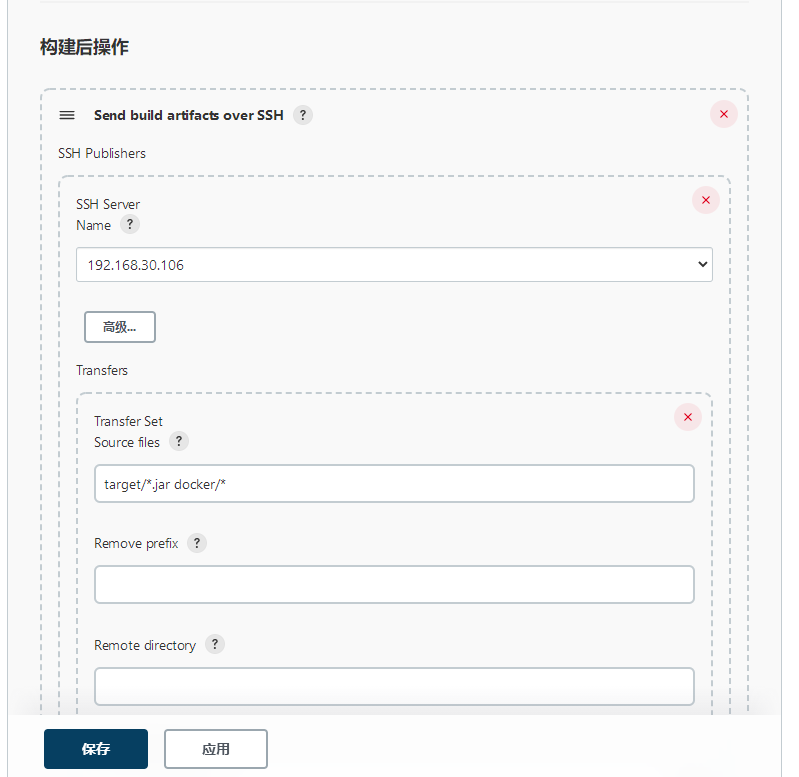
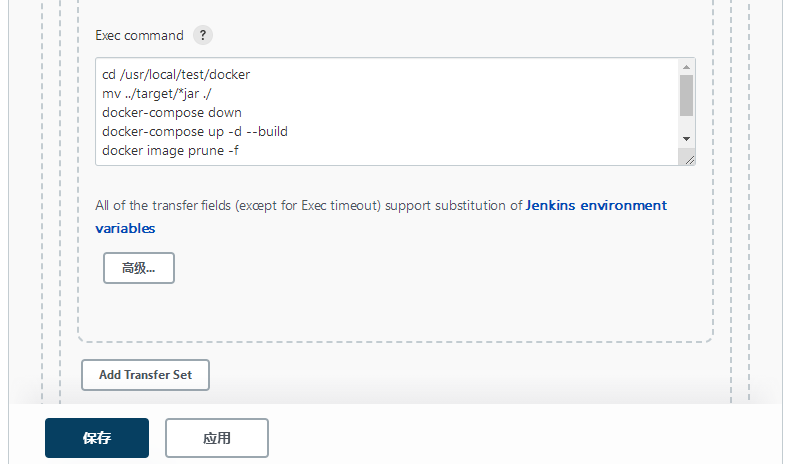
重新选择增加构建步骤,选择执行Shell。
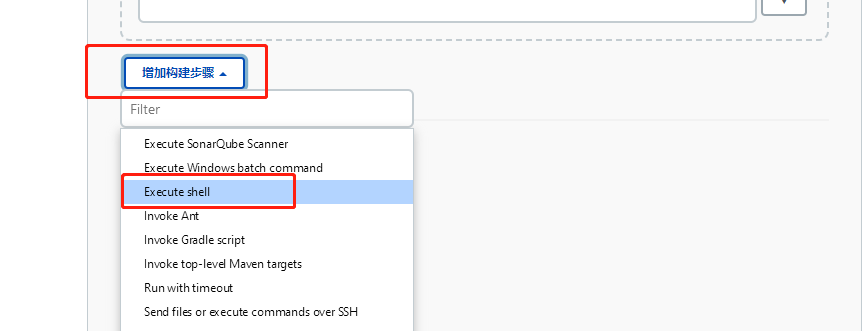
并且在执行shell中写入一下命令
mv target/*.jar docker/
docker build -t fenghua:$tag docker/
docker login -u admin -p Harbor12345 192.168.30.107:5012
docker tag fenghua:$tag 192.168.30.107:5012/repo/fenghua:$tag
在 ide 修改一下 源代码,并且提交至gitlab。
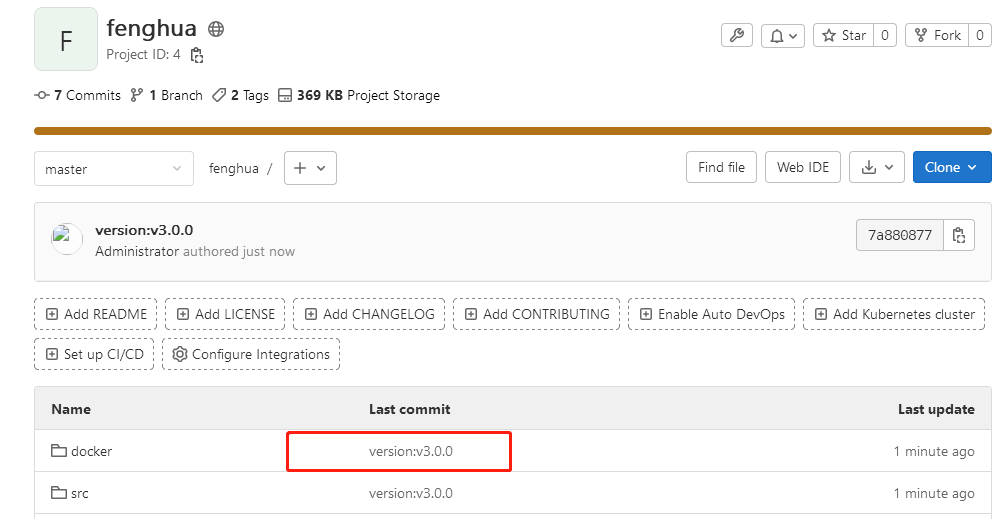
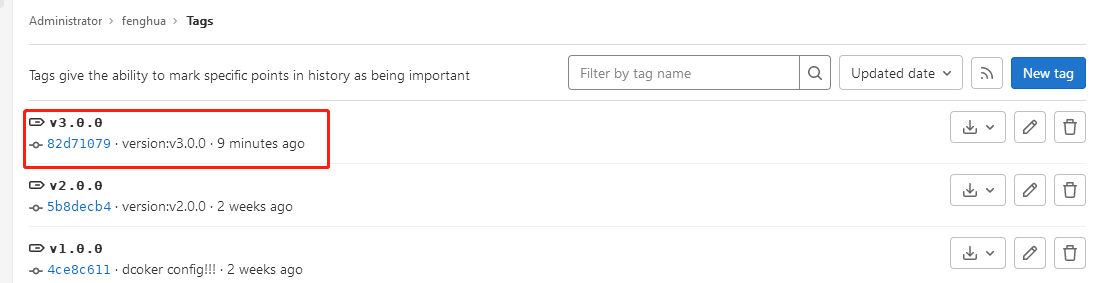
提交完成以后,要记得打标签,要不然在jenkins无法检测到版本。
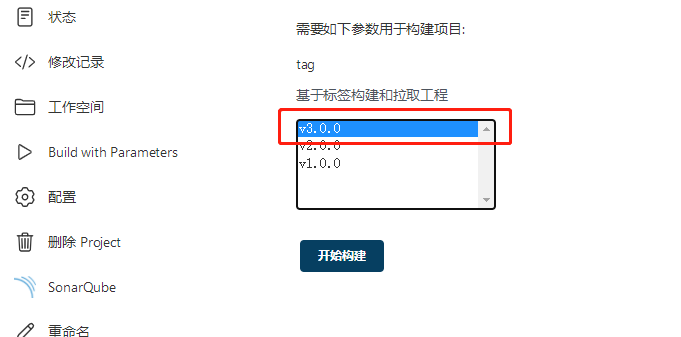
在 jenkin上编译一下。
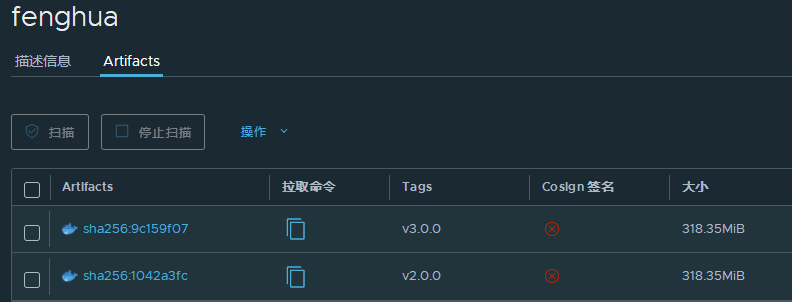
此时在harbor上已经可以看到了,fenghua这个项目有了一个新的版本v3.0.0
posted on 2022-10-08 15:31 FLOWERS_WAN 阅读(584) 评论(0) 收藏 举报

 浙公网安备 33010602011771号