
centos7安装nginx
第一步安装环境依赖
zlib 适用于数据压缩的函式库
[root@localhost ~]# yum install gcc-c++ -y
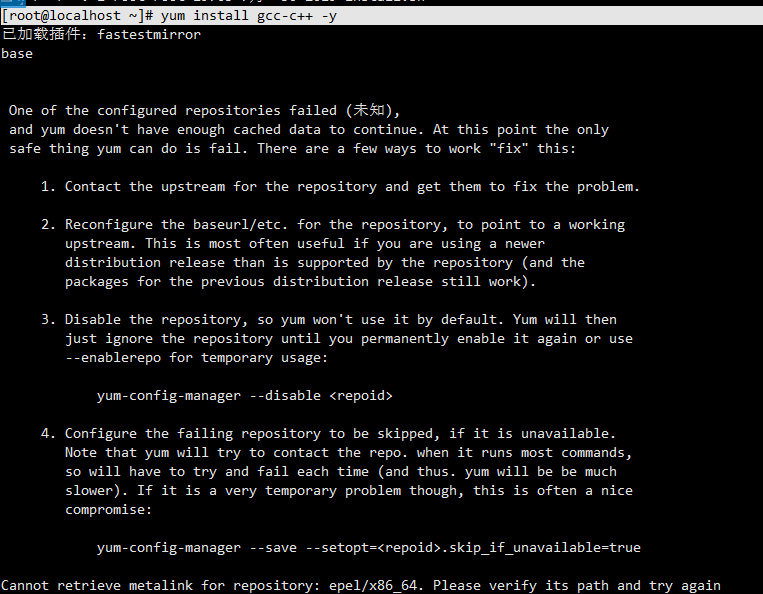
[root@localhost ~]# yum install pcre pcre-devel -y
[root@localhost ~]# yum install zlib zlib-devel -y
[root@localhost ~]# yum install openssl openssl-devel -y
第二步下载nginx安装包
[root@localhost local]# wget http://nginx.org/download/nginx-1.17.7.tar.gz
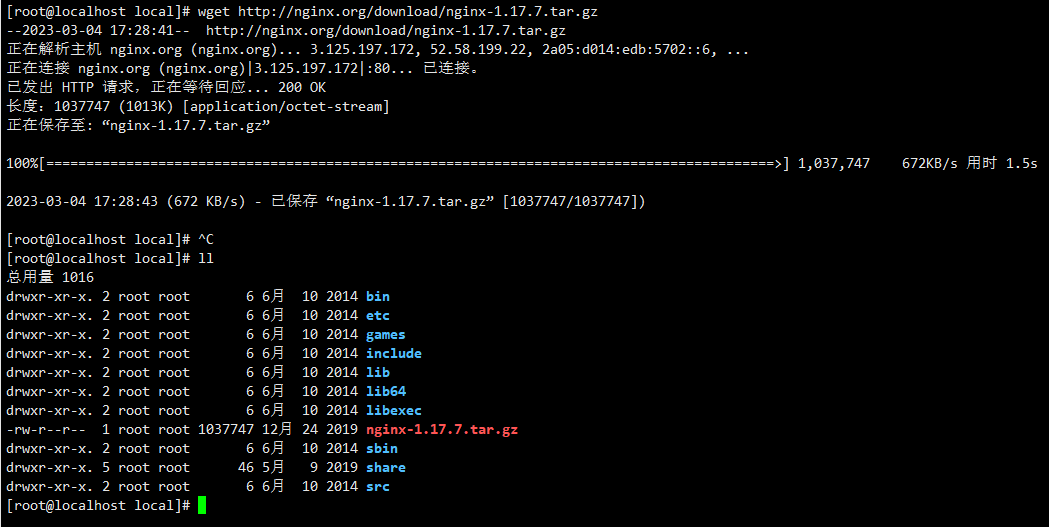
解压
[root@localhost local]# tar -zxvf nginx-1.17.7.tar.gz
删除压缩包
[root@localhost local]# rm -rf nginx-1.17.7.tar.gz
进入nginx
[root@localhost local]# cd nginx-1.17.7
这里需要了解ssl,需不需要配置
如果不配置直接
[root@localhost nginx-1.17.7]# ./configure
1.不需要SSL
./configure --prefix=/usr/local/nginx
2.需要SSL
./configure --prefix=/usr/local/nginx --with-http_stub_status_module --with-http_ssl_module
编译安装
make
make install
查找安装路径
[root@localhost nginx-1.17.7]# whereis nginx
nginx: /usr/local/nginx
启动
/usr/local/nginx/sbin/nginx -c /usr/local/nginx/conf/nginx.conf
# 重启
/usr/local/nginx/sbin/nginx -s reload
查看nginx运行进程状态
netstat -anptu | grep nginx
设置开机启动.即在rc.local增加启动代码就可以了
vim /etc/rc.local
增加一行 /usr/local/nginx/sbin/nginx
设置开机自启
vi /lib/systemd/system/nginx.service
#nginx.service内添加以下内容:

Description=nginx - high performance web server
After=network.target remote-fs.target nss-lookup.target
[Service]
Type=forking
ExecStart=/usr/local/nginx/sbin/nginx -c /usr/local/nginx/conf/nginx.conf
ExecReload=/usr/local/nginx/sbin/nginx -s reload
ExecStop=/usr/local/nginx/sbin/nginx -s stop
[Install]
WantedBy=multi-user.target
按下esc 然后:wq
#使配置生效
systemctl daemon-reload
#设置开机启动
systemctl enable nginx.service
备注:如果不能访问:需检查服务器的防火墙是否打开,80端口是否对外开放:
查看开放的端口号:firewall-cmd --list-all
设置开放的端口号:firewall-cmd --add-service=http –permanent
firewall-cmd --add-port=80/tcp --permanent
重启防火墙:firewall-cmd –reload
防火墙设置完成后,在浏览器输入服务器ip+80端口访问:

 浙公网安备 33010602011771号