exynos4412点亮LCD(S702)
终于使用exynos4412点亮了LCD,记录一下
LCD本质上算是一个字符设备,/dev/fbX为对应的文件,供应用层软件编程输出到LCD
我是基于linux4.4版本,源码路径:https://github.com/EthanDL-Wang/tiny4412.git
DTS细节如下:
1.platform device对应的dts


 1 &fimd {
 2     compatible = "samsung,exynos4-fb";
 3     sclk-fimd-rate = <800000000>;
 4     pinctrl-0 = <&lcd_clk &lcd_data24>;
 5     pinctrl-names = "lcd0_pin_cfg";
 6     sysreg_lcd_blk_cfg_offset = /bits/ 32 <0x0210>;
 7     status = "okay";
 8     lcd_name = "s702";
 9
10     lcd_default_config {
11         vidcon0 = <VIDCON0_VIDOUT_RGB VIDCON0_PNRMODE_RGB>;
12         vidcon1 = <VIDCON1_INV_HSYNC VIDCON1_INV_VSYNC>;
13         setup_gpio = "exynos4_fimd0_gpio_setup_24bpp";
14
15         vtiming {
16             left_margin = <9>;
17             right_margin = <9>;
18             upper_margin = <5>;
19             lower_margin = <5>;
20             hsync_len = <2>;
21             vsync_len = <2>;
22             xres = <480>;
23             yres = <800>;
24         };
25         wins_array {
26             win0 {
27                 xres = /bits/ 16 <480>;
28                 yres = /bits/ 16 <800>;
29                 virtual_x = /bits/ 16 <480>;
30                 virtual_y = /bits/ 16 <800>;
31                 max_bpp     = /bits/ 16 <32>;
32                 default_bpp    = /bits/ 16 <24>;
33                 width = /bits/ 16 <66>;
34                 height = /bits/ 16 <109>;
35             };
36
37             win1 {
38                 xres = /bits/ 16 <480>;
39                 yres = /bits/ 16 <800>;
40                 virtual_x = /bits/ 16 <480>;
41                 virtual_y = /bits/ 16 <800>;
42                 max_bpp     = /bits/ 16 <32>;
43                 default_bpp    = /bits/ 16 <24>;
44                 width = /bits/ 16 <66>;
45                 height = /bits/ 16 <109>;
46             };
47
48             win2 {
49                 xres = /bits/ 16 <480>;
50                 yres = /bits/ 16 <800>;
51                 virtual_x = /bits/ 16 <480>;
52                 virtual_y = /bits/ 16 <800>;
53                 max_bpp     = /bits/ 16 <32>;
54                 default_bpp    = /bits/ 16 <24>;
55                 width = /bits/ 16 <66>;
56                 height = /bits/ 16 <109>;
57             };
58
59             win3 {
60                 xres = /bits/ 16 <480>;
61                 yres = /bits/ 16 <800>;
62                 virtual_x = /bits/ 16 <480>;
63                 virtual_y = /bits/ 16 <800>;
64                 max_bpp     = /bits/ 16 <32>;
65                 default_bpp    = /bits/ 16 <24>;
66                 width = /bits/ 16 <66>;
67                 height = /bits/ 16 <109>;
68             };
69
70             win4 {
71                 xres = /bits/ 16 <480>;
72                 yres = /bits/ 16 <800>;
73                 virtual_x = /bits/ 16 <480>;
74                 virtual_y = /bits/ 16 <800>;
75                 max_bpp     = /bits/ 16 <32>;
76                 default_bpp    = /bits/ 16 <24>;
77                 width = /bits/ 16 <66>;
78                 height = /bits/ 16 <109>;
79             };
80         };
81
82     };
83
84
85 };
2.lcd背光对应的dts
1     tiny4412_1wire {
2         compatible = "tiny4412_1wire";
3         reg = <0x139D0000 0x1000>;
4         1wire-gpio = <&gpx1 2 GPIO_ACTIVE_LOW>;
5         interrupts = <0 40 0>;
6         clocks = <&clock CLK_PWM>;
7         clock-names = "timer-3";
8         status = "okay";
9     };
接下来是make menuconfig细节:
1.platform driver,对应文件:drivers/video/fbdev/s3c-fb.c
Device Drivers --->
Graphics support --->
Frame buffer Devices --->
<*> Samsung S3C framebuffer support
2.LCD背光驱动
Device Drivers --->
Graphics support --->
[*] Backlight & LCD device support --->
<*> Lowlevel Backlight controls
<*> Generic (aka Sharp Corgi) Backlight Driver
<*> Generic PWM based Backlight Driver
3.预显示的小企鹅
Device Drivers --->
Graphics support --->
[*] Bootup logo --->
[*] Standard black and white Linux logo
[*] Standard 16-color Linux logo
[*] Standard 224-color Linux logo
以上信息对其之后,编译,烧录,重启就可以在LCD上显示4个小企鹅表示LCD驱动起来了~~~
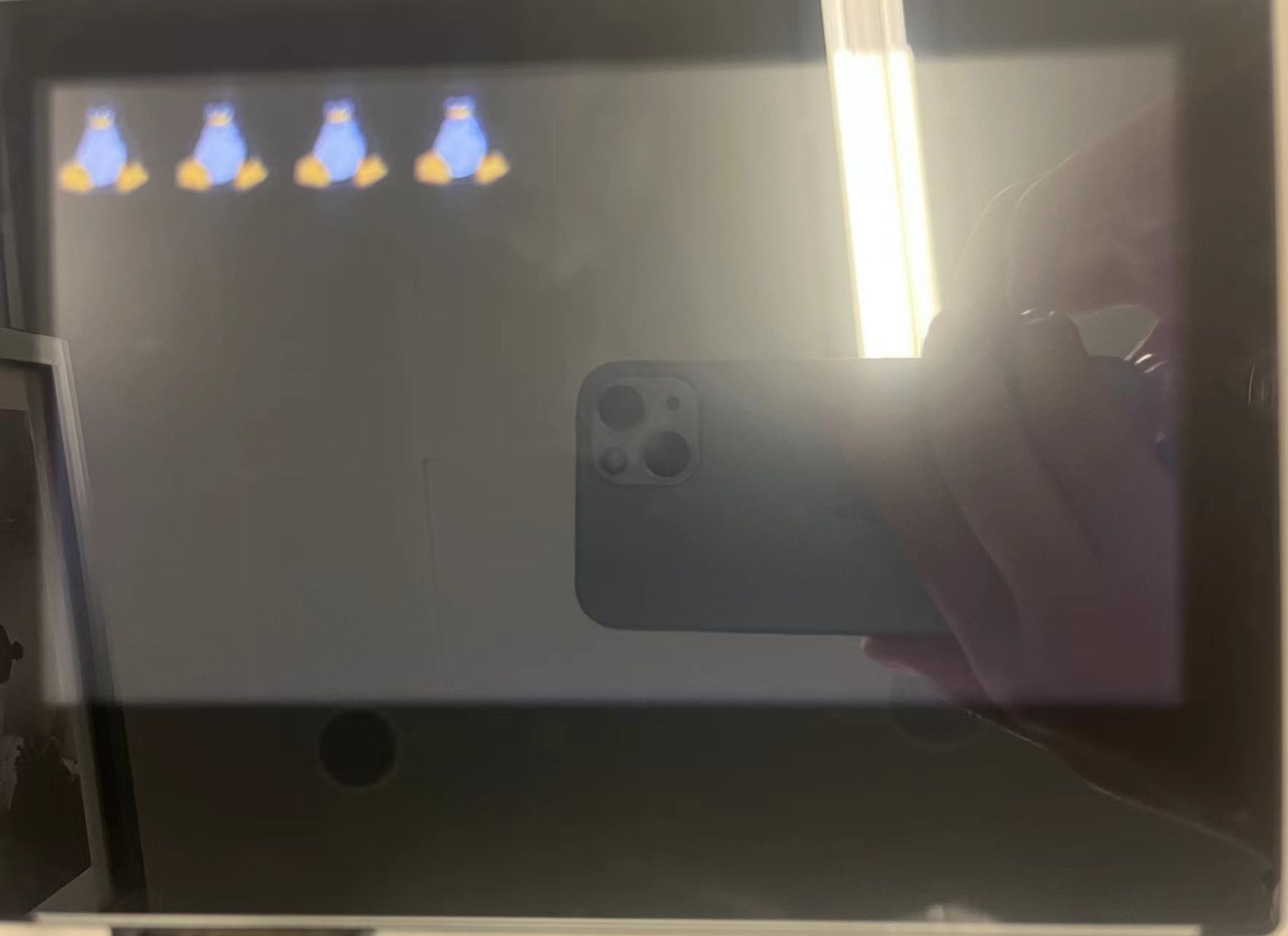
接下来写应用程序显示在LCD上

 浙公网安备 33010602011771号