
封装下载
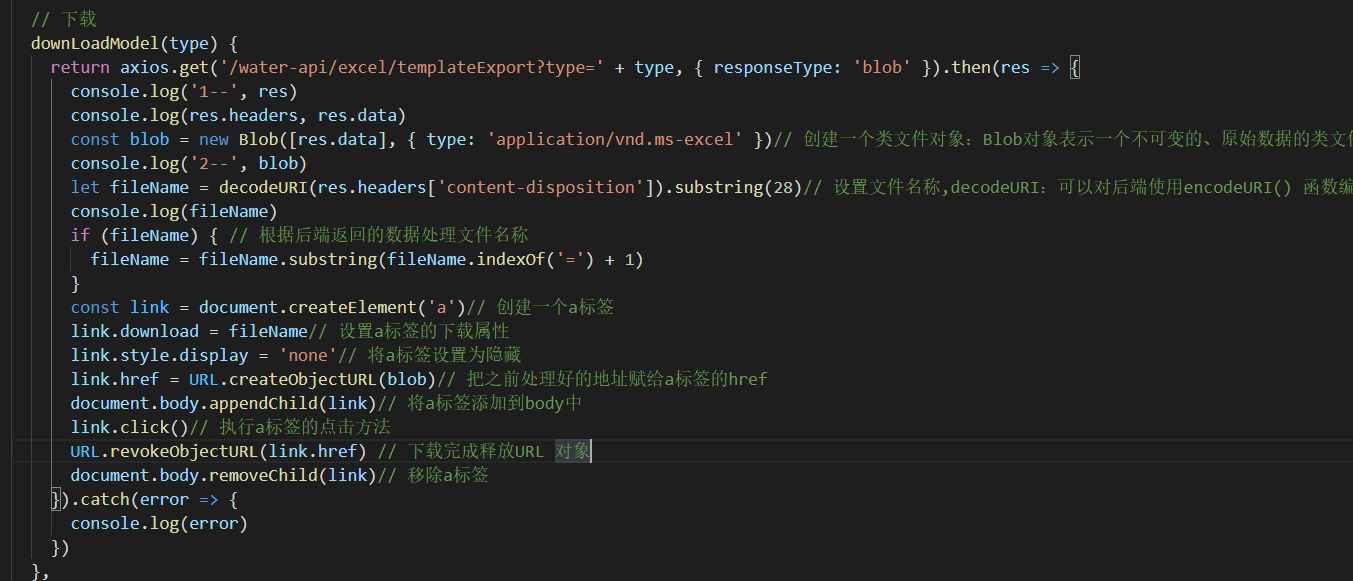
// 代码如下
downLoadModel(type) {
return axios.get('/water-api/excel/templateExport?type=' + type, { responseType: 'blob' }).then(res => {
console.log('1--', res)
console.log(res.headers, res.data)
const blob = new Blob([res.data], { type: 'application/vnd.ms-excel' })// 创建一个类文件对象:Blob对象表示一个不可变的、原始数据的类文件对象
console.log('2--', blob)
let fileName = decodeURI(res.headers['content-disposition']).substring(28)// 设置文件名称,decodeURI:可以对后端使用encodeURI() 函数编码过的 URI 进行解码。encodeURI() 是后端为了解决中文乱码问题
console.log(fileName)
if (fileName) { // 根据后端返回的数据处理文件名称
fileName = fileName.substring(fileName.indexOf('=') + 1)
}
const link = document.createElement('a')// 创建一个a标签
link.download = fileName// 设置a标签的下载属性
link.style.display = 'none'// 将a标签设置为隐藏
link.href = URL.createObjectURL(blob)// 把之前处理好的地址赋给a标签的href
document.body.appendChild(link)// 将a标签添加到body中
link.click()// 执行a标签的点击方法
URL.revokeObjectURL(link.href) // 下载完成释放URL 对象
document.body.removeChild(link)// 移除a标签
}).catch(error => {
console.log(error)
})
},

 浙公网安备 33010602011771号