
RedHat8--web控制台【Redhat8专有】
临时开启cockpit.service服务
- systemctl start cockpit.service

设置cockpit.service 开机自启
- systemctl enable --now cockpit.socket
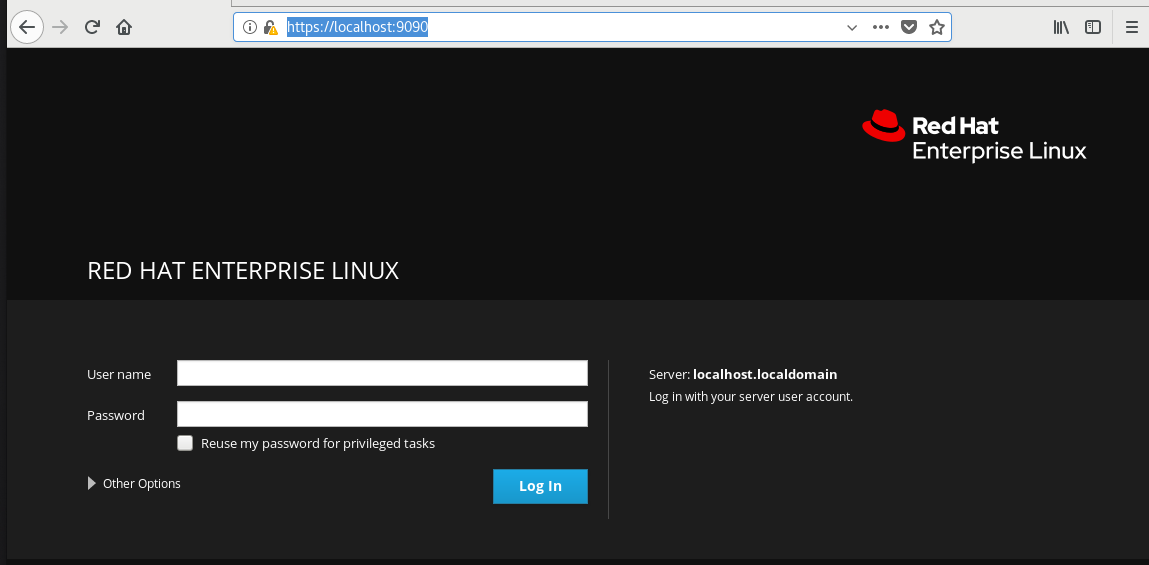
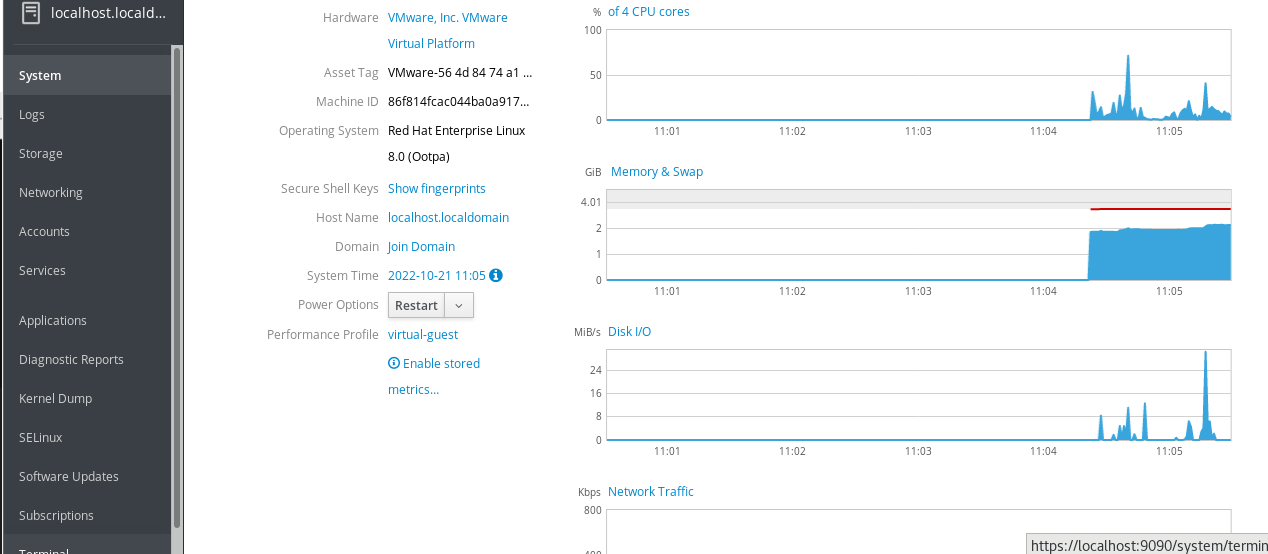
进入web控制台页面
- https://localhost.:9090
systemctl enable --now 其中 --now是什么意思
systemctl在enable、disable、mask命令里面增加了--now选项,可以激活同时启动服务,激活同时停止服务。
| 立刻启动单元 | systemctl start |
| 立刻停止单元 | systemctl stop |
| 重启单元 | systemctl restart |
| 重新加载配置 | systemctl reload |
| 输出单元运行的状态 | systemctl status |
| 检测单元是否为自动启动 | systemctl is-enabled |
| 设置为开机自动激活单元 | systemctl enable |
| 设置为开机自动激活单元并现在立刻启动 | systemctl enable --now |
| 取消开机自动激活单元 | systemctl disable |
| 禁用一个单元 | systemctl mask |
| 取消禁用一个单元 | systemctl unmask |
⚫ Ctrl-Shift-t 创建标签页
⚫ Ctrl-PgUp/PgDn 在标签页之间切换
⚫ Alt+[123...] 在标签页之间切换
⚫ Ctrl-Shift-c 复制已选内容
⚫ Ctrl-Shift-v 粘贴复制的内容
⚫ Shift-PgUp/PgDn 在标签页上下滚动
⚫ ctrl+l 清屏
本文来自博客园,作者:link-零,转载请注明原文链接:https://www.cnblogs.com/e-link/p/16815070.html❤❤❤

 浙公网安备 33010602011771号