
Nginx配置安装(Mac)
我用到的安装工具是:homebrew 真的很方便!
步骤1:
打开终端,输入
brew info nginx
结果:
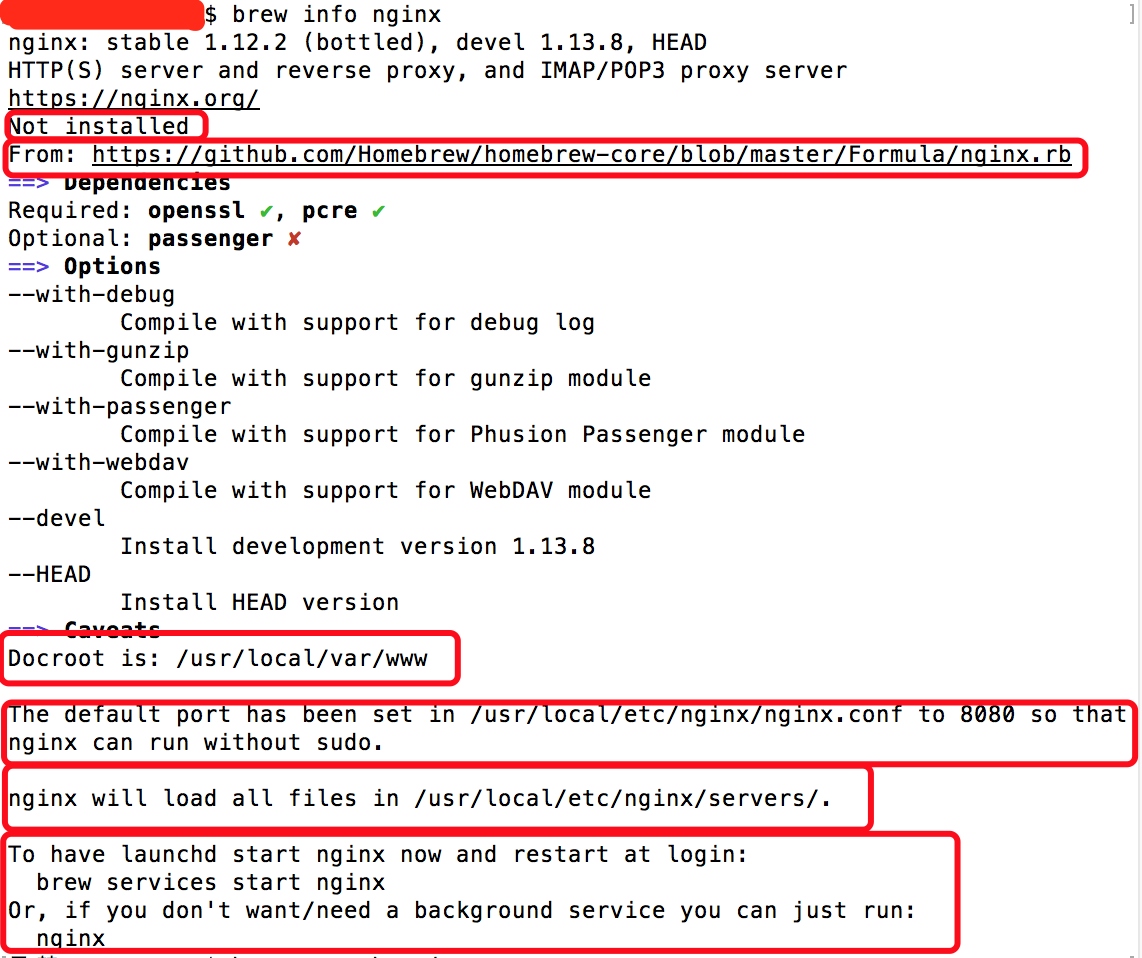
我们可以看到,nginx在本地还未安装(Not installed),nginx的来源(From),Docroot默认为/usr/local/var/www,在/usr/local/etc/nginx/nginx.conf配置文件中默认端口被配置为8080从而使nginx运行时不需要加sudo,nginx将在/usr/local/etc/nginx/servers/目录中加载所有文件,以及我们可以通过最简单的命令 ‘nginx’ 来启动nginx。
步骤2:
开始安装 brew install nginx
安装完毕如图所示:

步骤3:
查看nginx安装目录 在finder中shift+command+g输入
/usr/local/etc/nginx/
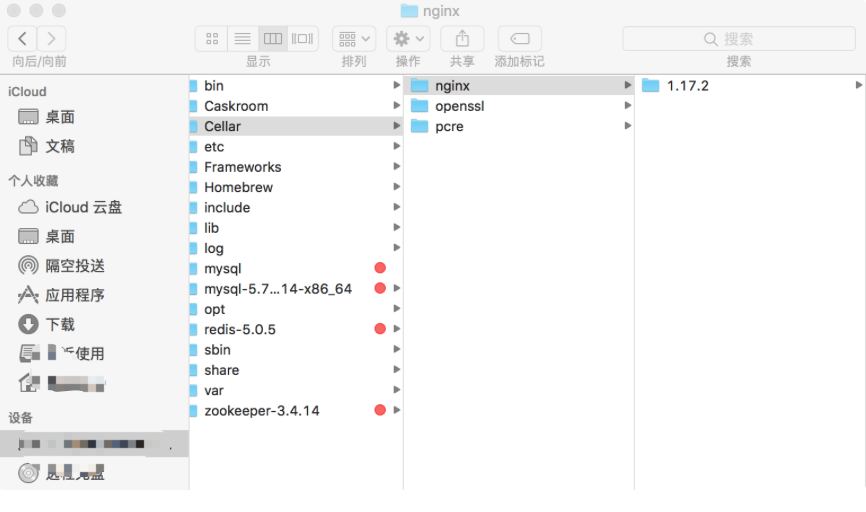
1.17.2就是我的版本啦

双击nginx启动nginx
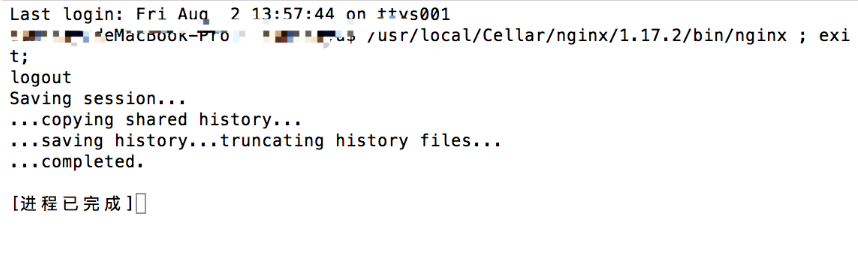
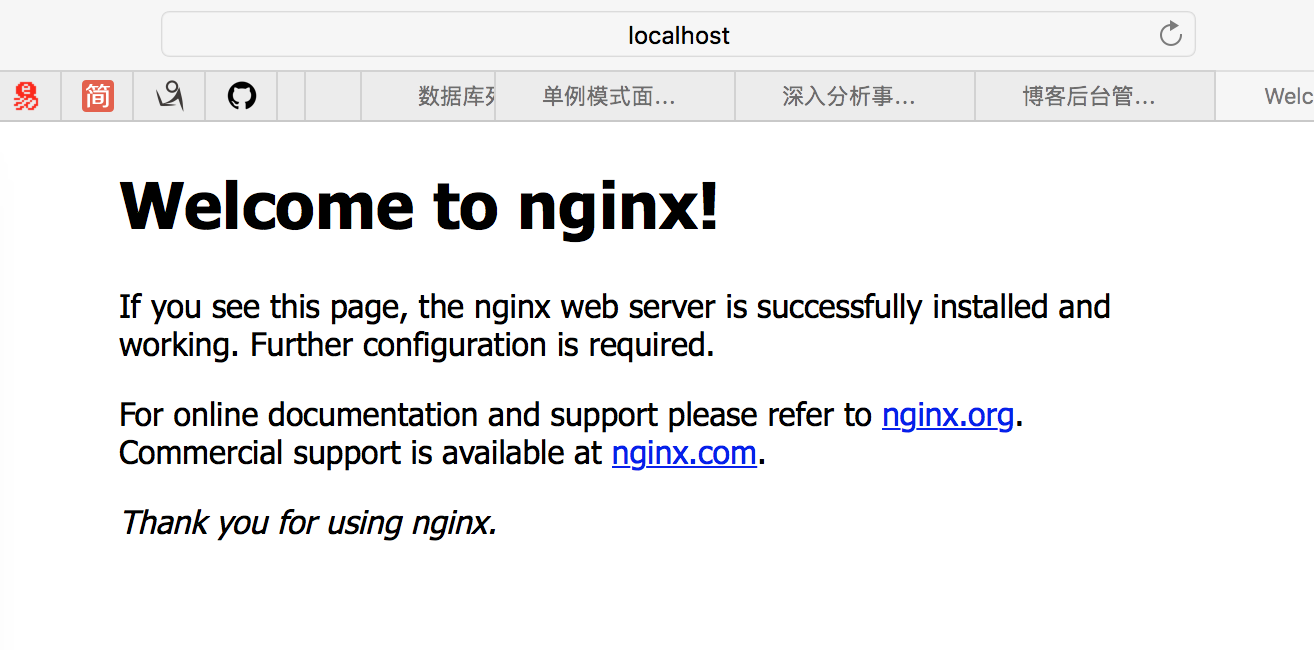
这样就开启nginx啦,在safari上输入http://localhost:8080 就可以看到
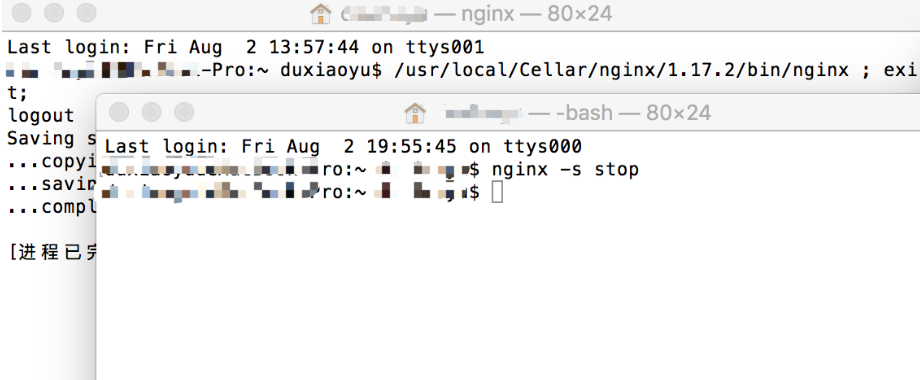
新建终端窗口输入
nginx -s stop进行快速关闭
nginx的一些常见命令
ps -ef | grep nginx 查看nginx进程
nginx -s quit 优雅关闭(先服务完已打开的连接)
nginx -s stop 快速关闭
了解一下nginx的配置文件吧(nginx.conf)

#user nobody;
worker_processes 1;
#error_log logs/error.log;
#error_log logs/error.log notice;
#error_log logs/error.log info;
#pid logs/nginx.pid;
events {
worker_connections 1024;
}
http {
include mime.types;
default_type application/octet-stream;
#log_format main '$remote_addr - $remote_user [$time_local] "$request" '
# '$status $body_bytes_sent "$http_referer" '
# '"$http_user_agent" "$http_x_forwarded_for"';
#access_log logs/access.log main;
sendfile on;
#tcp_nopush on;
#keepalive_timeout 0;
keepalive_timeout 65;
#gzip on;
server {
#侦听8080端口
listen 8080;
#定义使用 localhost访问
server_name localhost;
#charset koi8-r;
#access_log logs/host.access.log main;
location / {
#定义服务器的默认网站根目录位置
root html;
#定义首页索引文件的名称
index index.html index.htm;
}
...
...
... (注释代码太多,就不全部贴出来了)
include servers/*;
}
更多关于nginx配置的干货:

 浙公网安备 33010602011771号