
我向你推荐Rofi
更新系统后,gnome-shell-extensions-dash-to-dock不能用,虽然只有几天,但感觉有点痛
最近装了sway和dmenu,dmenu报错,于是找到rofi - A window switcher, application launcher and dmenu replacement
实际体验,感觉良好(只在 sway等compositor上)(在gnome(wayland)上感觉极差,但也能接受)
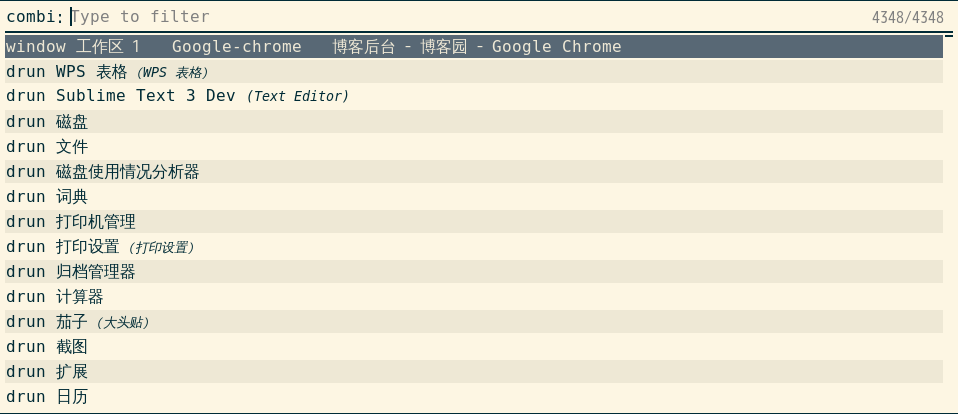
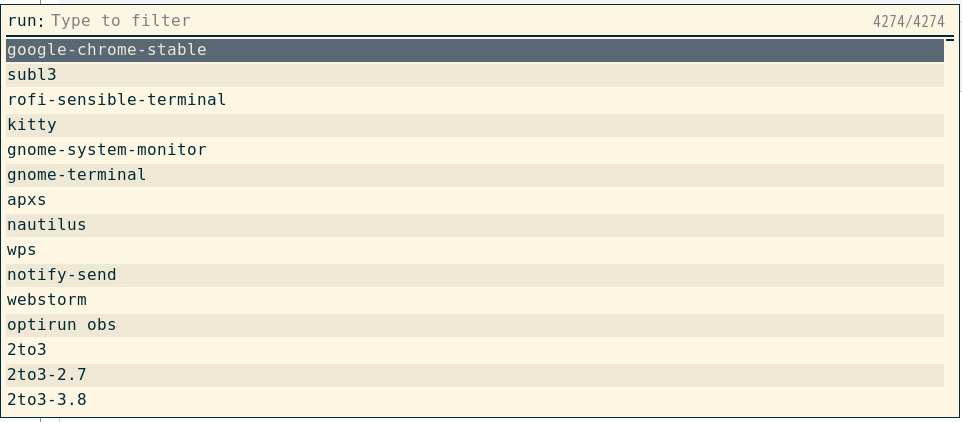
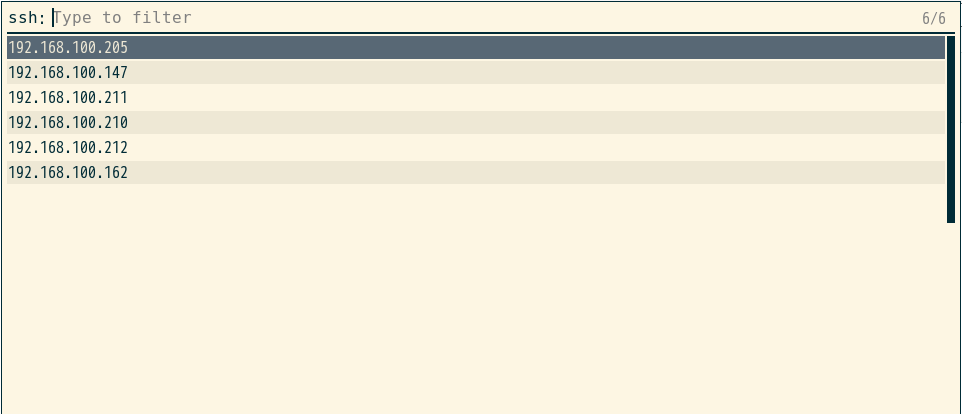
于是,我尝试在gnome上使用rofi

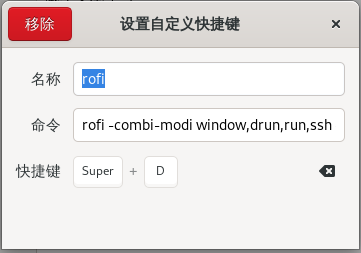
图中命令是:
rofi -combi-modi window,drun,run,ssh -show combi
rofi功能很丰富:支持COMBI mode: Combine multiple modes in one view
同时, Shift + 方向键, 可以切换view :window、drun、run、ssh
run指 运行命令
drun指 运行.desktop
ssh指 读取/连接.ssh/config、.ssh/known_hosts ,没错,rofi可以方便的查找并连接ssh
为什么说rofi在gnome(wayland)下体验差:
只有在rofi
下面或上面有个窗口,而且这个窗口是
终端(除gnome-terminal外多数都可以) /
chrome / firefox / thunderbird / gimp /
electron / vscode /
obs / wireshark / 网易云音乐 /
webstorm / wps office
snavigator
等软件时,rofi才能收到 keyboard相关事件(而gnome桌面的软件,都不行)
否则只能鼠标操作,优势全无
当然,我还是选择了妥协,gnome + rofi
还有,rofi不会把 最匹配的一项放在最前面,比如输入top,top不会出现在列表的最上面
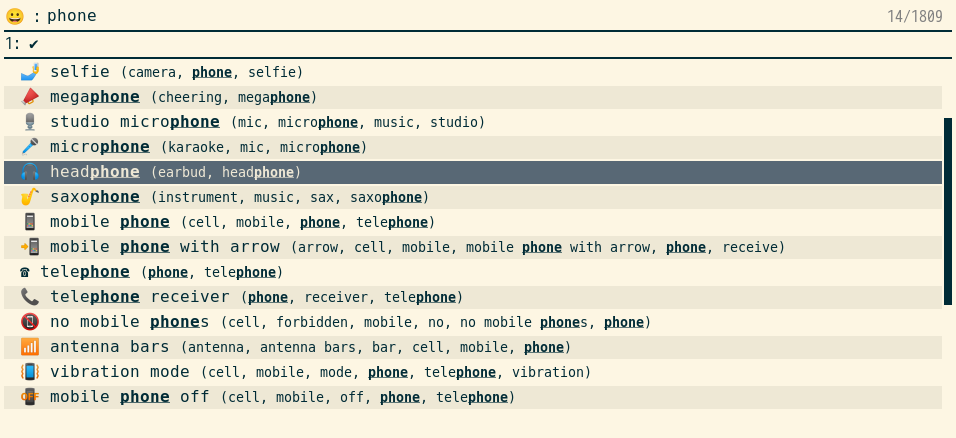
另外,想输入emoji可用rofimoji

 浙公网安备 33010602011771号