
Spring Task
使用方式
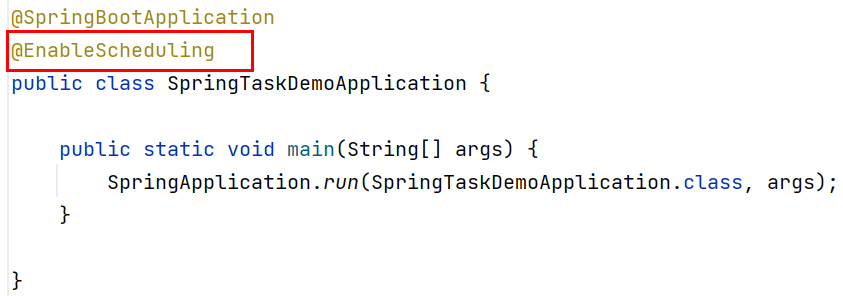
启动类
import org.springframework.boot.SpringApplication;
import org.springframework.boot.autoconfigure.SpringBootApplication;
import org.springframework.scheduling.annotation.EnableScheduling;

@SpringBootApplication
@EnableScheduling
public class SpringTaskDemoApplication {

    public static void main(String[] args) {
        SpringApplication.run(SpringTaskDemoApplication.class, args);
    }
}
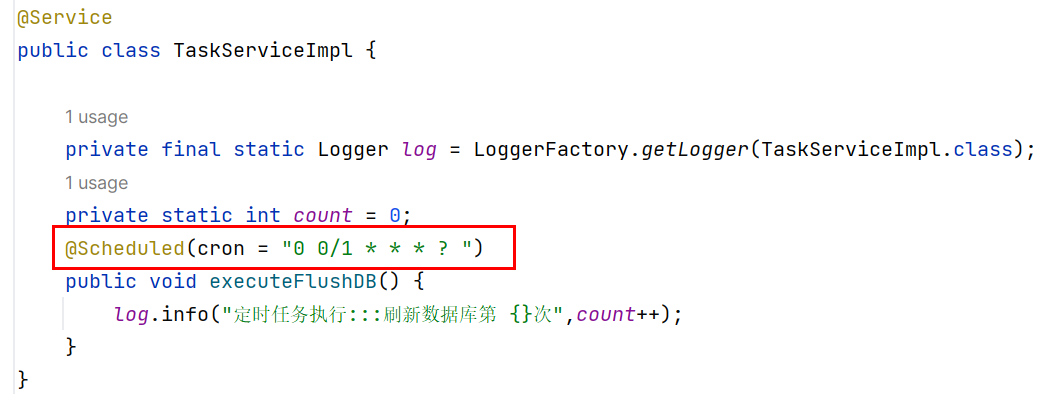
定时任务类
import org.slf4j.Logger;
import org.slf4j.LoggerFactory;
import org.springframework.scheduling.annotation.Scheduled;
import org.springframework.stereotype.Service;

@Service
public class TaskServiceImpl {

    private final static Logger log = LoggerFactory.getLogger(TaskServiceImpl.class);
    private static int count = 0;
    @Scheduled(cron = "0 0/1 * * * ? ")
    public void executeFlushDB() {
        log.info("定时任务执行:::刷新数据库第 {}次",count++);
    }
}
启动项目即可
注解解释
-
@EnableScheduling:用于开启对定时任务的支持
-
@Scheduled:定时执行的方法上加该注解
-
cron:cron表达式在线生成地址
-
fixedDelay:上一次执行完毕时间点之后多长时间再执行
-
fixedRate:上一次开始执行时间点之后多长时间再执行。
-

 浙公网安备 33010602011771号