

web-实验一 客户端脚本编程
一、实验目的
通过设计一个个人主页网站,学习常用的HTML标记,学习使用CSS对页面进行美化,掌握JavaScript的语法和常用的浏览器对象,初步学会使用Eclipse创建网站和编辑网页的方法。
二、实验内容和要求
1)自己设计网页内容,做一张展示自己网页。要求展示的主要内容有:基本资料、学习经历、所得奖励、最新动态等。
2)在网页的合适位置加入一些JavaScript特效,例如显示当前时间、图片定时切换、文本自动滚屏等。
3)将网页源代码和浏览器截图写入实验报告并提交。
三、实验步骤
1)打开Eclipse软件,新建一个web项目Lab01,并设置其部署程序为Tomcat。
2)编写具有个人主页。
3)index.html文件代码
<!DOCTYPE html>
<html>
    <head>
        <title>信2005-1柯泽华个人主页</title>
        <meta http-equiv="content-type" content="text/html; charset=UTF-8">
        <style type="text/css">
            /*设置超链接样式*/
            table {
                border-spacing: 0;
            }
            div a:link {
                color:threedshadow;
                text-decoration:none;
            }
            /* visited,定义鼠标链接访问过的样式 */
            div a:visited{
                color:threedshadow;
                text-decoration:none;
            }
            /* hover,定义鼠标悬浮在链接上时的样式 */
            div a:hover {
                color:threedhighlight;
                text-decoration:none;
            }
            /* active,定义鼠标点击链接时的样式 */
            div a:active {
                color:threedface;
                text-decoration:none;
            }
            p {
                font-size: 12pt;
                text-indent: 2em;
            }
            ul{
                list-style: none;
            }
            li {
                border-bottom-style: solid;
                border-bottom-color: #EEE;
                border-bottom-width: thin;
                height: 25px;
                font-family: "宋体";
                font-size: 12pt;
            }
            #tabtitle{
                width: 100%;
                font-family: 微软雅黑;
                text-align: center;
                font-size: 20pt;
            }
            #tabDiv {
                width: 1000px;
                margin: 1em auto;
                padding-bottom: 10px;
                border: #b2c9d3 1px solid;
                background: menu;
            }
            #tabsHead {
                padding-left: 0px;
                height: 26px;
                font-size: 1em;
                margin: 1px 0px 0px;
                line-height: 26px;
            }
            #tabContent1{
                display: block;
            }
            #table1{
                border-width: 0;
                margin: 0;
                width: 100%
            }
            #table2{
                border:0px;
                width: 700px;
                height: 380px;
            }
            #table2 td{
                border: 1px solid grey;
                width: 50%;
                height: 15px;
            }
            #tabContent2{

            }

            .curtab {
                padding-top: 0px;
                padding-right: 10px;
                padding-bottom: 0px;
                padding-left: 10px;
                border-right: #b2c9d3 1px solid;
                font-weight: bold;
                float: left;
                cursor: pointer;
                background: #ffffff;
            }
            /*未选tab头(超链接)的样式*/
            .tabs {
                border-right: #c1d8e0 1px solid;
                padding: 0px 10px;
                font-weight: normal;
                float: left;
                cursor: pointer;
            }

        </style>

        <script type="text/jscript">
                    //显示tab(tabHeadId:tab头中当前的超链接;tabContentId要显示的层ID)
                    function showTab(tabHeadId,tabContentId)
                    {
                        //tab层
                        var tabDiv = document.getElementById("tabDiv");
                        //将tab层中所有的内容层设为不可见
                        //遍历tab层下的所有子节点
                        var taContents = tabDiv.childNodes;
                        for(i=0; i<taContents.length; i++)
                        {
                            //将所有内容层都设为不可见
                            if(taContents[i].id!=null && taContents[i].id != 'tabsHead')
                            {
                                taContents[i].style.display = 'none';
                            }
                        }
                        //将要显示的层设为可见
                        document.getElementById(tabContentId).style.display = 'block';
                        //遍历tab头中所有的超链接
                        var tabHeads = document.getElementById('tabsHead').getElementsByTagName('a');
                        for(i=0; i<tabHeads.length; i++)
                        {
                            //将超链接的样式设为未选的tab头样式
                            tabHeads[i].className='tabs';
                        }
                        //将当前超链接的样式设为已选tab头样式
                        document.getElementById(tabHeadId).className='curtab';
                        document.getElementById(tabHeadId).blur();
                    }
            </script>
    </head>

    <body>
        <div id="tabtitle" >
            信2005-1柯泽华个人主页
        </div>

        <div id="tabDiv" >

            <div id="tabsHead">
                <a id="tabs1" class="curtab" href="javascript:showTab('tabs1','tabContent1')">
                    基本资料
                </a>
                <a id="tabs2" class="tabs" href="javascript:showTab('tabs2','tabContent2')">
                    获奖记录
                </a>
            </div>

            <div id="tabContent1" >
                <table id="table1" >
                    <tr>
                        <td rowspan="3" style="width: 200px; text-align: center">
                            <img alt="柯泽华" src="images/kk.jpg" style="width: 180px" />
                        </td>

                        <td colspan="3" rowspan="3">
                            <table id="table2" >
                                <tr>
                                    <td >姓名:柯泽华</td>
                                    <td >生日:2002.12.09</td>
                                </tr>
                                <tr>
                                    <td >国籍:中华人民共和国</td>
                                    <td >出生地:福建省泉州市泉港区</td>
                                </tr>
                                <tr>
                                    <td >身高:168cm</td>
                                    <td >体重:65kg</td>
                                </tr>
                                <tr>
                                    <td >血型:A</td>
                                    <td >星座:射手座</td>
                                </tr>
                                <tr>
                                    <td colspan="2">
                                        <p>从福建到石家庄读大学</p>
                                    </td>
                                </tr>
                            </table>
                        </td>
                    </tr>
                </table>
            </div>

            <div id="tabContent2" style="display: none">
                <ul>
                    <li>很遗憾,没有</li>

                </ul>
            </div>
        </div>
    </body>
</html>
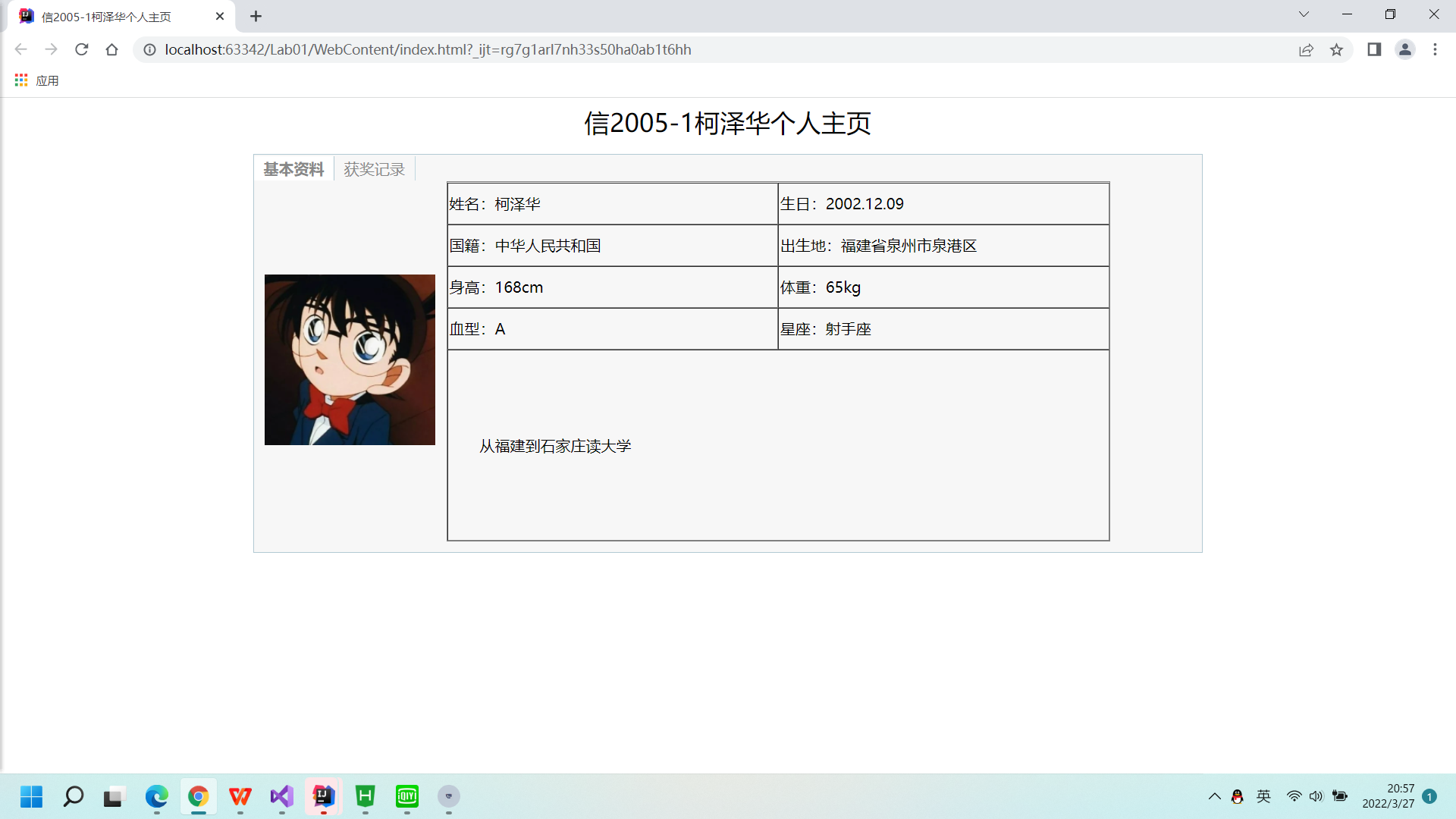
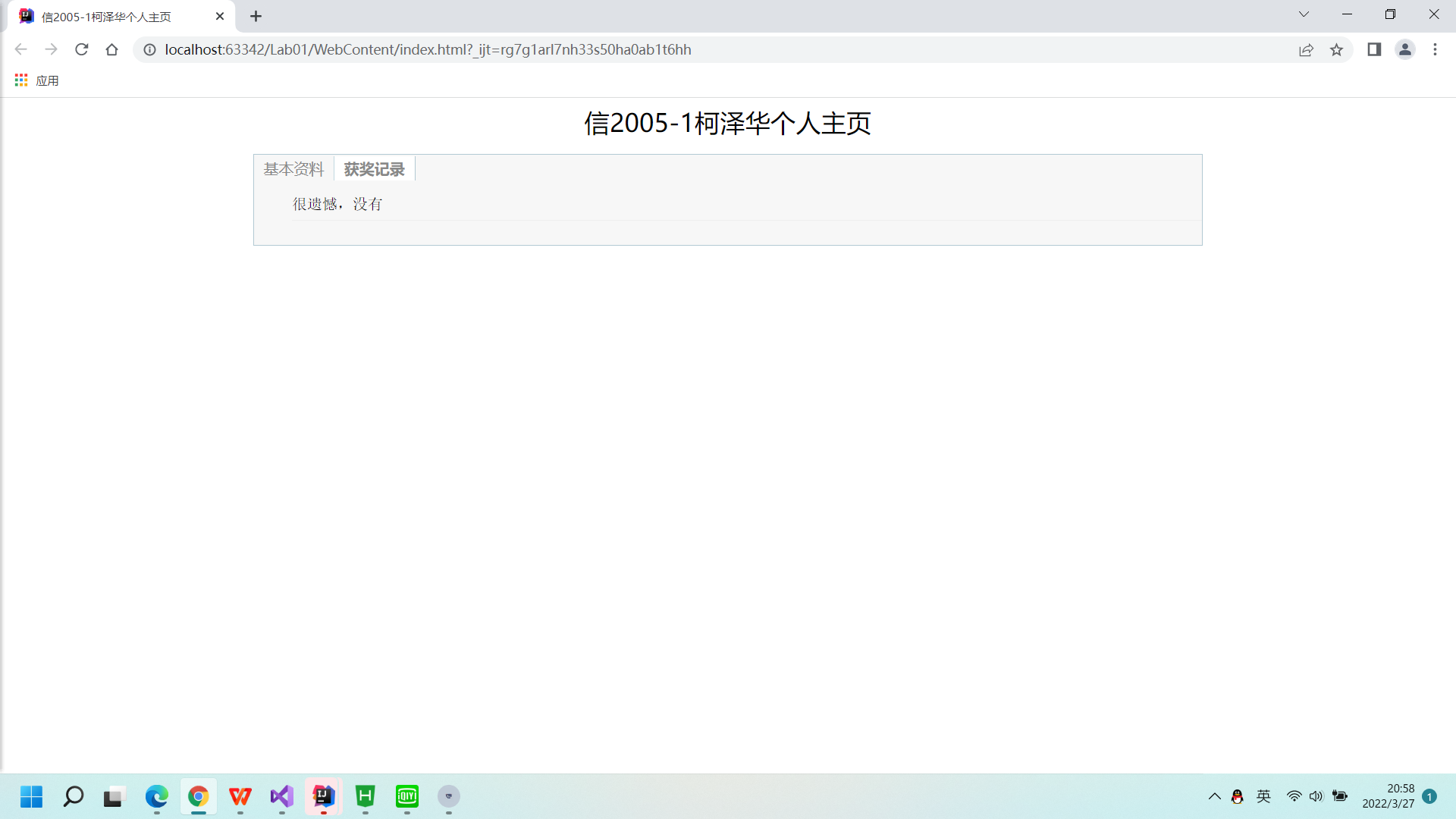
4)程序截图
四、心得体会
刚开始上手确实是有点无从下手,需要先思考好大致的模型,再通过div布局,
给每块div设置不同的颜色,之后再修改,以此可以分布过程中设置的错误,有很
多需要用到的名词和函数都记不得,但通过之前的大致规划以及上课的学习,知道
自己需要什么,便可以边查阅边制作页面。

 浙公网安备 33010602011771号