
golang 自建 module 上传 github
- 创建一个自己的 module;
- 创建 github 项目,上传到 github;
- 在自己的其他项目中是使用 上传到 github 中的 module;
编写 module
创建 github 项目仓库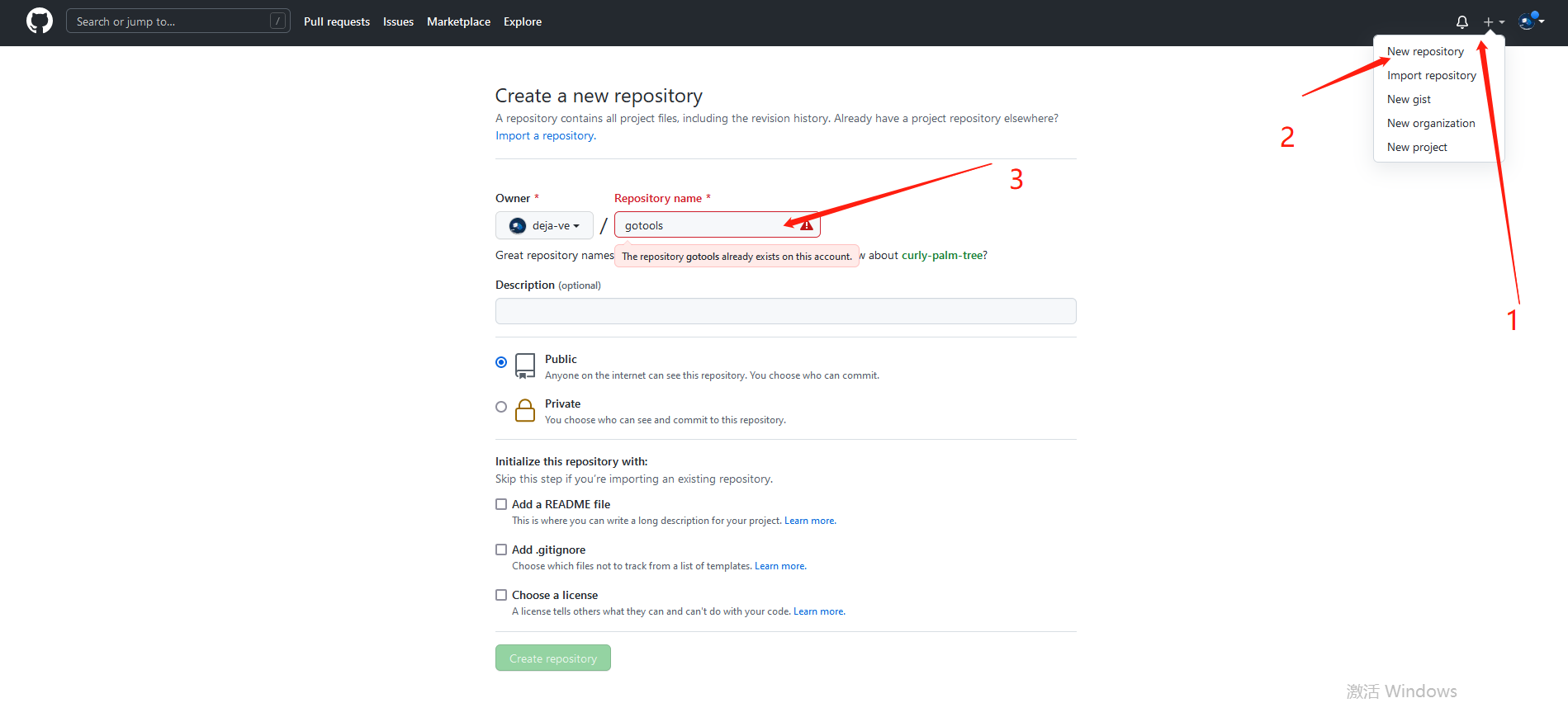
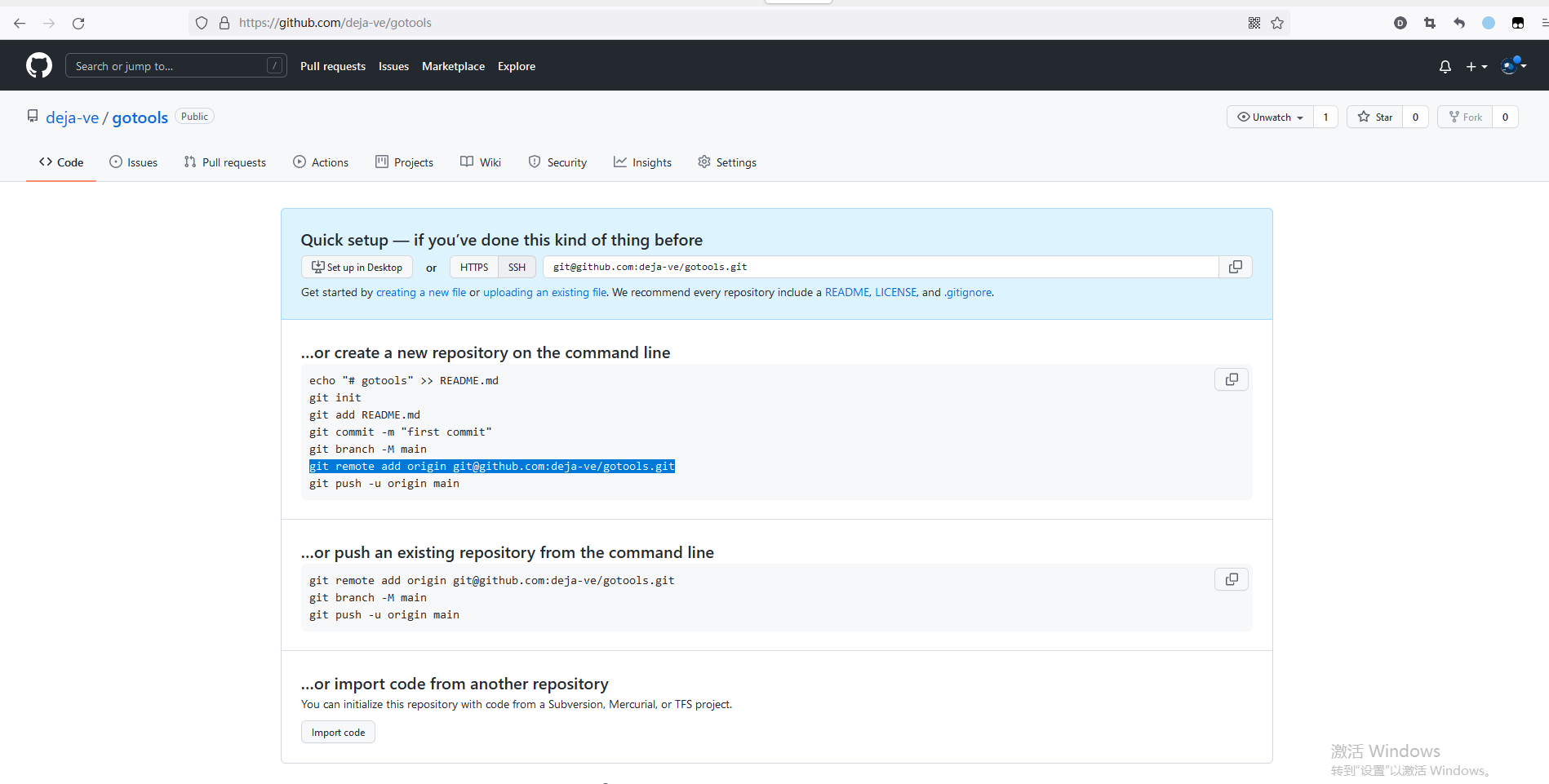
创建成功页面
注意这里网址
github.com/deja-ve/gotools
我们等会儿,在本地创建项目时 go mod名需与网址相同即go mod init github.com/deja-ve/gotools
因为我们引用、使用这 module ,是需要这个做引导的,不然会导致引包失败的。
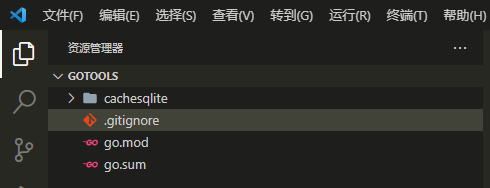
在本地创建项目
# 创建项目文件
mkdir gotools
# 初始化 mod
go mod init github.com/deja-ve/gotools
cachesqlite 和 .gitignore 文件是我自建的

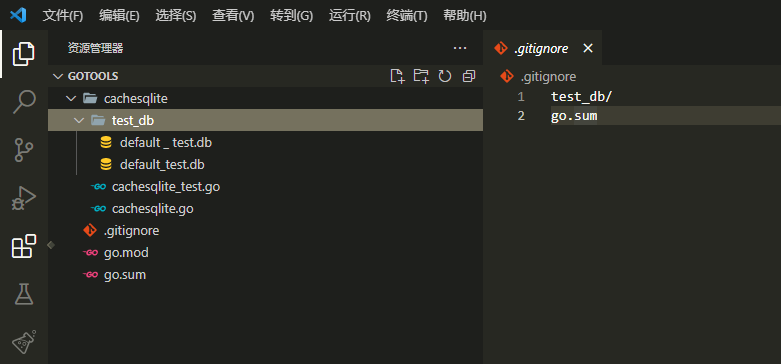
写完并测试过代码后
.gitignore 中的是 git push时 会忽略上传的文件夹、文件;
提交代码
git init
git remote add origin git@github.com:deja-ve/gotools.git
git add .
git commit -m "feat: caahe db by sqlite, not used cgo"
git push origin master
git tag v0.0.1
git push origin --tag
再看自己的仓库
文件上传成功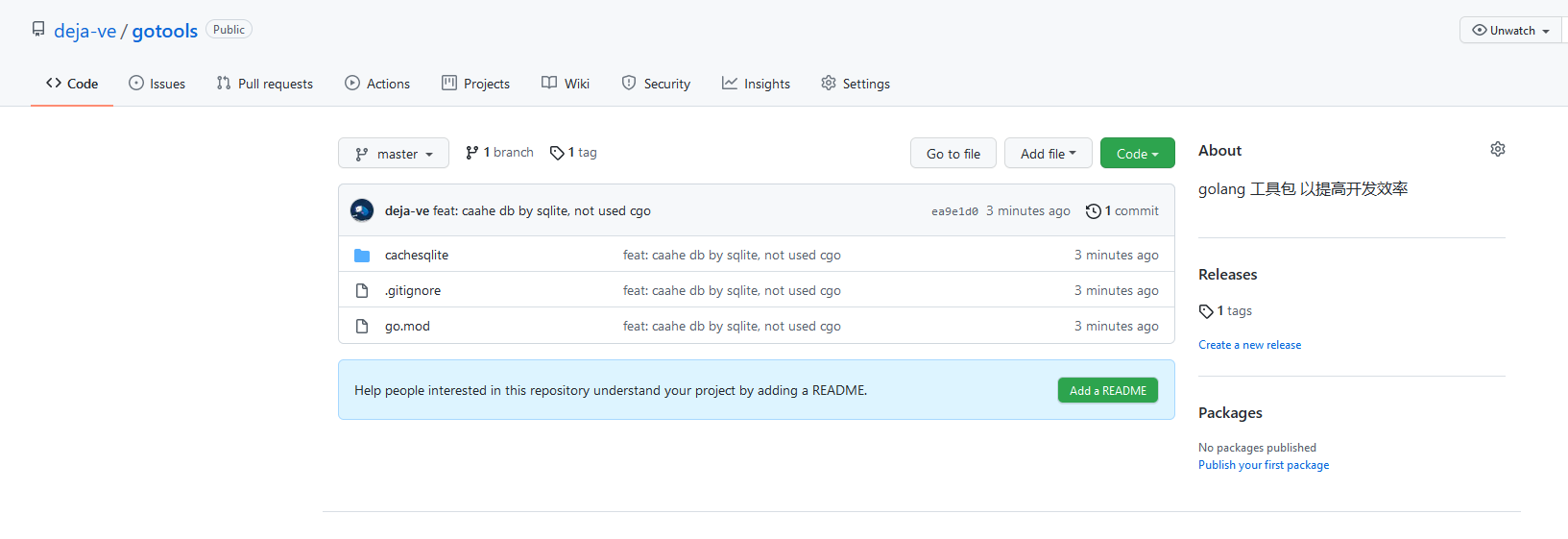
测试代码
package main

import (
	"fmt"
	"github.com/deja-ve/gotools/cachesqlite"
)

func main(){
	nc,err:=cachesqlite.NewCache("./cach.db")
	if err!=nil{
		panic(err)
	}
	defer nc.Close()
	_,_=nc.Set("gg","GG")
	fmt.Println(nc.Get("gg"))
	fmt.Println(nc.HasKey("gg"))
	fmt.Println(nc.Del("gg"))
	fmt.Println(nc.HasKey("gg"))
}
/* 输出
GG <nil>
true
1 <nil>
false
*/

 浙公网安备 33010602011771号