
为Jupyter notebook创建新kernel
在新的虚拟环境中创建kernel
进入需要创建kernel的虚拟环境
conda activate pytorch
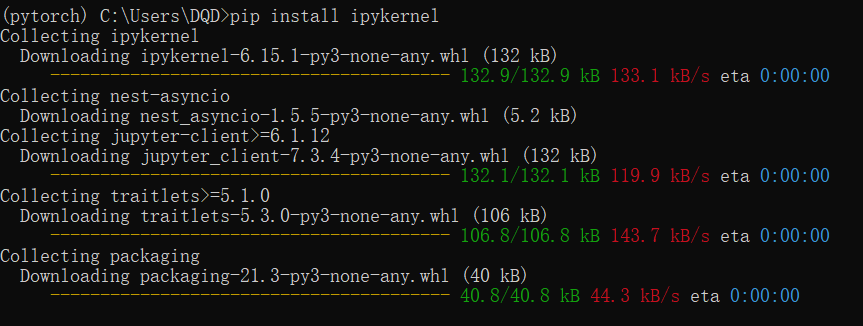
安装ipykernel
ipykernel是必须安装的,也可以直接安装jupyter ,会自动包含ipykernel
pip install ipykernel
创建kernel
python -m ipykernel install --user --name pytorch --display-name  pytorch
# python -m ipykernel install --user --name 环境名称 --display-name kernel名称
# python -m ipykernel install --name kernel名称

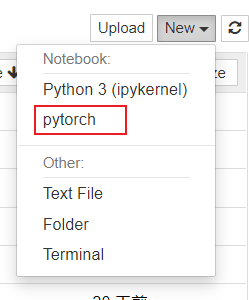
验证

常用命令
# 查看kernel链接列表
jupyter kernelspec list

# 删除kernel链接
# jupyter kernelspec remove pytorch_gpu (kernel所在的环境名称)
jupyter kernelspec remove pytorch_gpu

# 创建虚拟环境
# conda create -n pytorch_gpu(环境名称) python=3.7(python版本号)
conda create -n pytorch_gpu python=3.7

# 删除虚拟环境
# conda remove -n pytorch_gpu(环境名称) --all
conda remove -n pytorch_gpu --all

 浙公网安备 33010602011771号