
实现自定义DataCommands类,让其支持空Command。
    public class DataCommands : IRelayCommand
    {
        public string? Name { get; set; }
        public KeyGesture? Gesture { get; set; }

        public event EventHandler? CanExecuteChanged;
        public Func<object?, bool>? CanExecute { get; set; }
        public Action<object?>? Execute { get; set; }

        bool ICommand.CanExecute(object? parameter)
        {
            return (CanExecute?.Invoke(parameter)) ?? true;
        }
        void ICommand.Execute(object? parameter)
        {
            if (!((CanExecute?.Invoke(parameter)) ?? true))
                return;
            Execute?.Invoke(parameter);
        }
        public void RaiseCanExecuteChanged() =>
            CanExecuteChanged?.Invoke(this, EventArgs.Empty);

        public void SetGesture(KeyGesture? gesture)
        {
            Gesture = gesture;
        }

        public void NotifyCanExecuteChanged()
        {
            RaiseCanExecuteChanged();
        }

        public KeyBinding KeyBinding
        {
            get => new KeyBinding() { Gesture = this.Gesture!, Command = this };
        }
        public static readonly DataCommands NoCommand =
               new DataCommands();
    }
NoCommandTextBox.axaml代码
<Window xmlns="https://github.com/avaloniaui"
        xmlns:x="http://schemas.microsoft.com/winfx/2006/xaml"
        xmlns:d="http://schemas.microsoft.com/expression/blend/2008"
        xmlns:mc="http://schemas.openxmlformats.org/markup-compatibility/2006"
        Height="300" Width="300"
        x:Class="AvaloniaUI.NoCommandTextBox"
        Title="NoCommandTextBox">
    <Grid>
        <TextBox Name="txt">

        </TextBox>
    </Grid>
</Window>
NoCommandTextBox.axaml.cs代码
using Avalonia;
using Avalonia.Controls;
using Avalonia.Input;
using Avalonia.Markup.Xaml;
using Shares.Avalonia;

namespace AvaloniaUI;

public partial class NoCommandTextBox : Window
{
    public NoCommandTextBox()
    {
        InitializeComponent();
        // 屏蔽 Ctrl+X 剪切快捷
       // DataCommands.NoCommand.SetGesture(new KeyGesture(Key.X, KeyModifiers.Control));
        //txt.KeyBindings.Add(DataCommands.NoCommand.KeyBinding);
        // 屏蔽 Ctrl+C 复制快捷
        DataCommands.NoCommand.SetGesture(new KeyGesture(Key.C, KeyModifiers.Control));
        txt.KeyBindings.Add(DataCommands.NoCommand.KeyBinding);
    }
}
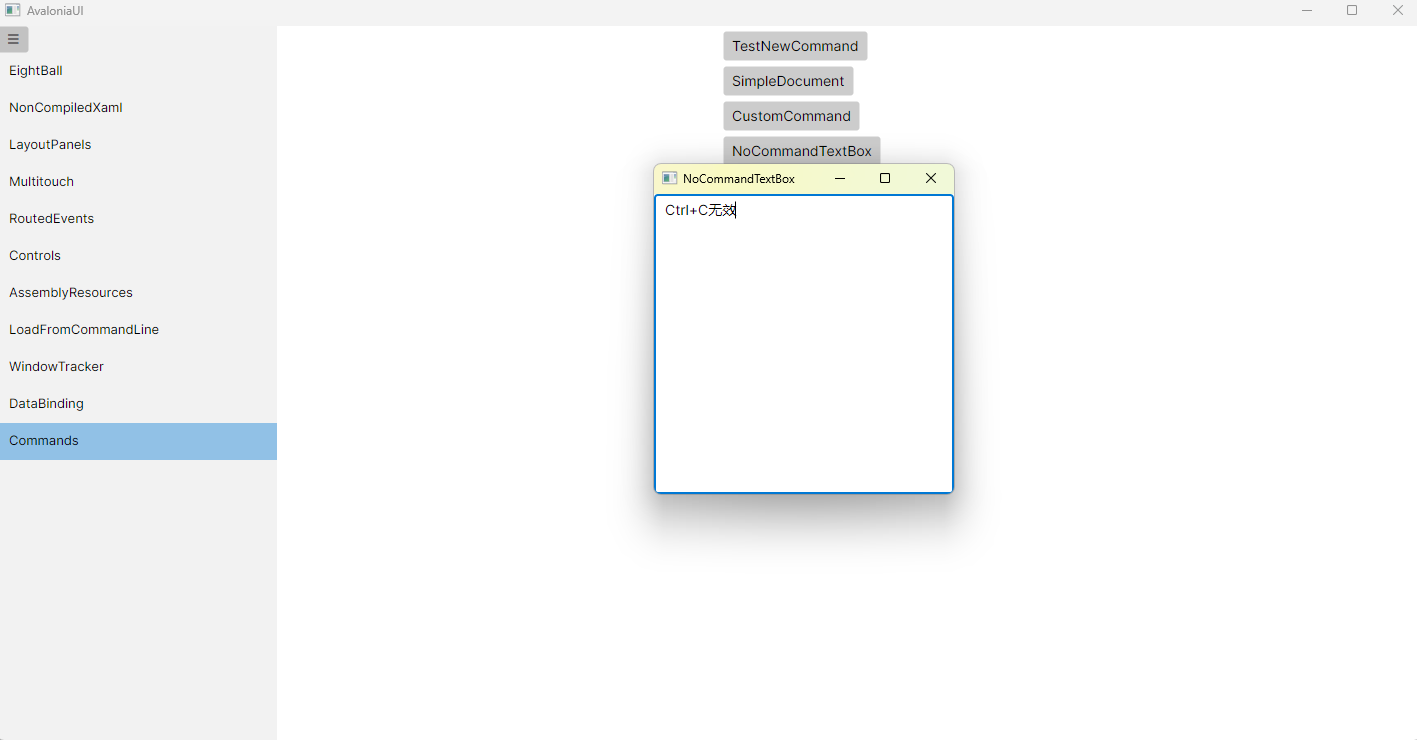
运行效果

 浙公网安备 33010602011771号