
事倍功半是蠢蛋43 docker desktop windows下的安装
公司电脑坏了 把自己的电脑搬过来用,赶紧把docker装上 我没空装环境 先把他代码改了
本教程参考:https://www.cnblogs.com/smiecj/p/18736063
下载:https://www.docker.com/products/docker-desktop/
查看你下arm还是amd:
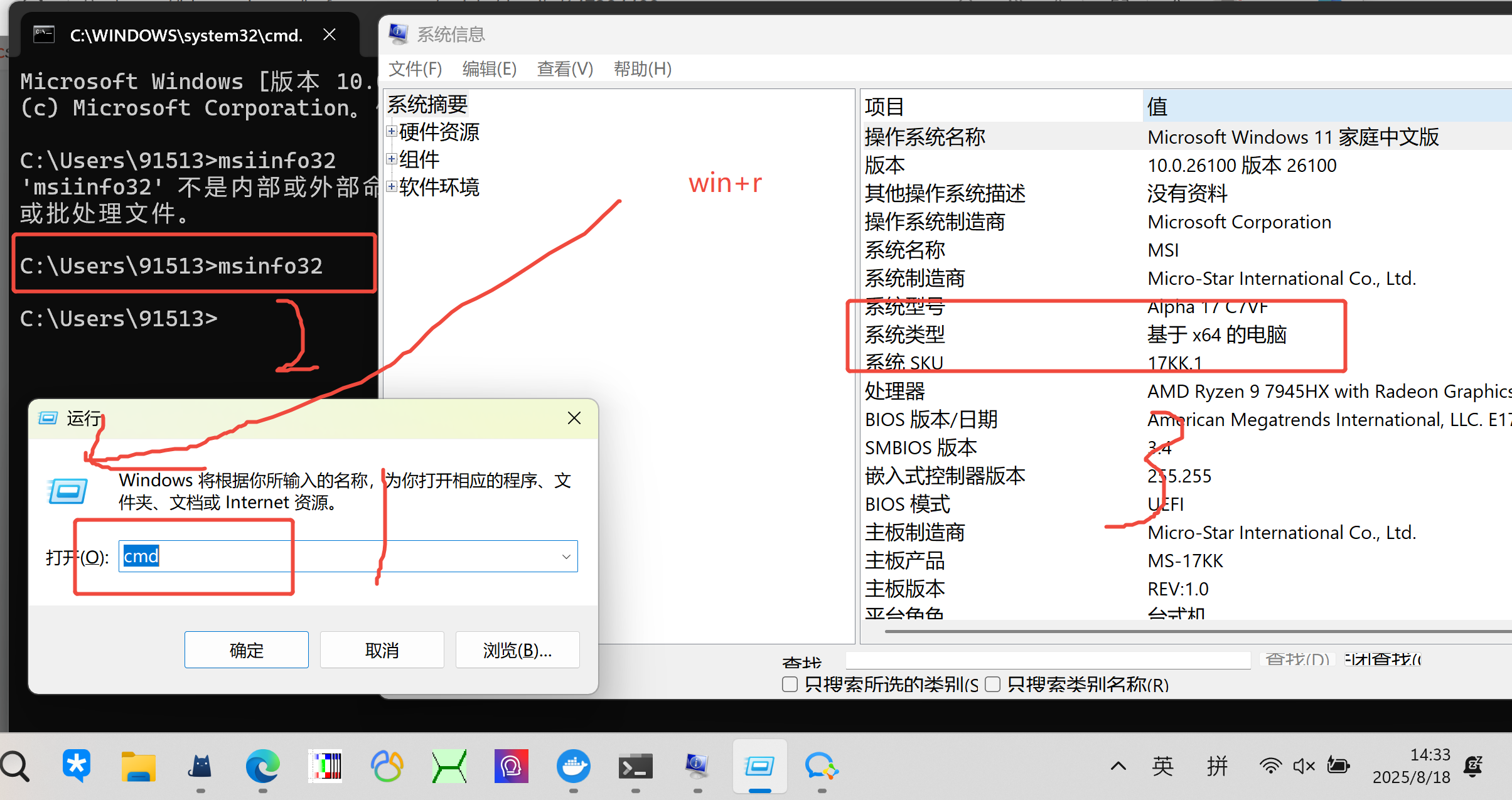

进去后Virtualization support not detected 但是我SVM Mode在bios里看是enable/True的,但是重启就好了我什么都没动 不知道为什么
更新wsl:
docker提示
WSL needs updating
Your version of Windows Subsystem for Linux (WSL) is too old.
Run the command below to update or for more information, visit .the Microsoft WSL documentation】
艰难的编译
只能开全局硬让他过 镜像就是不好使。
未登录 不让写入(登录docker而不是匿名)
target frontend: failed to solve: failed to fetch oauth token: Post "https://auth.docker.io/token": dial tcp 108.160.165.139:443: conne ctex: A connection attempt failed because the connected party did not properly respond after a period of time, or established connection failed because connected host has failed to respond.
还是不行
target frontend: failed to solve: failed to fetch oauth token: Post "https://auth.docker.io/token": dial tcp 69.63.176.59:443: connecte x: A connection attempt failed because the connected party did not properly respond after a period of time, or established connection failed because connected host has failed to respond.
折腾了几个小时,走全局似乎还是有网络问题 WSL-NAT貌似不对,还是得走国内镜像,
最后只能是找个好点的镜像作罢。

 浙公网安备 33010602011771号