
事件
1.坐标的基准
screen 屏幕 显示器左上角
page 页面 当前页面左上角
client 可视区域 显示页面的区域的左上角
offset 元素 元素的左上角
页面没有滚动时,page与client基准点重合
2.基本事件
click事件
$(".child").click(function(){
          console.log(0);
})
$(".child").click(function(){
          console.log(1);
})
mousemove事件
结果:输出0,1
$(".child").mousemove(function(e){
           console.log(e.offsetX,e.offsetY);
})
结果:输出鼠标在.child上的移动坐标
3.链式编程
$(".child").mouseover(function(){
       $(this).css("background-color","red");
}).mouseout(function(){
       $(this).css("background-color","blue");
})
4.hover()方法
两个函数规定当鼠标指针悬停在被选元素上时要运行的两个函数。方法触发 mouseenter 和 mouseleave 事件。
如果只指定一个函数,则 mouseenter 和 mouseleave 都执行它。
$(".child").hover(function(){
            $(this).css("background-color","red");
},function(){
            $(this).css("background-color","blue");
})
5.冒泡事件
          function stopPropagation(e){
                e.stopPropagation();//阻止事件冒泡
                e.preventDefault(); //阻止默认行为 reset submit a[href]
                    return false;
                }
            $(".child").click(function(e){
                console.log(".child");
                return stopPropagation(e);
            });
            $(".parent").click(function(){
                console.log(".parent");
            })
下面是以上代码的HTML
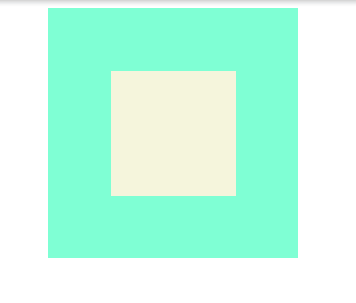
    <div class="parent">
        <div class="child"></div>
    </div>

 浙公网安备 33010602011771号