
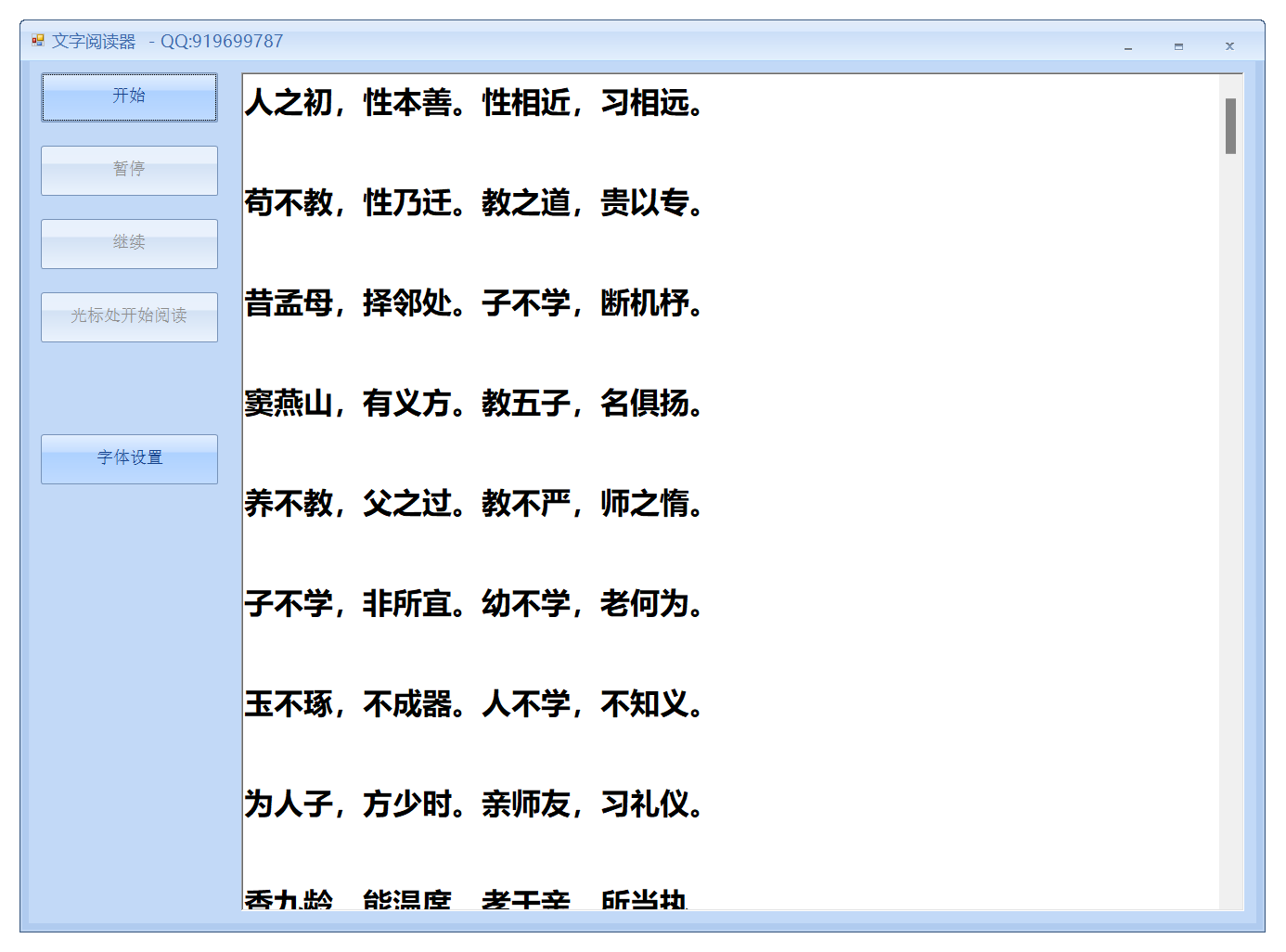
c#winform 文字阅读工具,可以暂停 可以继续 可以从光标处开始阅读
c#winform 文字阅读工具
支持暂停
支持继续
支持从光标处开始
具体源码可以与我沟通
            //string text1 = textBoxX1.Text;
            //SpVoice voice = new SpVoice();
            //voice.Voice = voice.GetVoices().Item(0);
            ////音量
            //voice.Volume = 100;
            ////语速
            //voice.Rate = 2;
            ////朗读内容
            //voice.Speak(text1);
具体核心代码如下
 string text = textBoxX1.Text;
            synthesizer = new SpeechSynthesizer();
            synthesizer.SelectVoiceByHints(VoiceGender.Female, VoiceAge.Teen);
            synthesizer.Volume = 100;
            synthesizer.Rate = 2;
            startIndex = textBoxX1.SelectionStart;
            isPaused = false;
            await Task.Run(() =>
            {
                while (startIndex < text.Length)
                {
                    if (isPaused)
                    {
                        while (isPaused)
                        {
                            Task.Delay(100).Wait();
                        }
                    }
                    int endIndex = text.IndexOf(' ', startIndex);
                    if (endIndex == -1)
                    {
                        endIndex = text.Length;
                    }
                    string word = text.Substring(startIndex, endIndex - startIndex);
                    startIndex = endIndex + 1;
                    //textBoxX1.Invoke(new Action(() =>
                    //{
                    //    textBoxX1.Select(startIndex - word.Length - 1, word.Length);
                    //    textBoxX1.SelectionColor = Color.Red;
                    //}));
                    synthesizer.Speak(word);
                }
            });

 浙公网安备 33010602011771号