using System.Collections;
using System.Collections.Generic;
using UnityEngine;
using UnityEngine.UI;

/// <summary>
/// 网格地图
/// </summary>
[RequireComponent(typeof(MeshFilter),typeof(MeshRenderer),typeof(MeshCollider))]//不存在组件就添加组件
public class Maps : MonoBehaviour
{
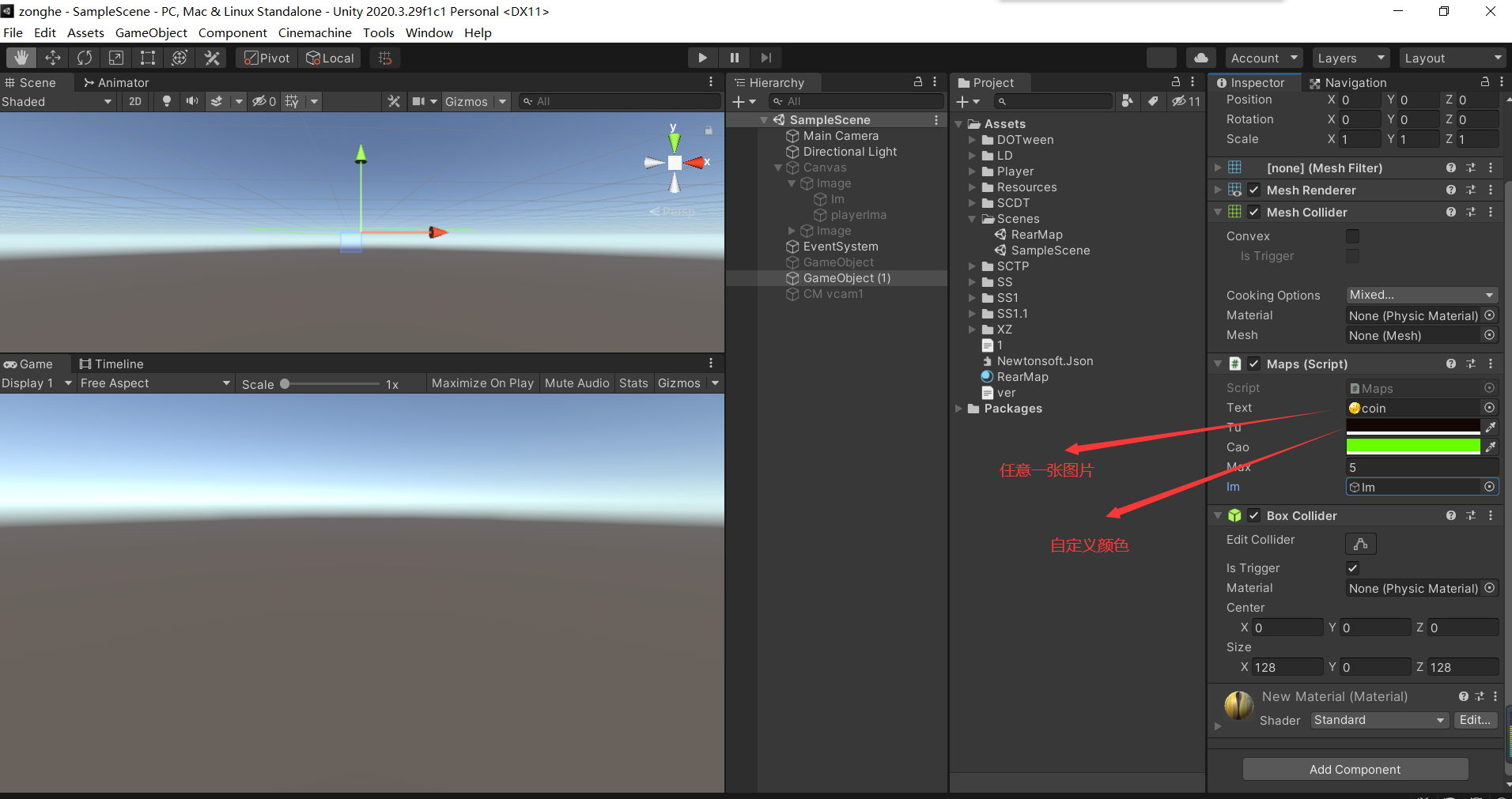
    public Texture2D text;//纹理
    int w = 128;
    int h = 128;
    public Color tu = Color.yellow;
    public Color cao = Color.green;
    public float max = 5;
    VertexHelper vh;
    public GameObject im;

    // Start is called before the first frame update
    void Start()
    {
        text = new Texture2D(w, h);
        vh = new VertexHelper();
        for (int i = 0; i < w; i++)
        {
            for (int j = 0; j < h; j++)
            {
                float y = Mathf.PerlinNoise(i * 0.1f, j * 0.1f);//柏林噪声从随机数到自然数
                float ux = (float)i / (w - 1);
                float uy = (float)j / (h - 1);
                Color c = Color.Lerp(tu, cao, y);//生成像素颜色
                text.SetPixel(i, j, c);//设置像素颜色
                vh.AddVert(new Vector3(i - w / 2, max * y, j - h / 2), Color.white, new Vector4(ux, uy));
                if (i != w - 1 && j != h - 1)
                {
                    vh.AddTriangle(i * h + j, i * h + j + 1, (i + 1) * h + j + 1);
                    vh.AddTriangle(i * h + j, (i + 1) * h + j + 1, (i + 1) * h + j);
                }
            }
        }
        text.Apply();
        Mesh m = new Mesh();
        vh.FillMesh(m);
        GetComponent<MeshFilter>().mesh = m;
        GetComponent<MeshCollider>().sharedMesh = m;
        Material ma = new Material(Shader.Find("UI/Default"));
        ma.mainTexture = text;
        GetComponent<MeshRenderer>().material = ma;
    }
}
![]()



 浙公网安备 33010602011771号