
第七周
1.教材P78-79 例4-9
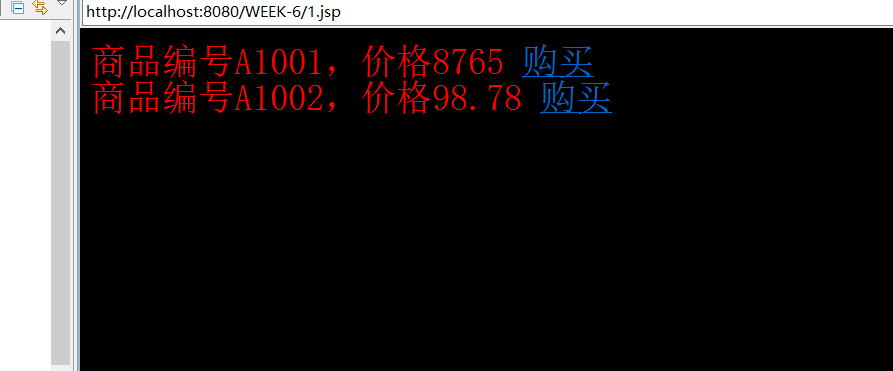
<body bgcolor = #000000>
<%
   double price = 98.78;
%>
<p style="font-family:宋体;font-size:36;color:red">
商品编号A1001,价格8765
<a href ="2.jsp?id=A1001&price=8765">购买</a><br>
商品编号A1002,价格<%= price%>
 <a href ="2.jsp?id=A1002&price=<%= price%>">购买</a>
</p></body>


<body bgcolor = #cccccc>
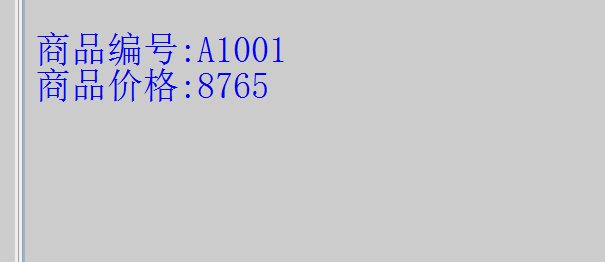
<p style="font-family:宋体;font-size:36;color:blue">
<%  String id = request.getParameter("id");
    String price = request.getParameter("price");
%>
<br>商品编号:<%= id %><br>
商品价格:<%= price %>
</p></body>
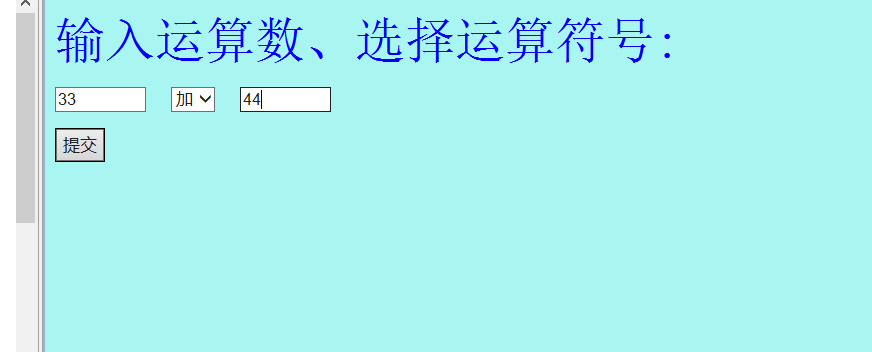
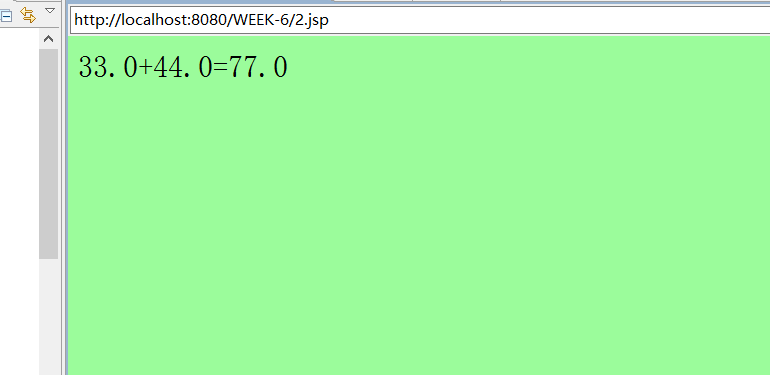
2.教材P97 实验2
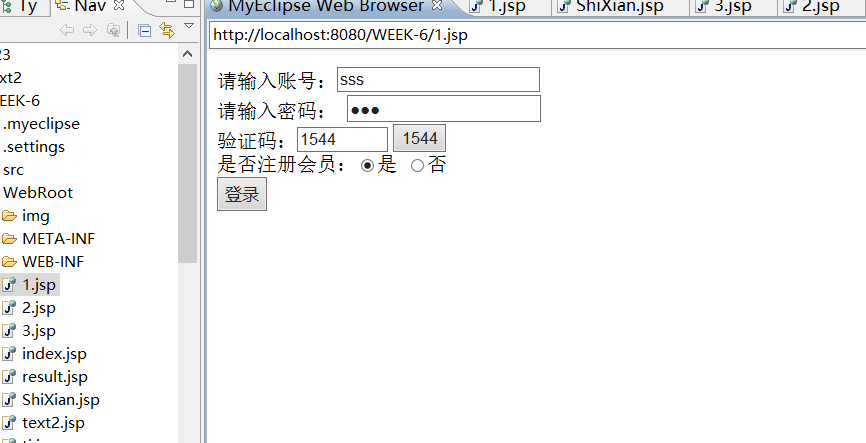
3.制作一个登陆表单,输入账号和密码,如果账号密码相同,跳转到“登录成功”页面,否则跳转到“登录失败”页面。(加上JS非空验证)(选做,加验证码)
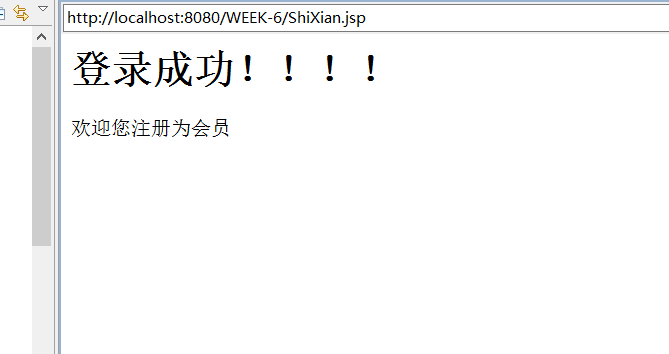
4.在上题的表单中增加一个checkbox,让用户选择“是否注册为会员",如果注册为会员,则在显示时增加文本“欢迎您注册为会员”。
<body>
      <%
         int intmethod1 = (int) ((((Math.random()) * 5)) + 1);
          int intmethod2 = (int) ((((Math.random()) * 5)) + 1);
         int intmethod3 = (int) ((((Math.random()) * 5)) + 1);
         int intmethod4 = (int) ((((Math.random()) * 5)) + 1);
         String intsum = intmethod1 + "" + intmethod2 + intmethod3
                 + intmethod4;
     %>
     <form name="loginForm" action="ShiXian.jsp" method="post">         请输入账号:<input type="text" name="account">
         <br> 请输入密码:
         <input type="password" name="password">
        <br> 验证码:<input type="text" name="validationCode"
            onKeyDown="if(event.keyCode==13){loginForm.submit.focus();}" size="6">
         <input type="button" name="validationCode1" size="1" value="<%=intsum%>" />
             <br> 是否注册会员:<input type="radio" name="sf" value="是" />是
                         <input type="radio" name="sf" value="否" />否
             <br> <input type="button" value="登录" onClick="validate()">
     </form>
     <script type="text/javascript">
        function validate() {
             if (loginForm.account.value == "") {
                 alert("账号不能为空!");
                 return;
             }
             if (loginForm.password.value == "") {
                 alert("密码不能为空!");
                 return;
             }
             if (loginForm.validationCode.value == "") {
                 alert("验证码不能为空,请输入验证码");
                 loginForm.validationCode.focus();
                 return;
            }
             if (loginForm.validationCode.value != loginForm.validationCode1.value) {
                alert("请输入正确的验证码");
                 loginForm.validationCode.focus();
                 return;
             }
             loginForm.submit();
         }
     </script>
 </body>


<body>
     <%
          request.setCharacterEncoding("utf-8");
          String uname = request.getParameter("account");
         String upwd = request.getParameter("password");
         if (uname.equals(upwd))
             request.getRequestDispatcher("3.jsp").forward(request,
                     response);
         else
             request.getRequestDispatcher("2.jsp").forward(request,
                     response);
     %>
 </body>
<body>
      <h1>登录成功!!!!</h1>
      <%
      request.setCharacterEncoding("utf-8");
          String sf=request.getParameter("sf");
          if(sf.equals("是")){
             out.print("欢迎您注册为会员");
         }
     %>
   </body>


<body >
<h1>登陆失败!!!</h1>
</body>
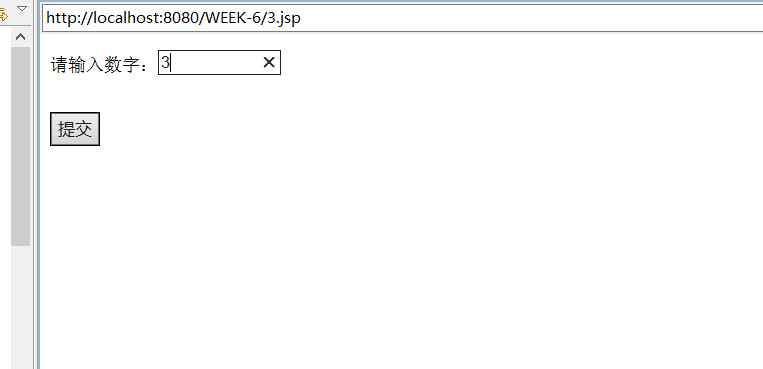
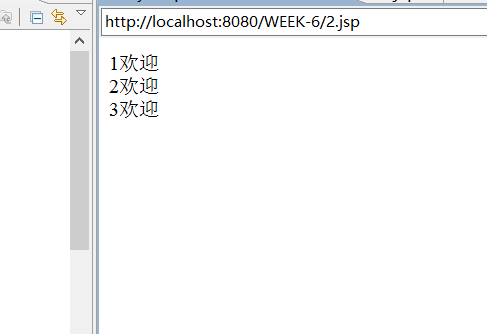
5.在页面1的表单内输人一个数字N,提交,能够在另一个页面打印N个“欢迎”字符串。
<body>
      <form action="2.jsp" method="post">
        <p style="font-family:宋体;font-size:18;color:black">
            请输入数字:<input type="text" name="number" size=10><br>
            <br>
            <br> <input type="submit" name="submit" value="提交">
     </form>
  </body>


<body>
      <%
         request.setCharacterEncoding("utf-8");
         String number = request.getParameter("number");
         int a = Integer.parseInt(number);
         for (int i = 0; i < a; i++) {
             out.print((i+1)+"欢迎" + "<br>");
         }
     %>
     </body>
6.在页面1中输入账号和密码,进行登录,如果账号和密码相同,则认为成功登录到页面2,在页面2中显示一个文本框输人用户姓名,输人之后提交,在页面3中显示用户的账号和姓名。
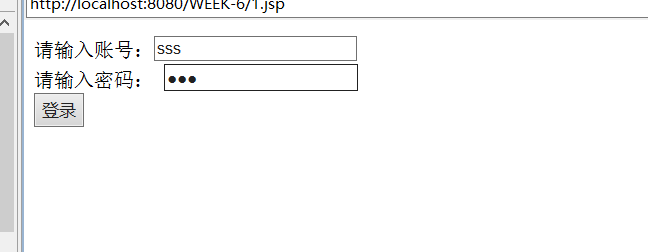
 <%@ page contentType="text/html"%>
 <%@ page pageEncoding="utf-8"%>
 <HTML>
  <body>
     <form name="loginForm" action="2.jsp" method="post">
     请输入账号:<input type="text" name="account">
         <br> 请输入密码:
         <input type="password" name="password">
             <br> <input type="button" value="登录" onClick="validate()">
     </form>
     <script type="text/javascript">
        function validate() {
             if (loginForm.account.value == "") {
                 alert("账号不能为空!");
                 return;
             }
             if (loginForm.password.value == "") {
                 alert("密码不能为空!");
                 return;
             }
             if (loginForm.validationCode.value == "") {
                 alert("验证码不能为空,请输入验证码");
                 loginForm.validationCode.focus();
                 return;
            }

             loginForm.submit();
         }
     </script>
 </body>
 </HTML>
 <%@ page contentType="text/html"%>
  <%@ page pageEncoding="utf-8"%>
  <html>
    <head>

      <title>My JSP 'welcome.jsp' starting page</title>

   </head>

   <body>
      <%
       request.setCharacterEncoding("utf-8");
      String id=request.getParameter("user");
      String password=request.getParameter("password");
     if(id.equals(password)){
     request.getRequestDispatcher("3.jsp").forward(request, response);
     }else{
     out.print("登陆失败");
     }
 %>
     </body>
 </html>
 <%@ page contentType="text/html"%>
 <%@ page pageEncoding="utf-8"%>
<html>
   <head>

    <title>My JSP 'index.jsp' starting page</title>
   </head>

   <body>
      <%
         request.setCharacterEncoding("utf-8");
          String name = request.getParameter("user");
     %>
     <form action="shixian.jsp" method="post">
         用户姓名<input type="text" name="uname" /><br> <input type="submit"
             value="提交" />
             <input type="hidden" name="src" value="<%=name%>" />
     </form>
  </body>
 </html>
 <%@ page contentType="text/html"%>
  <%@ page pageEncoding="utf-8"%>
 <HTML>
 <body>
     <%
          request.setCharacterEncoding("utf-8");
          String src = request.getParameter("src");
         String name = request.getParameter("uname");
      %>
     账号:<%=src%><br> 姓名:<%=name%>
 </body>
</HTML>

 浙公网安备 33010602011771号