

剛在學校的電腦安裝了Windows Server 2008,由於是Windows Server的菜鳥,所以有很多問題出現
今天有同學發現Remote時沒有音效,所以同學就Google了一下,發現了解決方法
我也問了同學,原來也很簡單
1.到"Administrative Tools->Terminal Services->Terminal Services Configuration
2.對著Connections中右Click選Properties
3. 在Client Setting Tag的"Disable the following"中不要選"Audio"
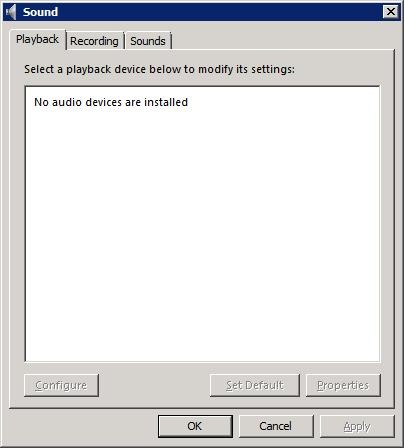
Remote時會發現是沒有Sound

對著RDP-Tcp右click選"Properties"

在"Disable the following"中uncheck "Audio"

再次Remote時,發現音效回復正常

 浙公网安备 33010602011771号