

stable diffusion 一键部署
stable diffusion web 一键部署
stable diffusion web ui from docker windows11 wsl
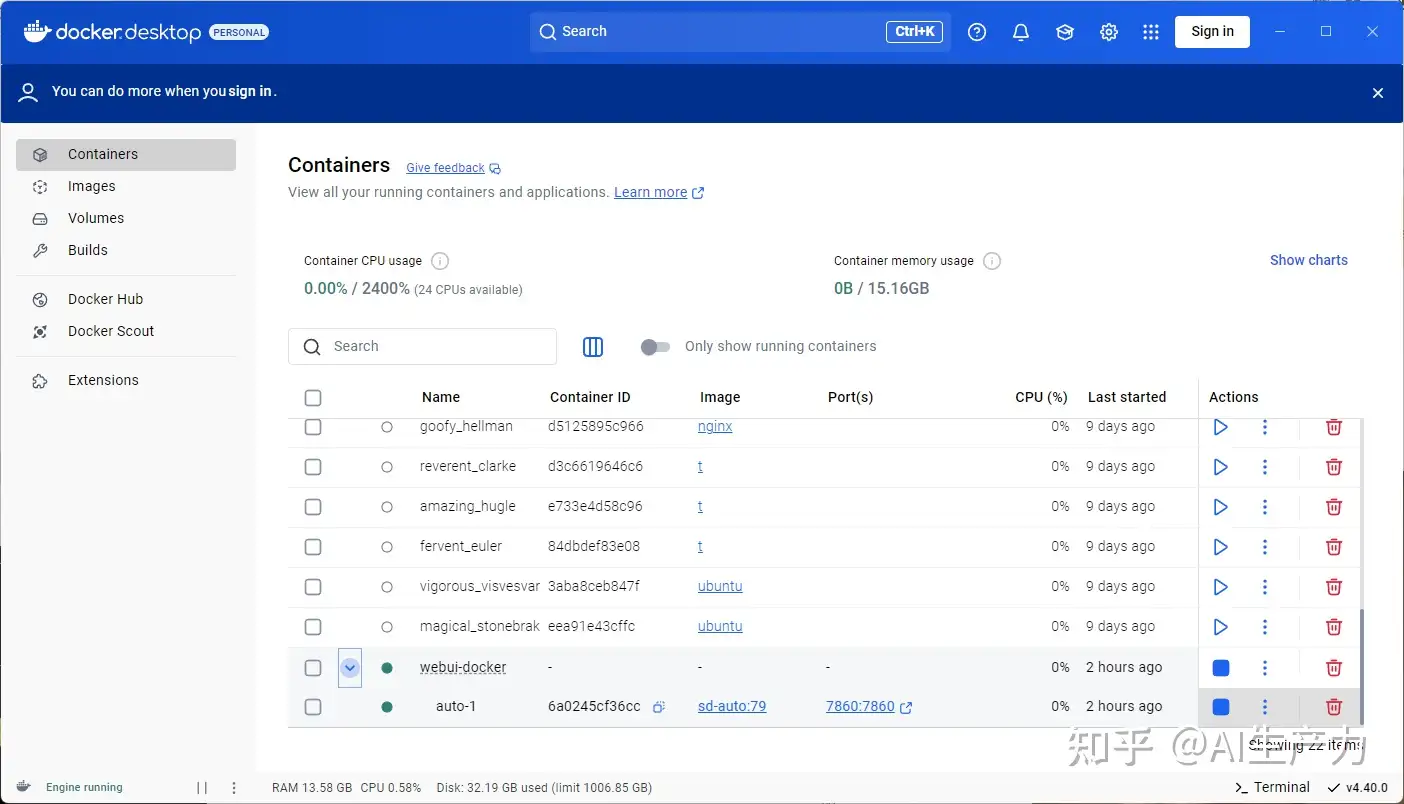
1.拉取部署代码
git clone https://github.com/lecurry/stable-diffusion-docker-wsl
2.使用迅雷或者其他下载工具下载图片模型
下载下列资源放到对应的代码目录下面 ./data/models
wget -O ./data/models/RealESRGAN/RealESRGAN_x4plus.pth https://github.com/TencentARC/GFPGAN/releases/download/v1.3.4/GFPGANv1.4.pth
wget -O ./data/models/VAE/vae-ft-mse-840000-ema-pruned.ckpt https://huggingface.co/stabilityai/sd-vae-ft-mse-original/resolve/main/vae-ft-mse-840000-ema-pruned.ckpt
wget -O ./data/models/Stable-diffusion/v2-1_512-ema-pruned.ckpt https://huggingface.co/stabilityai/stable-diffusion-2-1-base/resolve/main/v2-1_512-ema-pruned.ckpt
wget -O ./data/models/GFPGAN/GFPGANv1.4.pth https://github.com/TencentARC/GFPGAN/releases/download/v1.3.4/GFPGANv1.4.pth
wget -O ./data/models/RealESRGAN/RealESRGAN_x4plus_anime_6B.pth https://github.com/xinntao/Real-ESRGAN/releases/download/v0.2.2.4/RealESRGAN_x4plus_anime_6B.pth
wget -O ./data/models/LDSR/project.yaml https://heibox.uni-heidelberg.de/f/31a76b13ea27482981b4/?dl=1
wget -O ./data/models/LDSR/model.ckpt https://heibox.uni-heidelberg.de/f/578df07c8fc04ffbadf3/?dl=1
3. 部署 stable diffusion
docker-coompose up -d
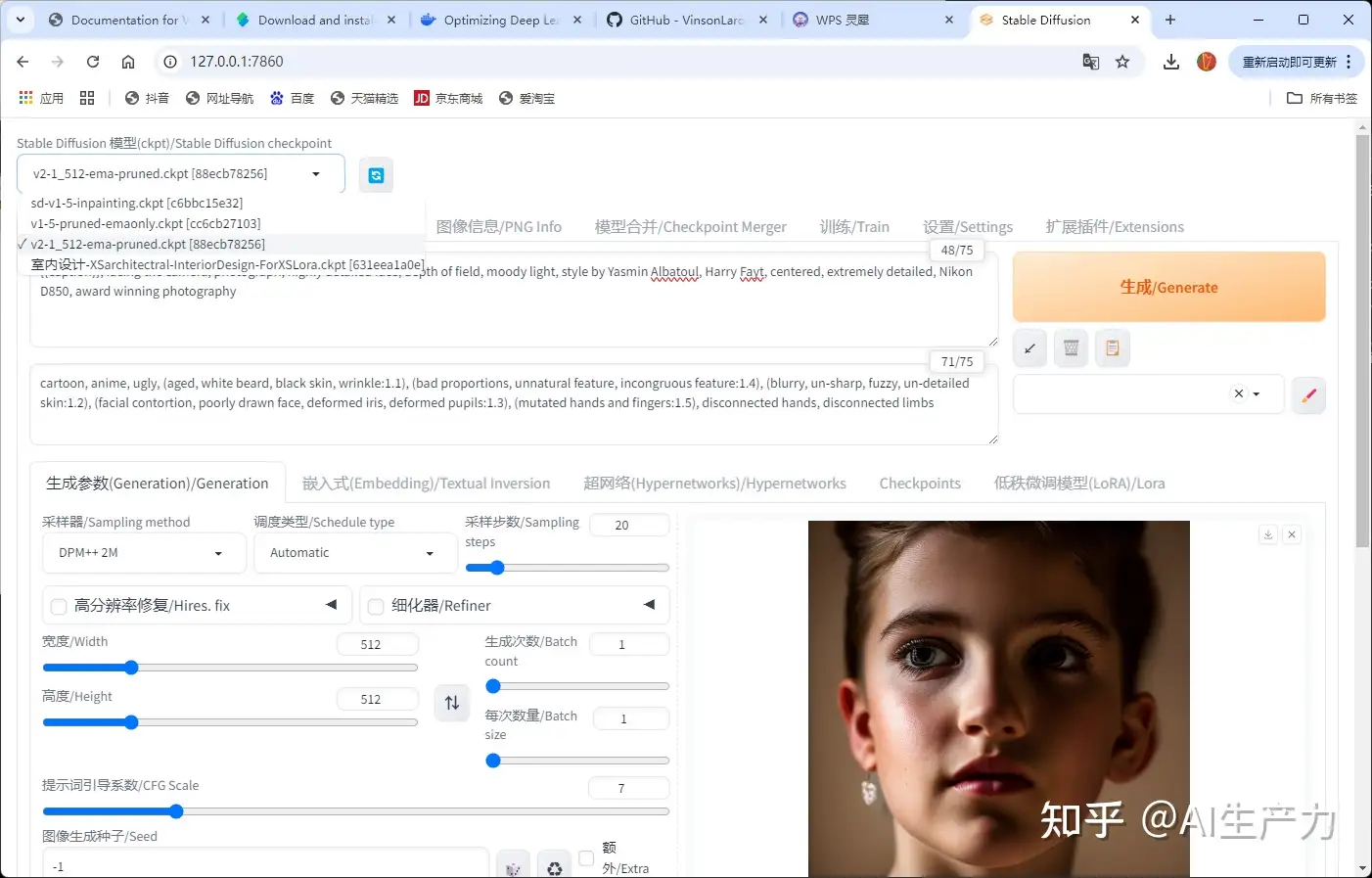
4.浏览器访问生图
5.效果图
6.AI模型生产力支持联系
QQ:419192917


 浙公网安备 33010602011771号