
Vuex 有哪些属性
State getters mutations actions modules
State 类似于组件中data,存放数据
Mutations 类似于组件中 methods
Actions 提交 mutations 的
Modules 把 以上4个属性再细分,让仓库更好管理
Vuex 是单向数据流
vuex是应用状态数据的存放仓库,具有State、Getter、Mutation、Actions、Module属性,其中mutation提交数据存储的同步任务,Action是处理异步逻辑的任务,新建store目录,index.js文件中使用Vue.use使用store对象,最后配置export导出,mian.js文件中引入Store,注入Store就可以在任意组件中通过this.$store.state引用到仓库内的数据。

- State仓库,vuex使用单一状态树,每一个应用最好仅包含一个store实例,不建议直接修改state的值,最好是通过commit方法调用mutation任务进行修改,方便后期数据的追踪;
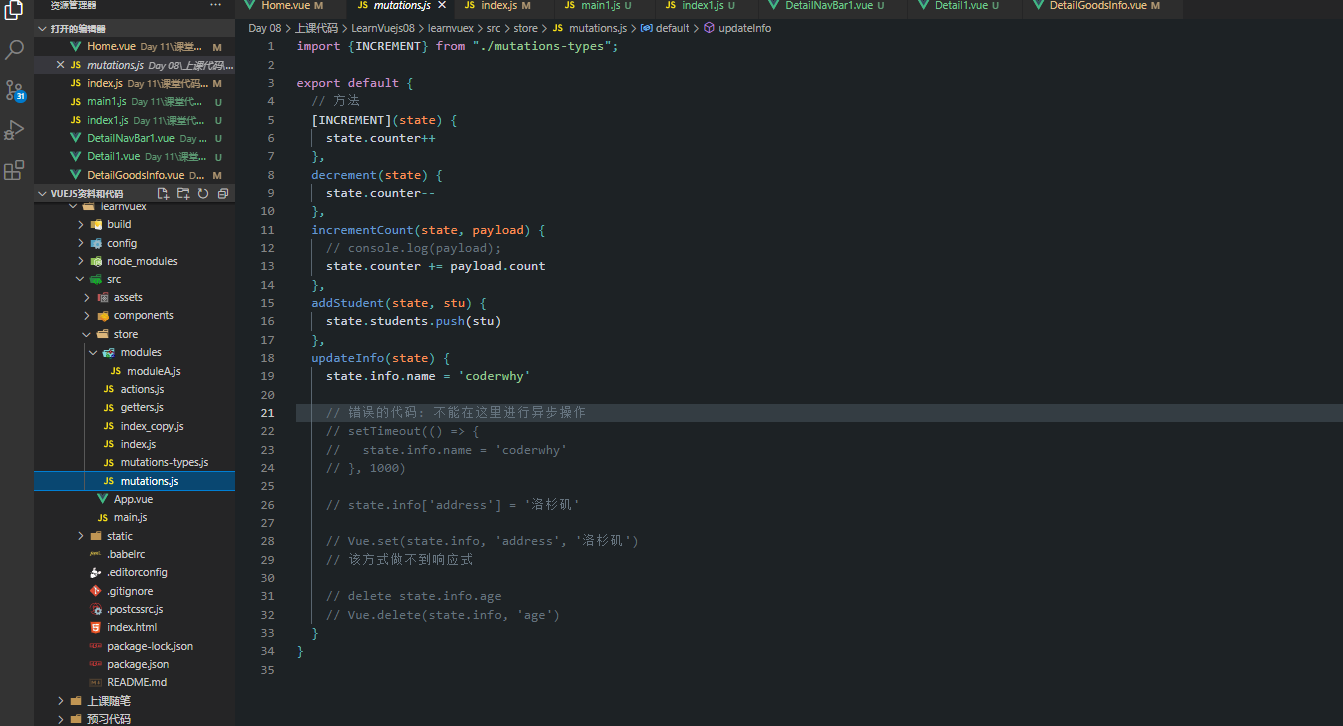
- Mutations,定义方法动态修改state中的数据,不建议包含逻辑业务处理,处理一些同步任务;
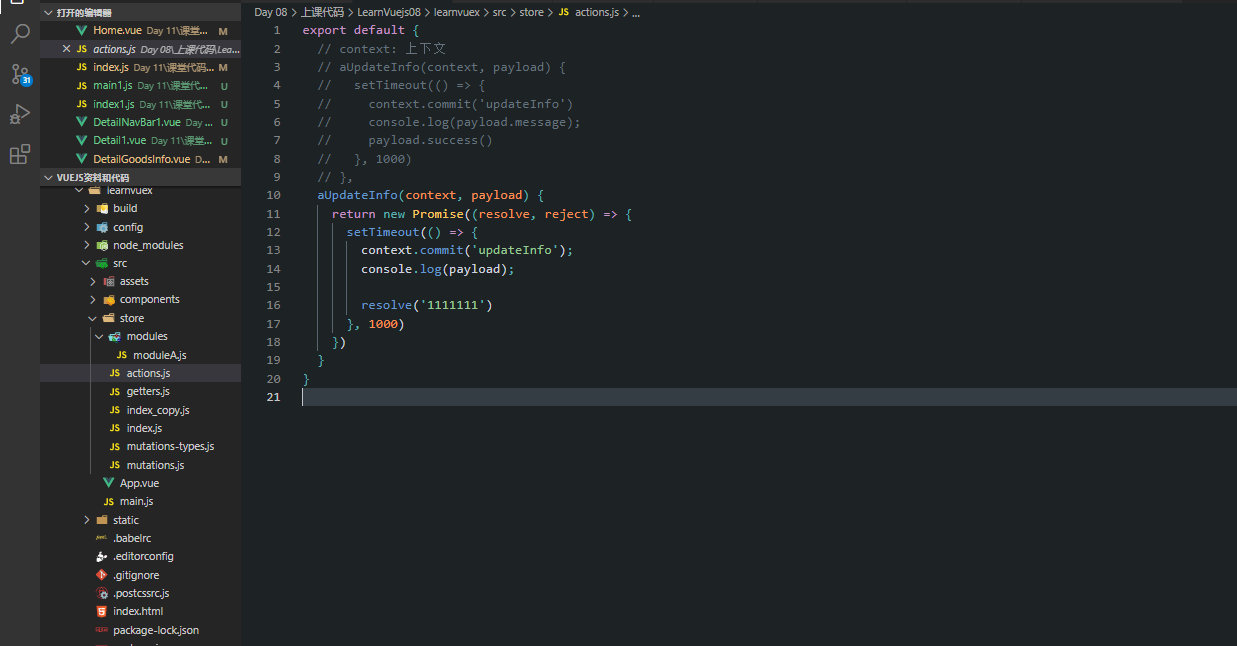
- Actions,定义方法执行异步任务一些复杂的逻辑代码,view层通过store.dispath分发Action任务;
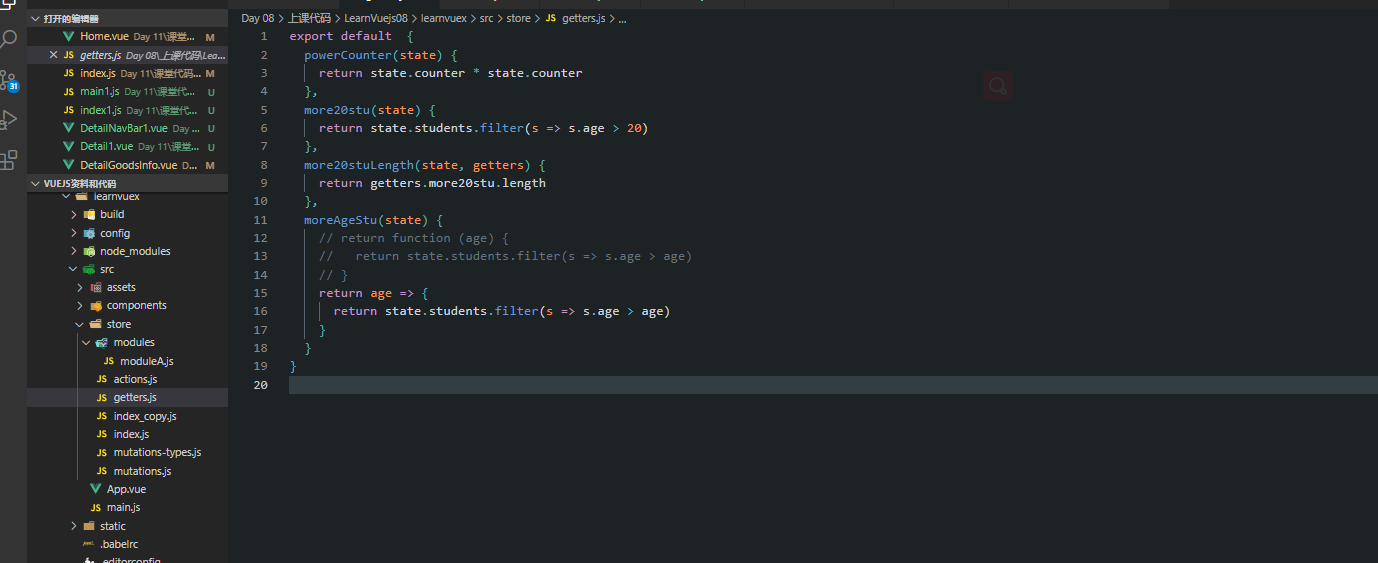
- Getter,类似vue实例中的计算属性特点,用来过滤规范改造数据;
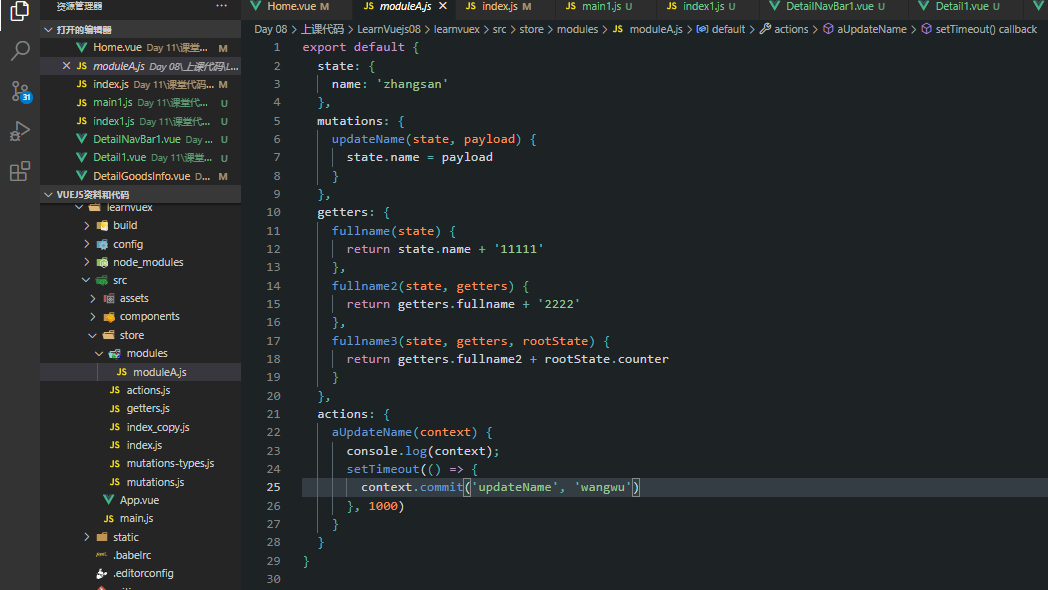
- Module,项目特别复杂的时候使用,每一个模块拥有自己的state,mutation,Action,getter,代码逻辑更加清晰;
<template>
  <div id="app">
    <h2>----------App内容: modules中的内容----------</h2>
    <h2>{{$store.state.a.name}}</h2>
    <button @click="updateName">修改名字</button>
    <h2>{{$store.getters.fullname}}</h2>
    <h2>{{$store.getters.fullname2}}</h2>
    <h2>{{$store.getters.fullname3}}</h2>
    <button @click="asyncUpdateName">异步修改名字</button>

    <h2>----------App内容: info对象的内容是否是响应式----------</h2>
    <h2>{{$store.state.info}}</h2>
    <button @click="updateInfo">修改信息</button>

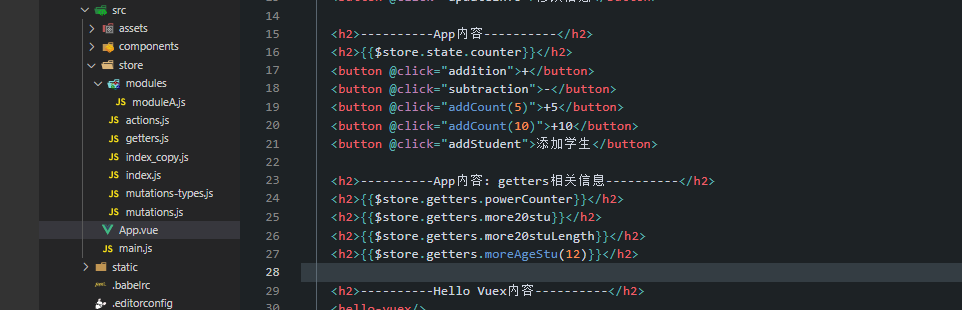
    <h2>----------App内容----------</h2>
    <h2>{{$store.state.counter}}</h2>
    <button @click="addition">+</button>
    <button @click="subtraction">-</button>
    <button @click="addCount(5)">+5</button>
    <button @click="addCount(10)">+10</button>
    <button @click="addStudent">添加学生</button>

    <h2>----------App内容: getters相关信息----------</h2>
    <h2>{{$store.getters.powerCounter}}</h2>
    <h2>{{$store.getters.more20stu}}</h2>
    <h2>{{$store.getters.more20stuLength}}</h2>
    <h2>{{$store.getters.moreAgeStu(12)}}</h2>

    <h2>----------Hello Vuex内容----------</h2>
    <hello-vuex/>
  </div>
</template>

<script>
  import HelloVuex from './components/HelloVuex'

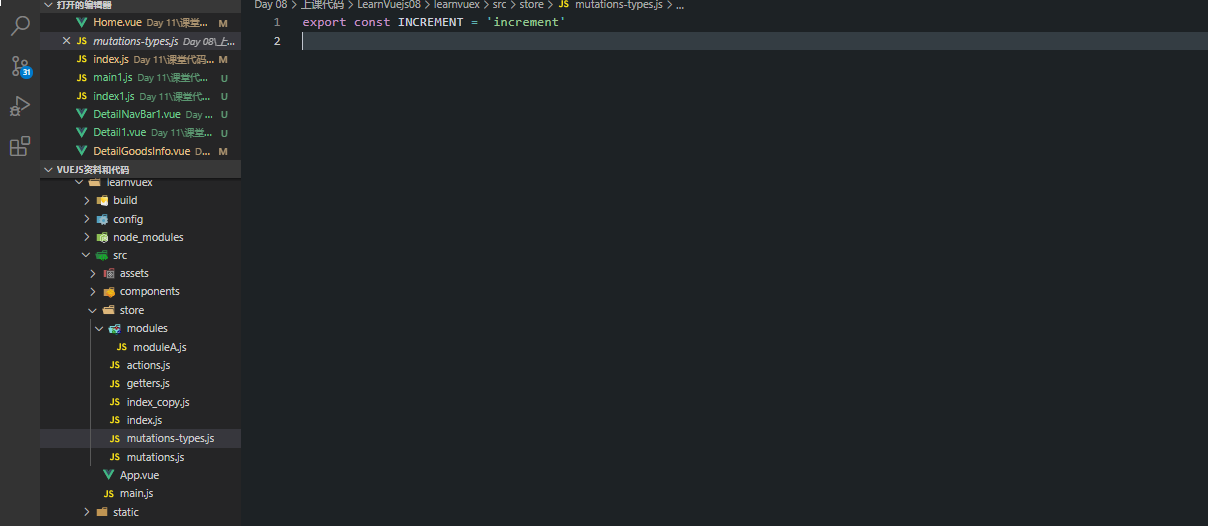
  import {
    INCREMENT
  } from './store/mutations-types'

  export default {
    name: 'App',
    components: {
      HelloVuex
    },
    data() {
      return {
        message: '我是App组件'
      }
    },
    // computed: {
    //   more20stu() {
    //     return this.$store.state.students.filter(s => s.age > 20)
    //   }
    // },
    methods: {
      addition() {
        console.log(this);
        this.$store.commit(INCREMENT)
      },
      subtraction() {
        this.$store.commit('decrement')
      },
      addCount(count) {
        // payload: 负载
        // 1.普通的提交封装
        // this.$store.commit('incrementCount', count)

        // 2.特殊的提交封装
        this.$store.commit({
          type: 'incrementCount',
          count
        })
      },
      addStudent() {
        const stu = {id: 114, name: 'alan', age: 35}
        this.$store.commit('addStudent', stu)
      },
      updateInfo() {
        // this.$store.commit('updateInfo')
        // this.$store.dispatch('aUpdateInfo', {
        //   message: '我是携带的信息',
        //   success: () => {
        //     console.log('里面已经完成了');
        //   }
        // })
        this.$store
          .dispatch('aUpdateInfo', '我是携带的信息')
          .then(res => {
            console.log('里面完成了提交');
            console.log(res);
          })
      },
      updateName() {
        this.$store.commit('updateName', 'lisi')
      },
      asyncUpdateName() {
        this.$store.dispatch('aUpdateName')
      }
    }
  }
</script>

<style>

</style>

 浙公网安备 33010602011771号