CSS技巧(三):彩色图片变灰白
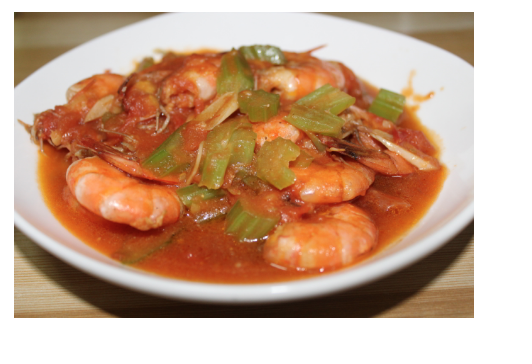
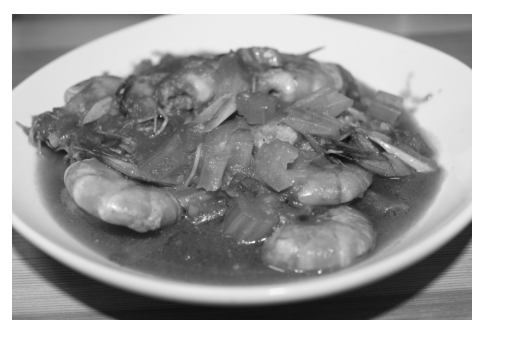
使用属性 :
img.desaturate { filter: grayscale(100%);
-webkit-filter: grayscale(100%);
-moz-filter: grayscale(100%);
-ms-filter: grayscale(100%);
-o-filter: grayscale(100%);
}
2. 使用 :not() 在菜单上应用/取消应用边框
先给每一个菜单项添加边框
/* add border */.nav li { border-right: 1px solid #666;}
……然后再除去最后一个元素……
// remove border /.nav li:last-child { border-right: none;}
……可以直接使用 :not() 伪类来应用元素:
.nav li:not(:last-child) { border-right: 1px solid #666;}
3.移除被点链接的点框
a {outline: none}
或者
a {outline: 0}
4.css 控制文字超出部分显示省略号...
overflow: hidden;
text-overflow:ellipsis;
white-space: nowrap;
5.清除手机tap事件后element 时候出现的一个高亮
* {
-webkit-tap-highlight-color: rgba(0,0,0,0);
}
6.box-sizing 让元素的宽度、高度包含border和padding
{
box-sizing: border-box;
}
7..设置图像透明度的两种方式
-
opcity:0.6;
-
background:rgba(0,0,0,.6);


 浙公网安备 33010602011771号